System settings
SYSTEM SETTINGS (1/6)
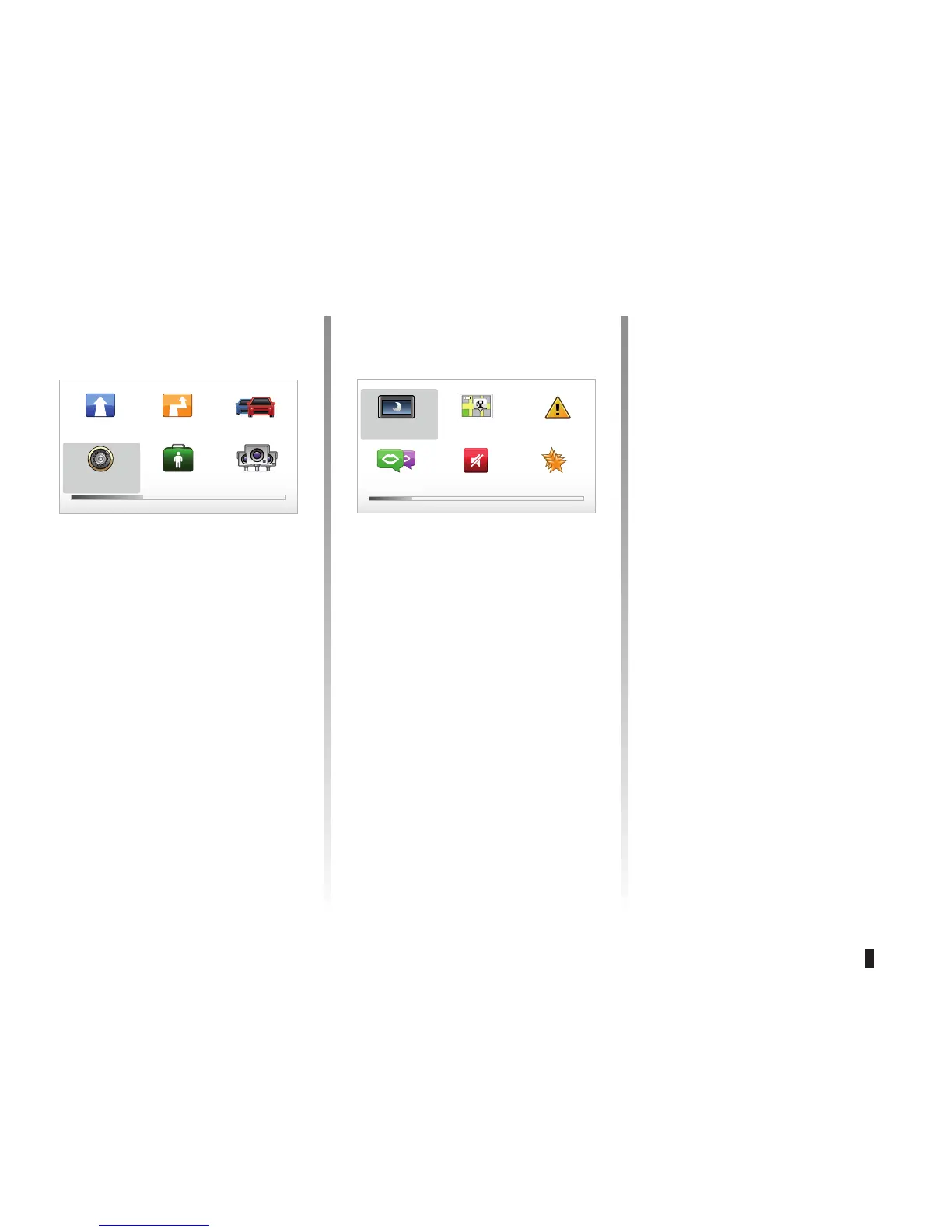
To access the system parameters:
– press the “MENU/SET" button;
– select “
Change preferences”.
Adjusting the display
Brightness settings
Adjust the screen brightness according
to the outside light. When there is little
light or it is dark, the screen is easier to
read if the display is not too bright. From
your central control, press the “LIGHT/
DARK" button or from the remote con-
trol, press the OK button and select
"Brightness preferences”.
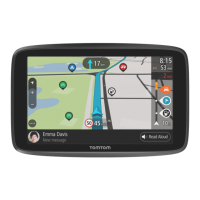
Day/night colour displays
The system automatically switches be-
tween day and night modes. IF you
wish to do this manually, select day
colour or night colour from the “Change
preferences” menu or from the “Quick
menu”. When you use manual mode,
automatic mode is deactivated. To re
-
activate it, go to the “Change prefer-
ences” menu, select “Brightness prefer-
ences” and check “Switch to night view
when dark”.
“Show POI on map”
Select “Show POI on map”, then check
it using the OK button. The POI you
wish to view appears on the map during
navigation.
“Safety preferences”
This menu allows you to activate sound
warnings when driving faster than a set
speed, or when near places of worship
or schools or to simplify the menus and
aid you during your journey. To activate
the options, check them, then finish
with the OK button.
Main Menu 1 of 3
Navigate to... Find alternative Traffic info
Change prefer-
ences
Help me! TomTom Safety
Cameras
Preferences 1 of 5
Use night
colors
Show POI
on map
Safety prefer-
ences
Speech prefer-
ences
Turn off sound Manage
Favorites



 To Next Page