35
ENG_UD16443_4
NFA/Réglages système (XNX - NFA - Renault)ENG_NW_859-3_TTY_Renault_0
SYSTEM SETTINGS (4/6)
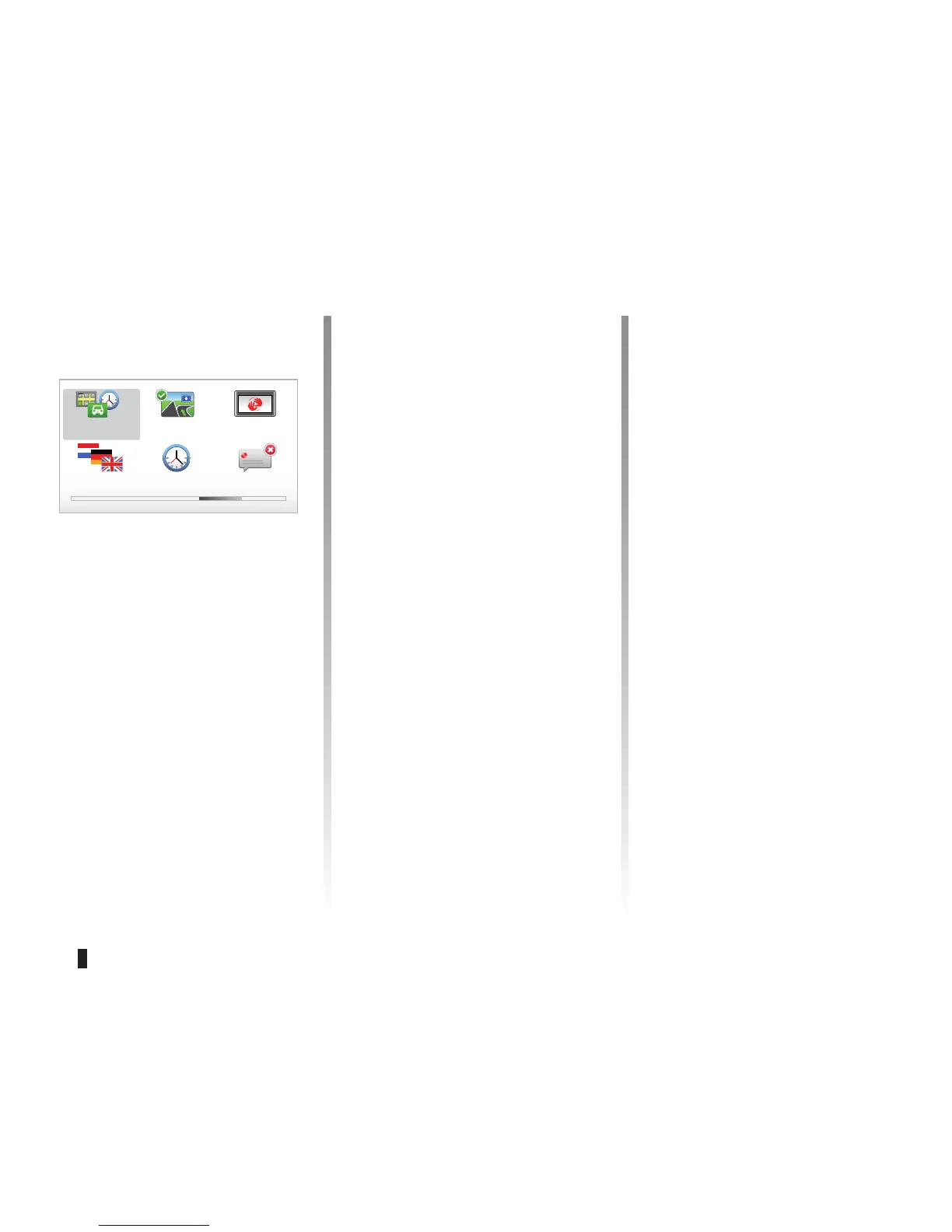
“IQ Routes”
After having selected the planning crite-
ria, the system lets you activate/deacti-
vate the “IQ Routes” function.
If IQ RoutesTM is activated, this func-
tion will plan the best route taking the
actual speeds measured on the road
into account.
“Show lane images”
When approaching a road change (on
major roads), the system may switch to
“Show lane images” mode: a 3D image
provides a close-up view of the junction
with a turn arrow and road signs.
You can deactivate this function by se-
lecting “Hide lane images”. To reacti-
vate it. select “
Show lane images”.
“Start-up preferences”
This menu allows you to change the
system start-up and to change the start-
up page by customising it with a photo
of your choice.
Toll road settings
Select your toll road preferences.
After having entered a destination, the
system asks you if you wish to change
this request. Select one of the 3 types
of planning preferences, then finish
using the right soft button.
Road types
Select your preferences in terms of par-
ticular sections of the journey, such as
unmade roads and ferry transfers.



 To Next Page