45
ENG_UD16444_4
NFA Home (XNX - NFA - Renault)ENG_NW_859-3_TTY_Renault_0
UPDATING THE SYSTEM (3/3)
System update
To get the best from your navigation
system, we advise you to update it as
often as you can.
Map Share™
Once your system has been updated,
you can share map corrections with the
community of system users.
The screens shown in the user
manual are not contractual.
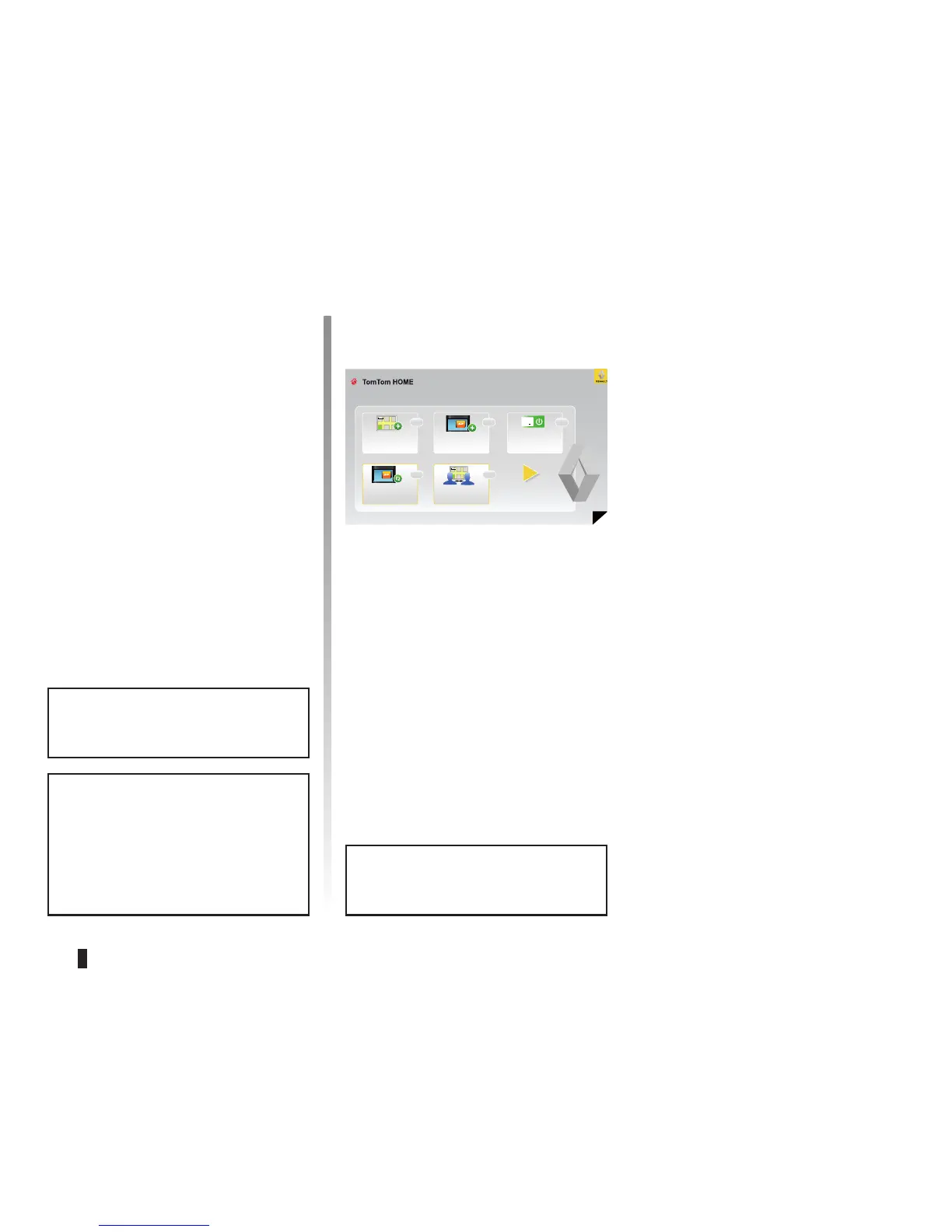
This is the main menu of TomTom HOME Page 1 of 3
Add Mapps Add Traffic,
Voices, Safety
Cameras etc.
Use my activation or
promotion code
Update my Carminat
TomTom
Get free map cor-
rections from Map
Share
TM
Customising your system
You also have the option to customise
your system by installing new points of
interest and synthesised voices or even
by changing the colour scheme.
Downloading the instructions for
your system
By clicking on the “Read the manual
for my Carminat TomTom” icon, you
will access the full user manual for your
system.
Only use your SD card for operat-
ing and updating your navigation
system. Do not insert any other
device (camera, portable GPS,
etc.).
Updates can only be downloaded
from the internet.
Help
Help
HelpHelp
Help



 To Next Page