6-1. Liquid sterilization function
6. CONVENIENT FUNCTIONS
The autoclave provides a liquid sterilization operation which is convenient for sterilizing liquid.
In order to avoid sudden boiling, the liquid sterilization operation allows the exhaust speed and
cooling fan settings to be changed during the temperature and pressure reduction process and
temperature reduction process only.
※
To change the time display form, refer to “6-9. Setting the time display form”.
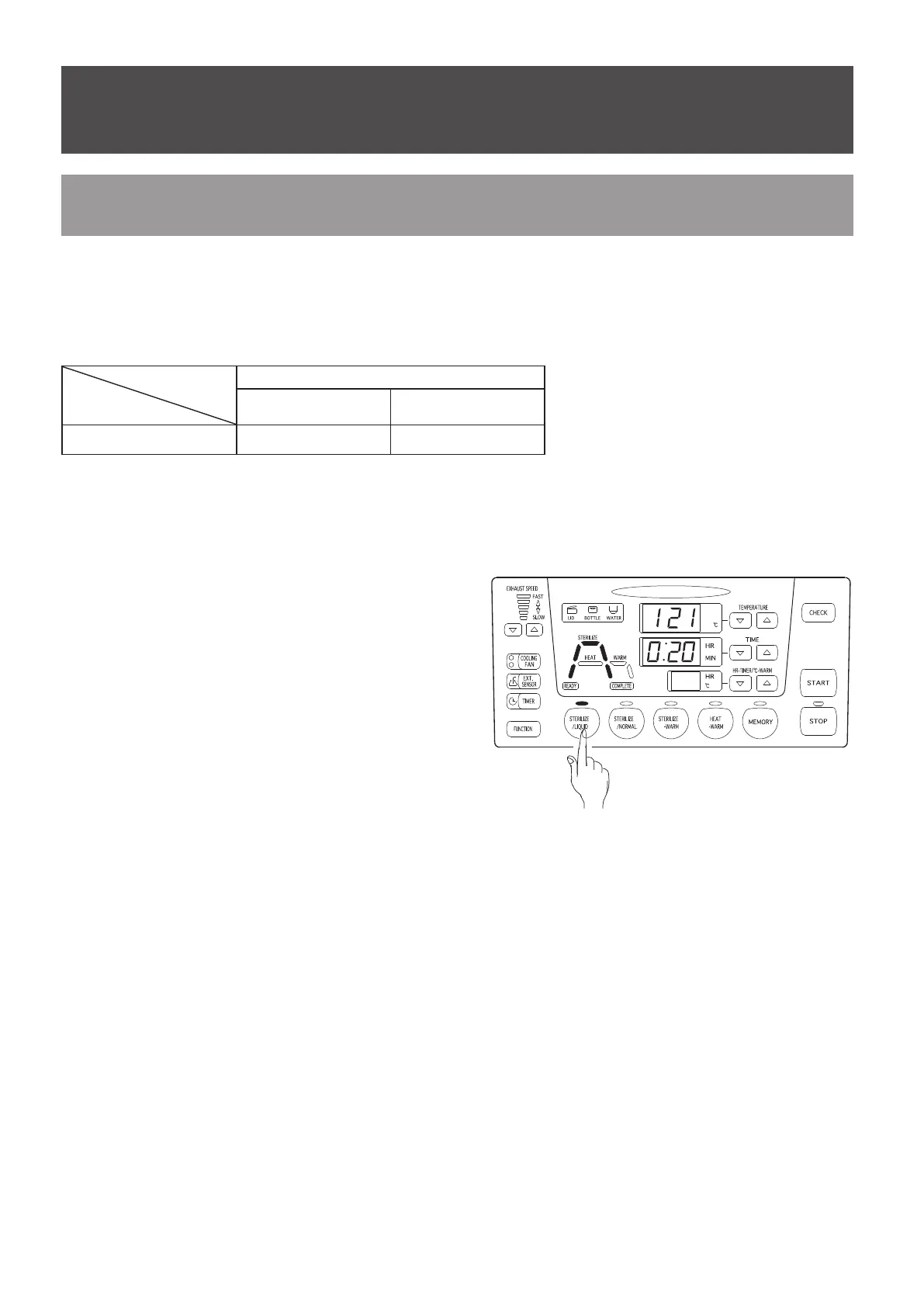
Set operating conditions following the procedures
given below.
Press the [Liquid sterilize] key.
The liquid sterilizing indication lamp lights
and the liquid sterilizing course is selected.
Concurrently, the temperature raising process
indication lamp, temperature and pressure
raising process indication lamp, sterilizing
process indication lamp, temperature and
pressure reduction process indication lamp,
and temperature reduction process indication
lamp on the work monitor light in yellow.
Press the [Temperature setting] keys to set the temperature for the sterilizing process.
Press the [Time setting] keys to set the time for the sterilizing process.
※
The exhaust speed and cooling fans cannot be set in advance.
※
The exhaust speed and cooling fans can be operated during the temperature and pressure
reduction process and temperature reduction process only.
<
Setting liquid sterilization operation
>
①
②
③
Liquid sterilizing process
Settable temperature
range
Settable time range
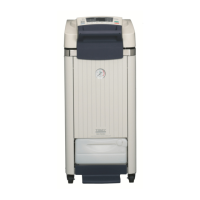
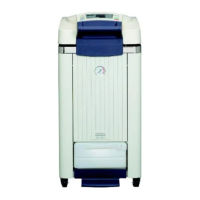
SX-300E/500E/700E 105
〜
135℃ 0 : 01
〜
9 : 59



 To Next Page