21
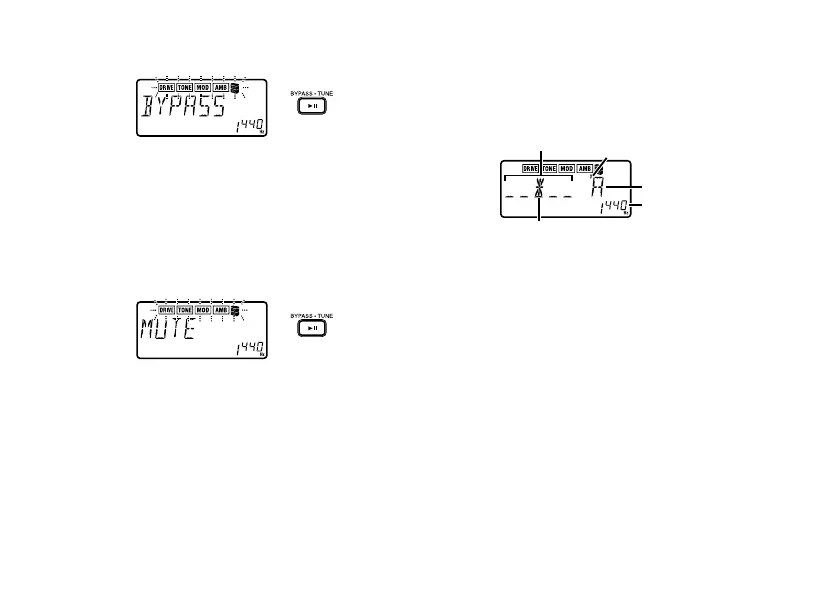
blinking
If you press and hold the BYPASS
·
TUNE but-
ton for longer than one second, the output sig-
nal will be muted.
The effect chain will blink rapidly, and the dis-
play will indicate “MUTE” for approximately one
second.
rapid blinking
Bypass/mute will be turned off when you either
press the BYPASS
·
TUNE button once again,
or change the program.
4. Tuner
The tuner will operate when you bypass or mute
in Play mode.
center mark
calibration
note name
sharp
meter
Play a single string on your guitar. The LCD will
show the note name and the calibration. If the
pitch is more than a semitone higher than the
note name, a sharp symbol will appear at the
upper left of the note name.
The display area will act as a meter to show the
pitch deviation.
Tune the string of your guitar so that the indica-
tor above the center mark is lit.
The tuner (bypass/mute) will be turned off when
you either press the BYPASS
·
TUNE button or
change the program.



 To Next Page