29
If you press the EXIT button or the RHYTHM/
AUX EFFECT button, the recorded phrase
will be erased.
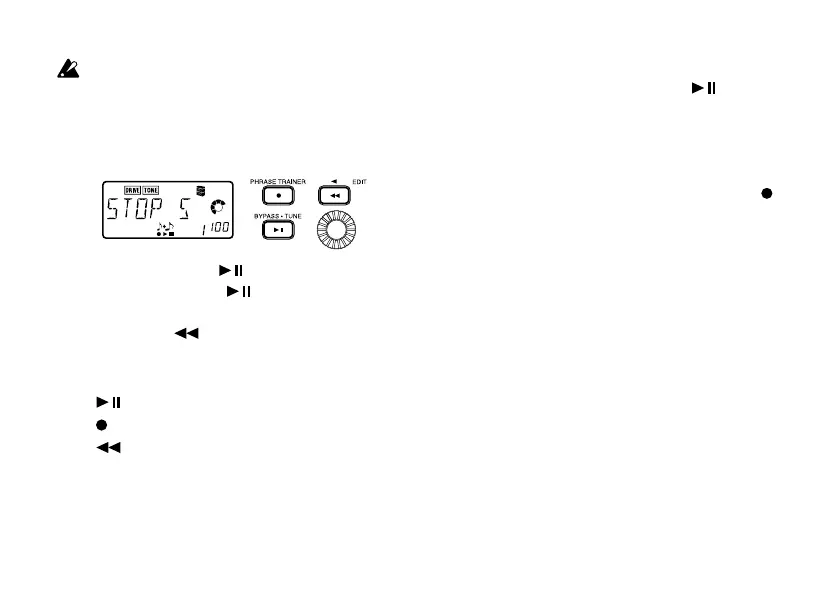
4. Pause
When you press the [ ] button, the playback
will pause. Press the [
] button once again,
and playback will resume.
Pressing the [
] button while playback is
paused will return you to the beginning of the
recorded phrase.
• [
] button: Pause/playback
• [
] button: Re-record
• [
] button: To beginning of phrase
• Value dial: Set the playback speed
If you wish to re-record
To re-record the phrase, press the [ ] button
to pause the playback. While paused, the sound
from the device connected to the AUX jack will
be output. Now set your input source to the be-
ginning of the desired phrase.
Start the CD or other source, and press the [
]
button at the beginning of the desired phrase.



 To Next Page