24
Rhythm & Bass mode
To enter Rhythm & Bass mode, press the
RHYTHM/AUX EFFECT button once when in
Play mode (except for mute/bypass or key lock),
AUX Effect mode, or Phrase Trainer mode.
When you enter this mode, the selected rhythm
will start, and the Rhythm & Bass mode icon will
blink.
The value display will indicate the pattern or tem-
po.
This mode contains the following four parame-
ters. Use EDIT
√/® to select parameters, and
use the Value dial and the BYPASS
·
TUNE but-
ton to set the value of each parameter.
Rhythm pattern
Tempo
Bass on/off &
Bass key
Rhythm &
Bass level
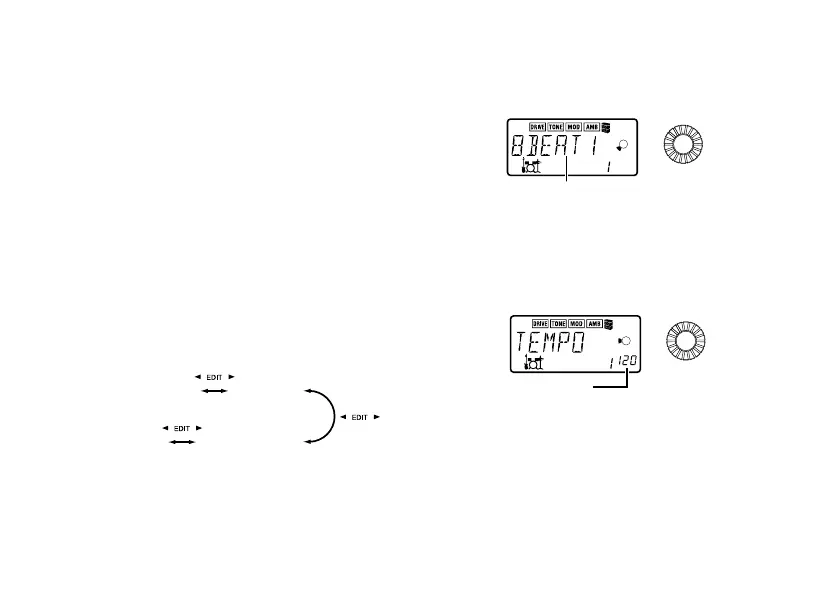
1. Rhythm Pattern
You can select from 40 different rhythm patterns.
• Value dial: Set the rhythm pattern
2. Tempo
Set the tempo in the range of 40–208 bpm.
tempo display
• Value dial: Set the tempo



 To Next Page