34
3. Reloading the factory programs
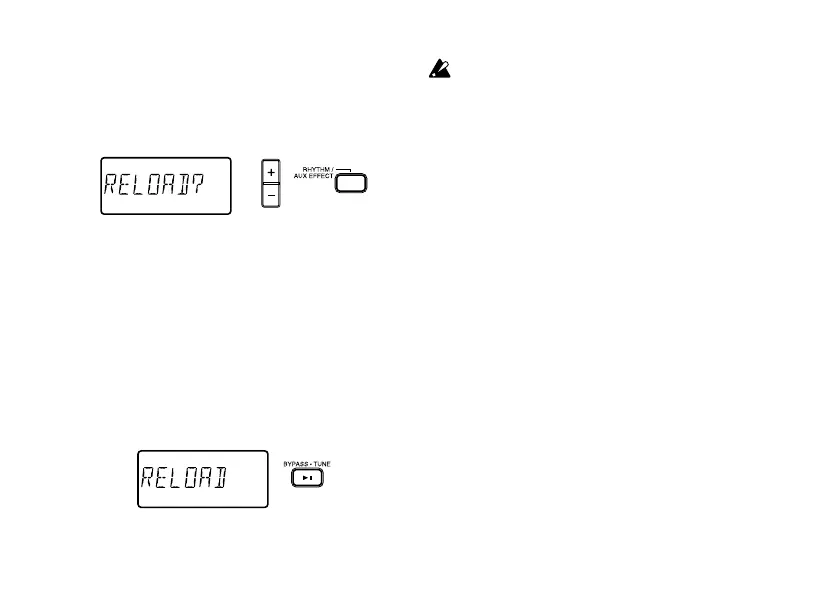
While holding down the RHYTHM/AUX EFFECT
button and the + button, turn on the power. The
LCD will ask “RELOAD?”
If you decide not to reload the factory programs,
press the +/- buttons. The factory programs will
not be reloaded; the normal power-on screen will
appear, and the PANDORA will be in Program
mode.
If you press the BYPASS
·
TUNE button, the fac-
tory-set programs will be re-loaded into the user
program area. The display will indicate “RELOAD”
for a short time, and then the power-on screen
will appear.
Be aware that if you reload the factory pro-
grams, all user programs will be rewritten.



 To Next Page