9 Mix functionality
9.1 Set cue point
Set the cue point
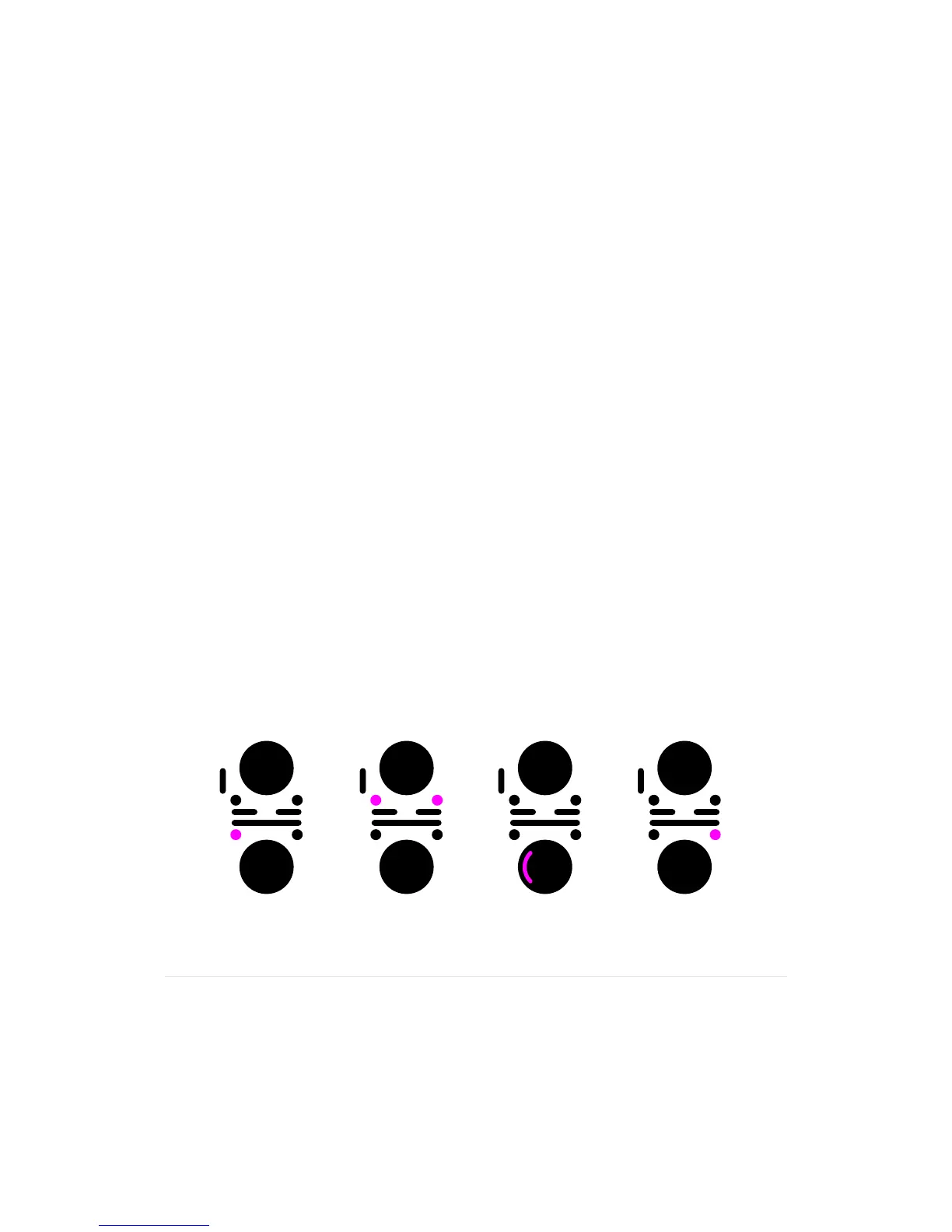
1.Withatrackplayingontheactivechannel,pressPlaytoDJ-pausethetrackat
its current position
•Thetrackisstutteringatitscurrentposition
•ThePlayandCuebuttonsareblinking
•TheDJ-pausesymbolisdisplayedatthebottomcentreofthedisplay
2. Move the track playback position fast forwards or backwards by pressing and
holding Forward or Rewind.
•Thetrackisstutteringatitsmovingposition
•ThePlayandCuebuttonsareblinking
•TheForwardorRewindsymbolisdisplayedatthebottomcentreofthedisplay
3. Adjust the current playback position forwards or backwards by searching along
the Touchpad rim.
•Thetrackisstutteringatitsmovingposition
•ThePlayandCuebuttonsareblinking
•TheDJ-pausesymbolisdisplayedatthebottomcentreofthedisplay
4. Set the cue point by pressing Cue.
•Thetrackiscuedatitscurrentposition
•TheCuebuttonislit
•TheCuesymbolisdisplayedatthebottomcentreofthedisplay
5.Withasetcuepoint,youcanoptionally:
•RevertaplayingtracktothesetcuepointbypressingCue.
•PlaythetrackfromthesetcuepointbypressingandholdingCue.Thetrackwill
be cued again when you release Cue.
Press pause Wide search Fine search Set cue point


 To Next Page