9.6 Adjust EQ and gain
Adjust EQ and gain
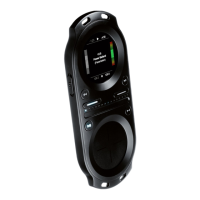
PlaceyourngerinthemiddleoftheTouchpadandslidenorth,east,southorwest,
dependingonwhatyouwanttoadjust.Whenyourngerreachestherimofthe
touchpad,youcanalterthevalueoftheselectedaudioeffectbyslidingalongthe
rim in either direction.
Adjustments must be performed as one continuous gesture without releasing your
finger from the Touchpad.
EQ and gain level adjustments only apply to the current track. Loading a new track
will reset the EQ and gain level parameters to their default values.
You can combine all the different levels by changing them one at a time.
Treble adjust Mid adjust Bass adjust Gain adjust


 To Next Page