12 Charging
Pacemakerhasabuilt-inbattery.Afullychargedbatterylastforaboutvehoursin
Mixmode,orabouttwelvehoursinPlaymode.IfyouleavePacemakerunusedfor
awhile,youmayneedtochargeitagain.
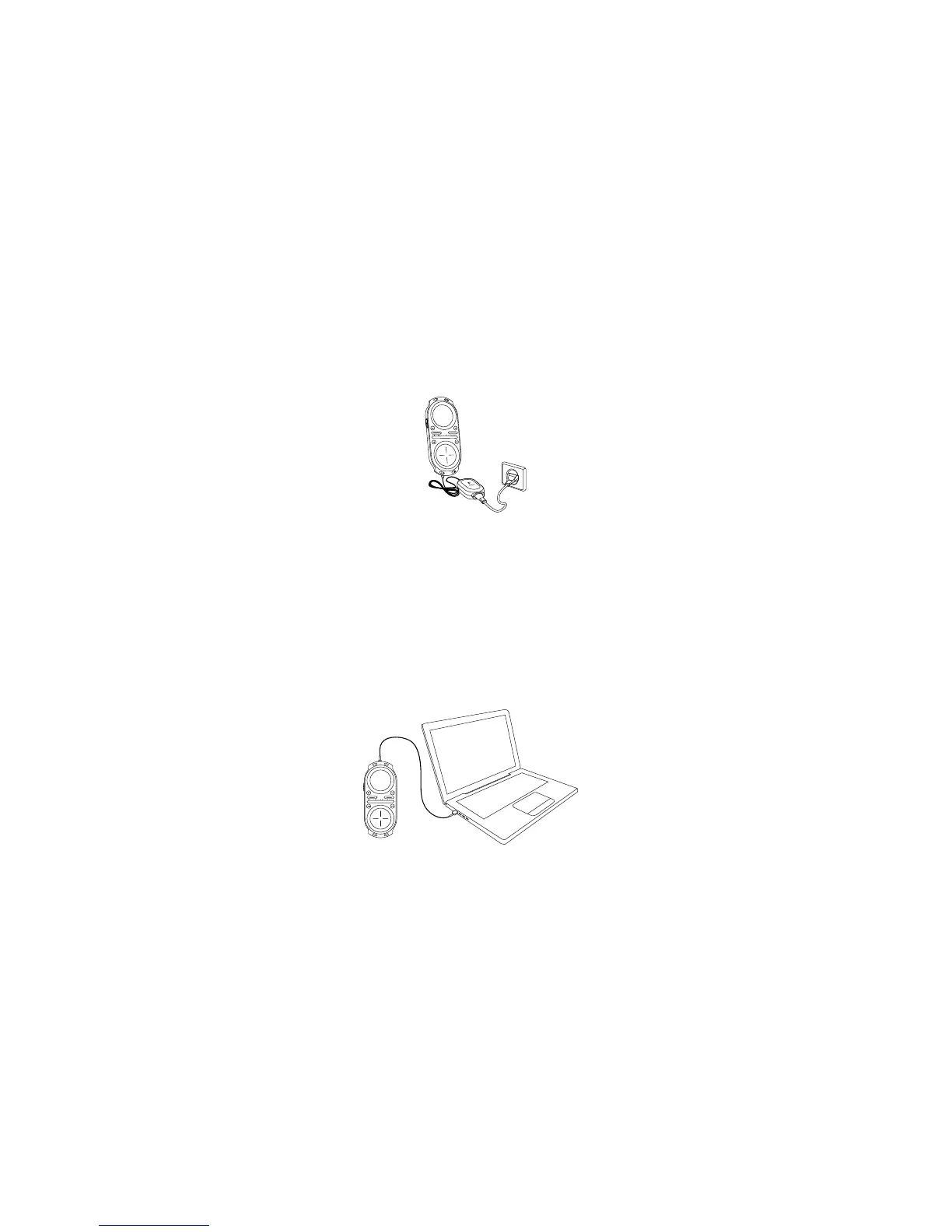
Charge via power adapter
1. Connect the Pacemaker power adapter to your device using the jack
labelled Power.
2. Plug the adapter into an AC outlet.
•Pacemakerisfullyoperationalwhilecharging
Charge via USB
1.ConnectthefeaturedUSBcabletoyourPacemaker.
2.ConnecttheotherendoftheUSBcabletoyourcomputer.
•PacemakerisnotoperationalwhilechargingviaUSBunlessejected
via the Pacemaker Editor


 To Next Page