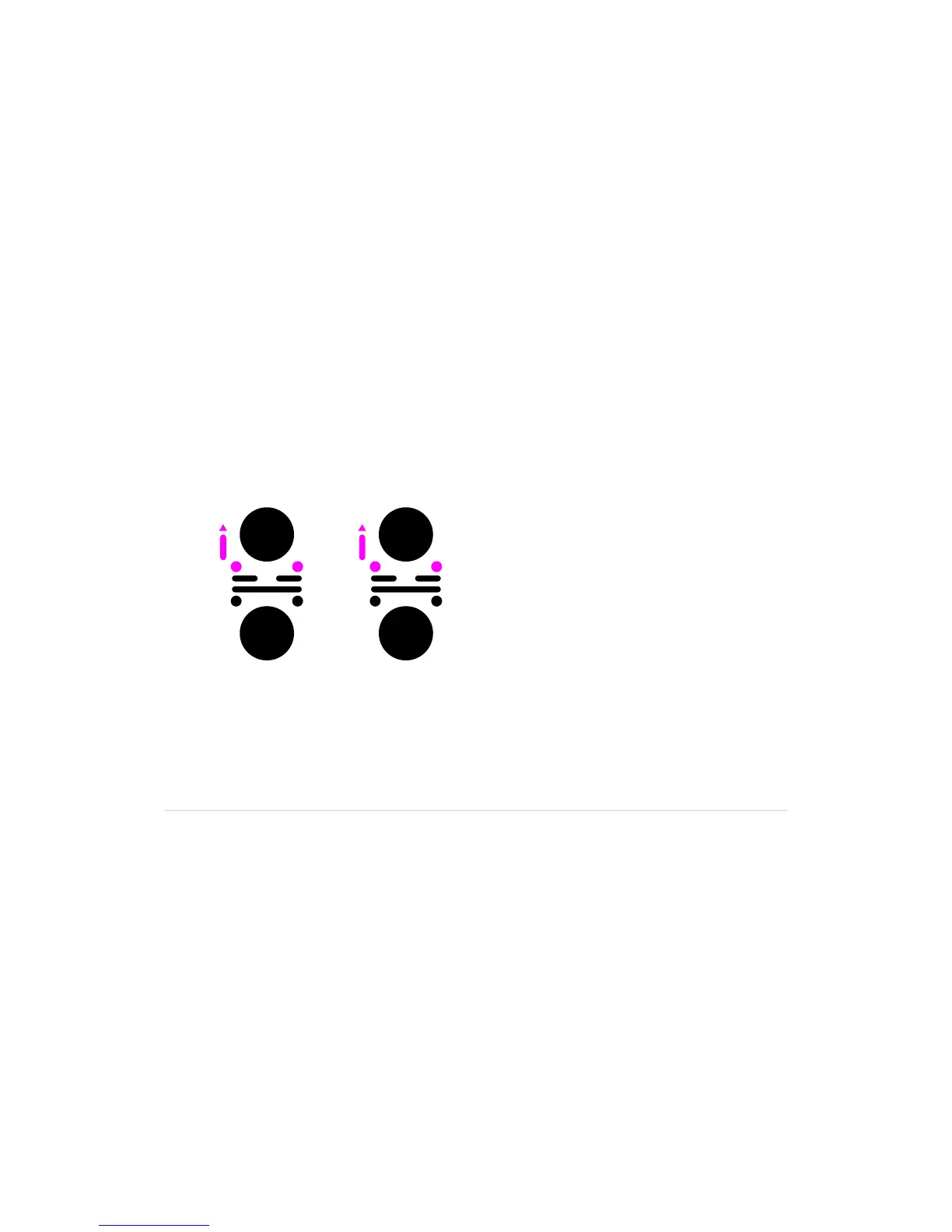
9.12 Split/double loop
Shorten a loop by splitting the distance from the in-point to the end-point
1.WiththeP-switchheldup,pressandholdForward
(
loop end-point
)
.
2.KeeptheP-switchheldupandForwardpressed,whilepressingandreleasing
Rewind to move the end-point halfway towards the in-point.
3. Repeat pressing and releasing Rewind for further splitting of the loop.
4.Whenyou’rehappy,releasetheForwardbuttonortheP-switch.
•Thetracksegmentkeepsloopinguntilitisexited
Lengthen a split loop by doubling the distance
from the in-point to the end-point
1.WiththeP-switchheldup,pressandholdRewind
(
loop in-point
)
.
2.KeeptheP-switchupandRewindpressed,whilepressingandreleasing
Forward to double the distance from the in-point to the end-point.
3. Repeat pressing and releasing Forward for further doubling of the loop.
4.Whenyou’rehappy,releasetheRewindbuttonortheP-switch.
•Thetracksegmentkeepsloopinguntilitisexited
Splitting and doubling a loop is only possible while looping.
Split loop Double loop



 To Next Page