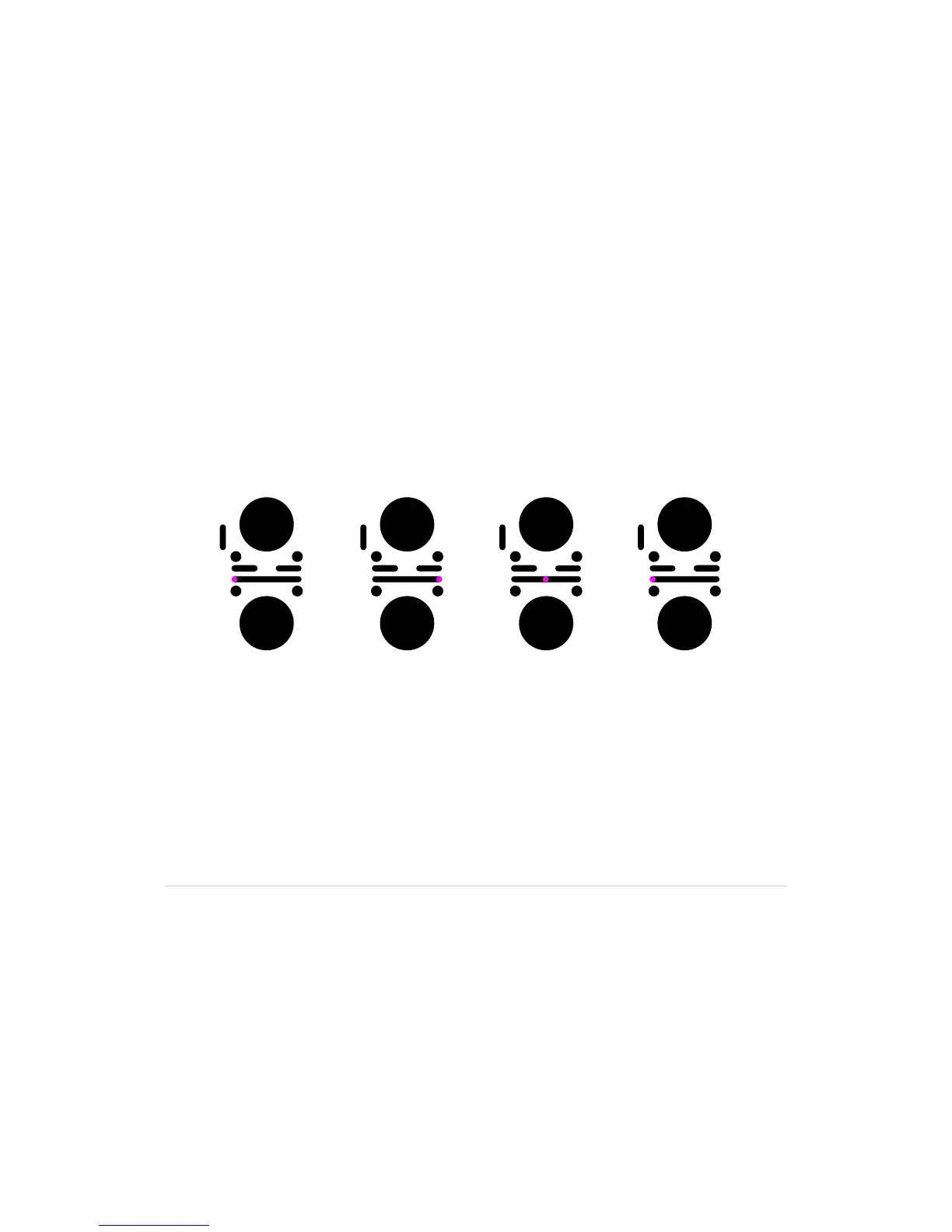
9.3 Crossfader and lineout
Set the lineout to channel 1
SlideyourngerontheCrossfaderfromrighttoleftandpositionthecrossfade
indicator at maximum left.
•Onlychannel1isheardthroughtheLineoutoutput
Set the lineout to channel 2
SlideyourngerontheCrossfaderfromlefttorightandpositionthecrossfade
indicator at maximum right.
•Onlychannel2isheardthroughtheLineoutoutput
Set the lineout to blend channel 1 with channel 2
SlideyourngerontheCrossfaderandpositionthecrossfadeindicatorbetween
the channels.
•Ablendofchannel1andchannel2,correspondingtothecrossfadeindicator
position,isheardthroughtheLineoutoutput.
You can crossfade between channel 1 and channel 2 independent of which chan-
nel is currently active.
The Crossfader action is relative; you can place your finger at any position on the
Crossfader, and the crossfade indicator position will change relative to the input.
Instant drops and effects can be achieved by using two fingers on the Crossfader.
Ch1 is lineout Ch2 is lineout Ch1+ Ch2 is lineout Ch1 is lineout



 To Next Page