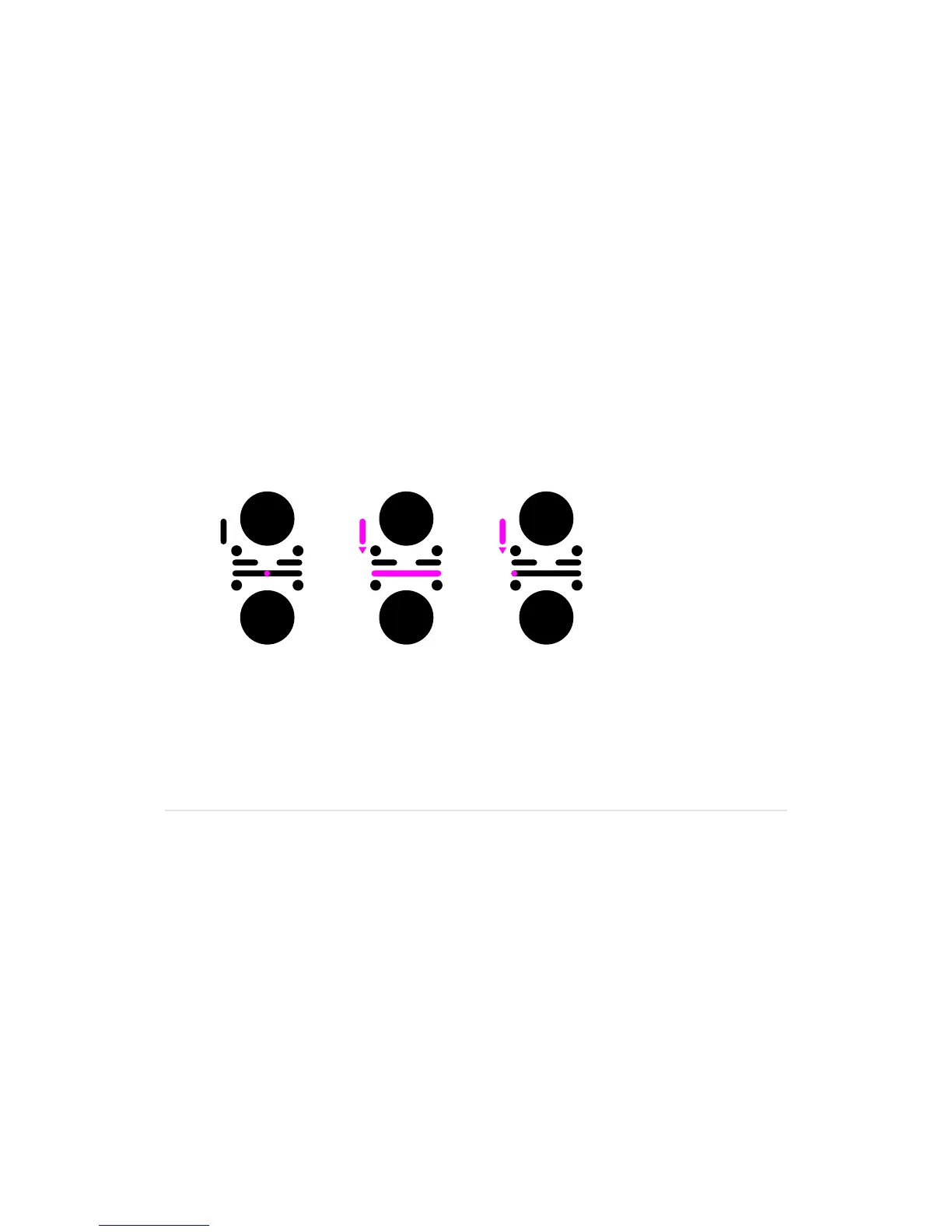
9.4 Headphones monitoring
Set the headphone monitoring to channel 1
WiththeP-switchhelddown,slideyourngerontheCrossfadertoposition
the crossfade indicator at maximum left.
•Onlychannel1isheardthroughthePhonesoutput
Set the headphone monitoring to channel 2
WiththeP-switchhelddown,slideyourngerontheCrossfadertoposition
the crossfade indicator at maximum right.
•Onlychannel2isheardthroughthePhonesoutput
Set the headphone monitoring at a blend between channel 1 and channel 2
WiththeP-switchhelddown,slideyourngerontheCrossfadertoposition
the crossfade indicator between the channels.
•Ablendofchannel1andchannel2,correspondingtothecrossfadeindicator
position,isheardthroughthePhonesoutput
You can control the behaviour of the headphones crossfader through
the Settings menu.
Lineout position Listening range Listening to Ch1



 To Next Page