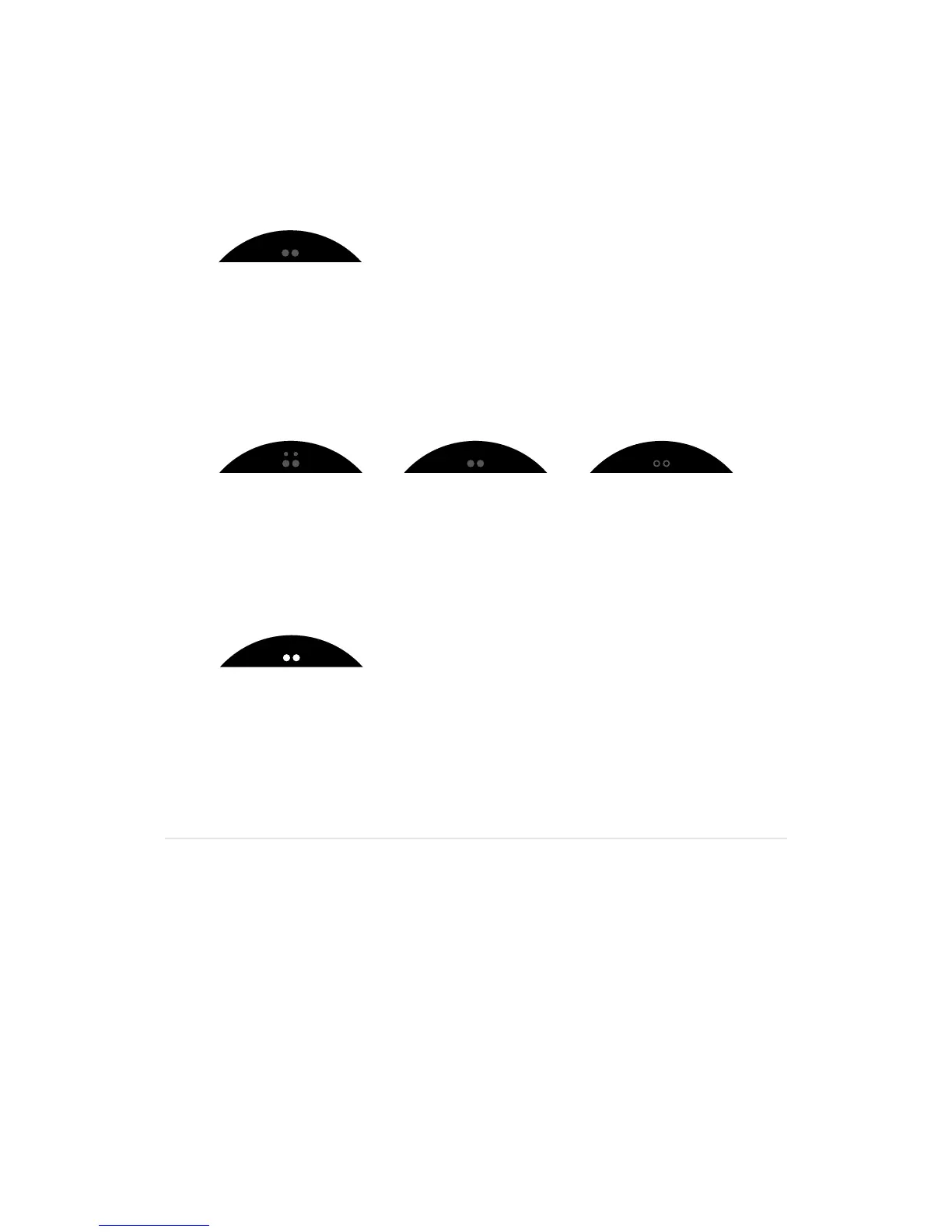
Power status
•WhenyourPacemakerisn’tconnectedtoapowersource,thepower/mode
symbol shows the current power status.
•Ifthepower/modesymbolisblinking,Pacemakerneedscharging.
•WhenyourPacemakerisconnectedtoapowersource,thepower/modesymbol
displays the battery charging animation.
´•WhenyourPacemakerisconnectedtoapowersourceandthepower/mode
symbolisstaticwhite,thebatteryisfullycharged.
Your Pacemaker will charge at different rates depending on the type of USB port
you connect to. For optimal charging time, use the Pacemaker power adapter.
Low battery
Mix mode charging 1 Mix mode charging 2 Mix mode charging 3
Battery charged


 To Next Page