@ ToolkitRC 2021
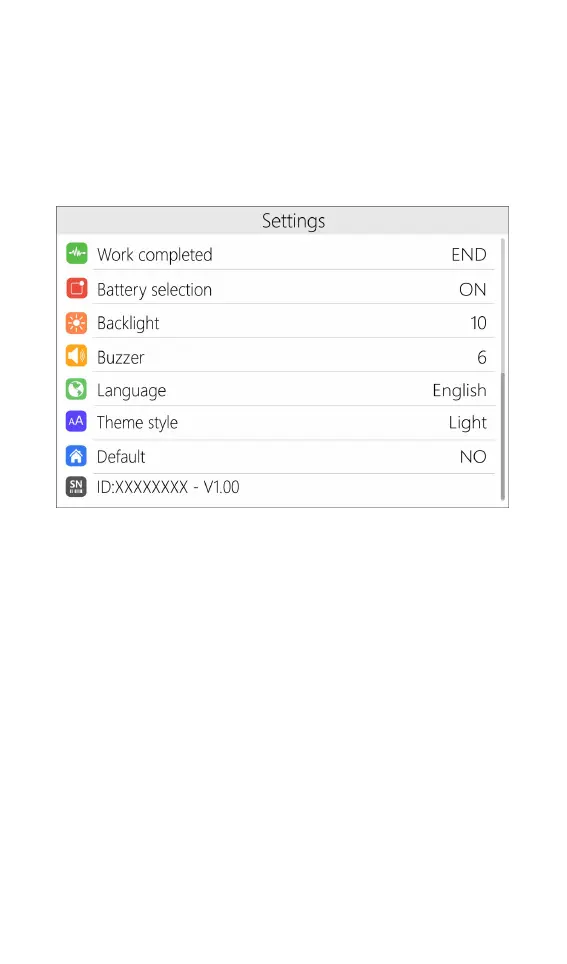
battery that was being charged.
Work completed: After charging, whether to stop or
trickle charge.
Backlight: The backlight brightness level of the display
can be set from 1 to 10 levels
Buzzer: The tone of the buzzer can be set to off.
Language: The system display language. English,
Chinese, etc. can be selected.
Default : Restore all settings to factory defaults.



 To Next Page