@ ToolkitRC 2021
Quick start
1,Connect a 7-28V or AC 100-240V power supply or
input battery to the input port on the back of the
M6DAC.
2,The display shows the boot logo and stays for 2
seconds.
3,At the same time accompanied by do-re-mi's boot
sound.
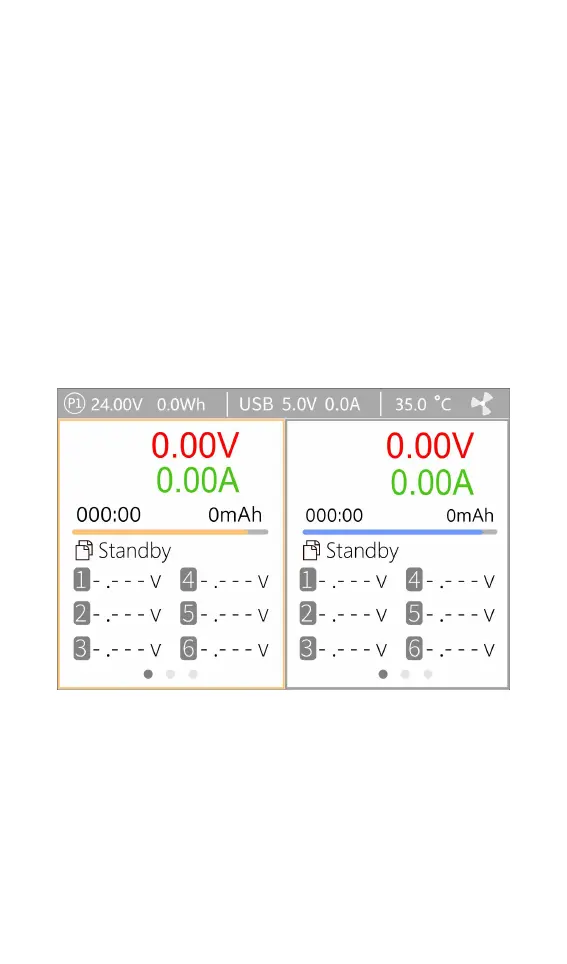
4,After booting, the display will enter the main
interface and display as follows:
5,Short press [Exit/CH], the cursor switches between
the left and right channels.
6,Press and hold [Exit/CH] to start testing the internal
resistance of the corresponding channel. After the test,
the internal resistance will be displayed.
7,Scroll [Scroll Wheel] to switch the pages in the
corresponding channel.



 To Next Page