Topcon Europe Medical BV Instruction Manual CC-100XP/ CV-5000PC 9/42
5 Operation in the REFRACTION Tab page
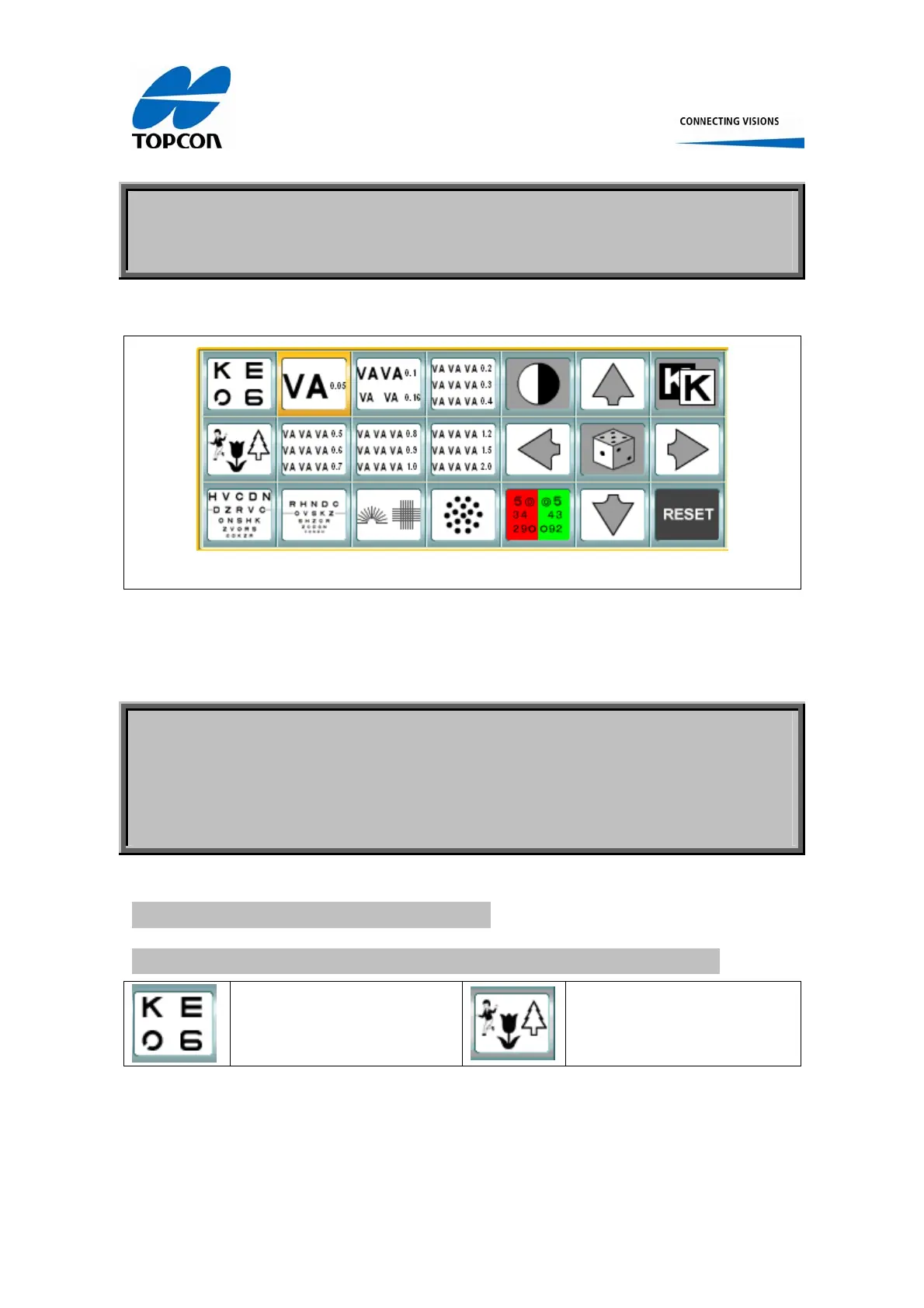
The REFRACTION Tab page looks like under image.
Figure 2, Refraction Tab Page
6 Description of the single button functionalities within
the REFRACTION Tab page.
6.1 Selecting a standard Optotype
6.1.1 Two buttons are available to select standard optotypes:
To select form: Letters,
Snellen E, Landolt C or
Numbers
To select from 3 different
children’s or illiterate charts
Figure 3, Standard optotype selection















 To Next Page