EasyManua.ls Logo

Topcon 3D OCT-1 - User Manual

Topcon 3D OCT-1
236 pages
Print Icon
To Next Page IconTo Next Page
Loading...
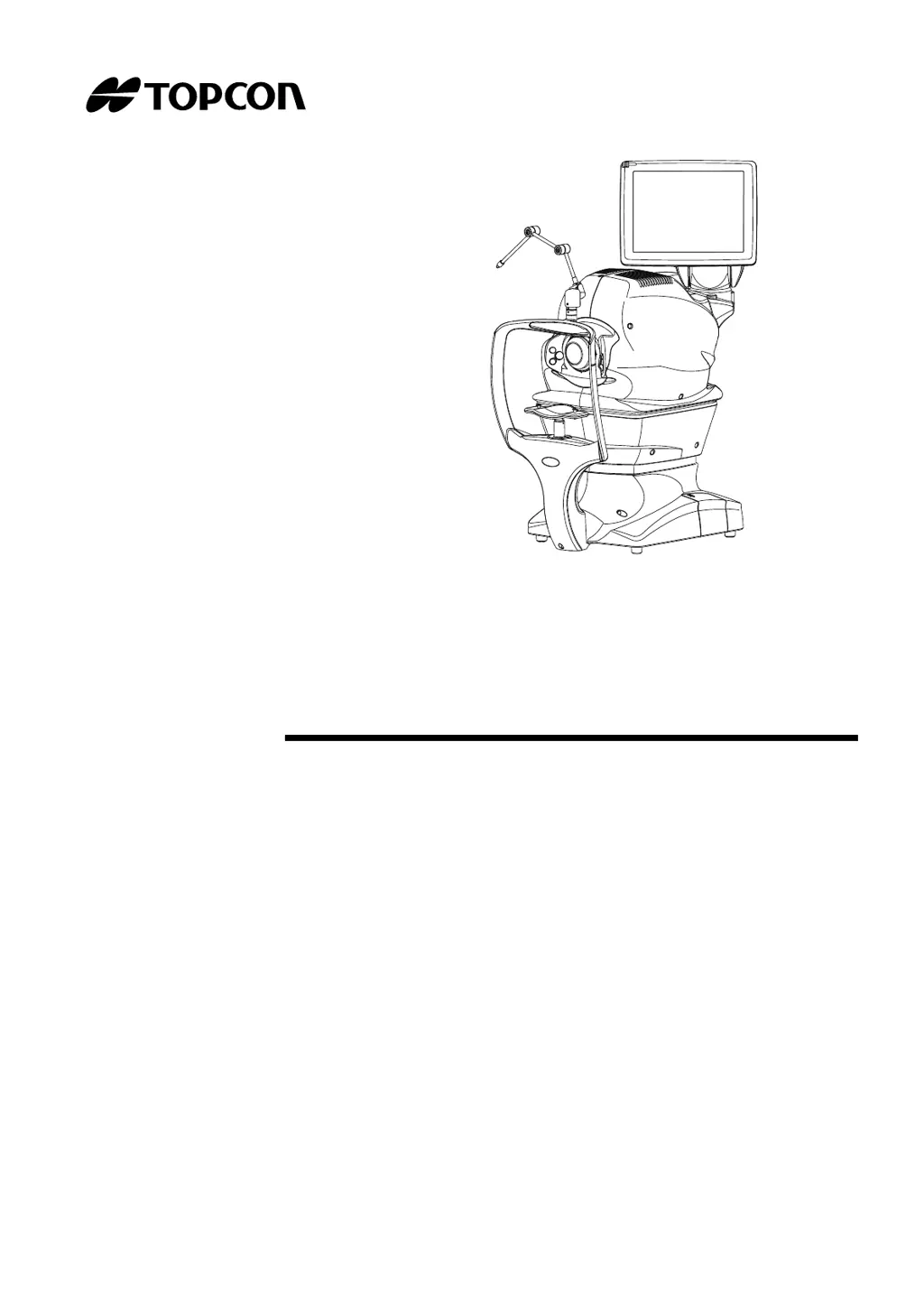
USER’S MANUAL
3D OPTICAL COHERENCE TOMOGRAPHY
3D OCT-1
PC SOFTWARE EDITION
Version 8.1X
39040 MANEX811

Table of Contents

Questions and Answers

  • J
    Jessica WoodsSep 10, 2025
    What to do if Topcon 3D OCT-1 Medical Equipment failed to initialize camera?
    • K
      Kristin ColemanSep 10, 2025
      If the Topcon Medical Equipment displays 'Failed to initialize a camera', it means an initialization error has occurred in the built-in color photography camera. Retry initialization of the camera.
  • D
    dbenjaminAug 22, 2025
    What to do if Topcon Medical Equipment says there is not enough free capacity to save data?
    • J
      Jennifer SampsonAug 23, 2025
      If the Topcon Medical Equipment indicates insufficient free capacity to save data, ensure the drive for photography data has sufficient free space. Then, resume photography.
  • C
    Cindy WhiteAug 25, 2025
    How to fix Topcon 3D OCT-1 Medical Equipment patient information registration error ID?
    • D
      David JacksonAug 25, 2025
      If you encounter a patient information registration error ID with your Topcon Medical Equipment, the registration of a new patient has likely failed. Check if you're attempting to register a patient with an existing ID, using non-numerical characters, inputting correct data into all database items, or if the drive saving photography data has sufficient capacity.
  • J
    John MartinezAug 27, 2025
    Why does my Topcon 3D OCT-1 Medical Equipment say the current archive drive is full?
    • E
      Elizabeth ThompsonAug 27, 2025
      The Topcon Medical Equipment indicates that the current archive drive is full because the set archive drive's capacity is insufficient. To resolve this, set the archive drive to one with sufficient free capacity, and then restart archiving.
  • P
    Priscilla HowardAug 27, 2025
    Why can't I use certain letters for the database name in Topcon Medical Equipment?
    • M
      mfarleyAug 27, 2025
      The Topcon Medical Equipment restricts the use of certain letters for the database name because the letters used for the database are not allowed. Create a new database without the unusable letters, and then register it again.
  • C
    Christina RossAug 29, 2025
    How to fix out of memory error on Topcon 3D OCT-1?
    • A
      Anna ZimmermanAug 29, 2025
      If the Topcon Medical Equipment displays 'Out of memory', it indicates that the memory area used by the built-in Operating System is insufficient. The suggested solution is to turn the power switch OFF and try again.
  • J
    Jessica DavisSep 18, 2025
    What does EEPROM data error mean on Topcon 3D OCT-1 Medical Equipment?
    • I
      Ian RothSep 18, 2025
      If the Topcon Medical Equipment displays 'EEPROM data error', it means that the EEPROM data of the built-in PCB is not normal. Contact your dealer for further assistance.
  • G
    garyjohnsonSep 12, 2025
    What is CIBT board error on Topcon 3D OCT-1?
    • R
      Raymond GaySep 12, 2025
      If the Topcon Medical Equipment displays 'CIBT board error', it means that an error has occurred in the built-in image board. Check the error code displayed on 'xxx' according to the error contents.
  • C
    caitlin90Sep 8, 2025
    What to do if Topcon 3D OCT-1 shows 'Overcharged Xenon flash' error?
    • S
      saraspencerSep 9, 2025
      If the Topcon Medical Equipment displays 'Overcharged Xenon flash', it means that overcharge has occurred in the power supply for the xenon lamp (color fundus photography light source). The suggested solution is to turn the power switch OFF.
  • T
    trevor84Sep 5, 2025
    What to do if Topcon Medical Equipment could not detect image?
    • R
      Robert ThomasSep 5, 2025
      If the Topcon Medical Equipment displays 'Could not detect image', it means that the optimization of tomogram has failed. Push the [Optimize] button to try again.

Topcon 3D OCT-1 Specifications

General IconGeneral
BrandTopcon
Model3D OCT-1
CategoryMedical Equipment
LanguageEnglish

Related product manuals