EasyManua.ls Logo

Topcon MC-4S - User Manual

Topcon MC-4S
76 pages
Print Icon
To Next Page IconTo Next Page
Loading...
USER MANUAL
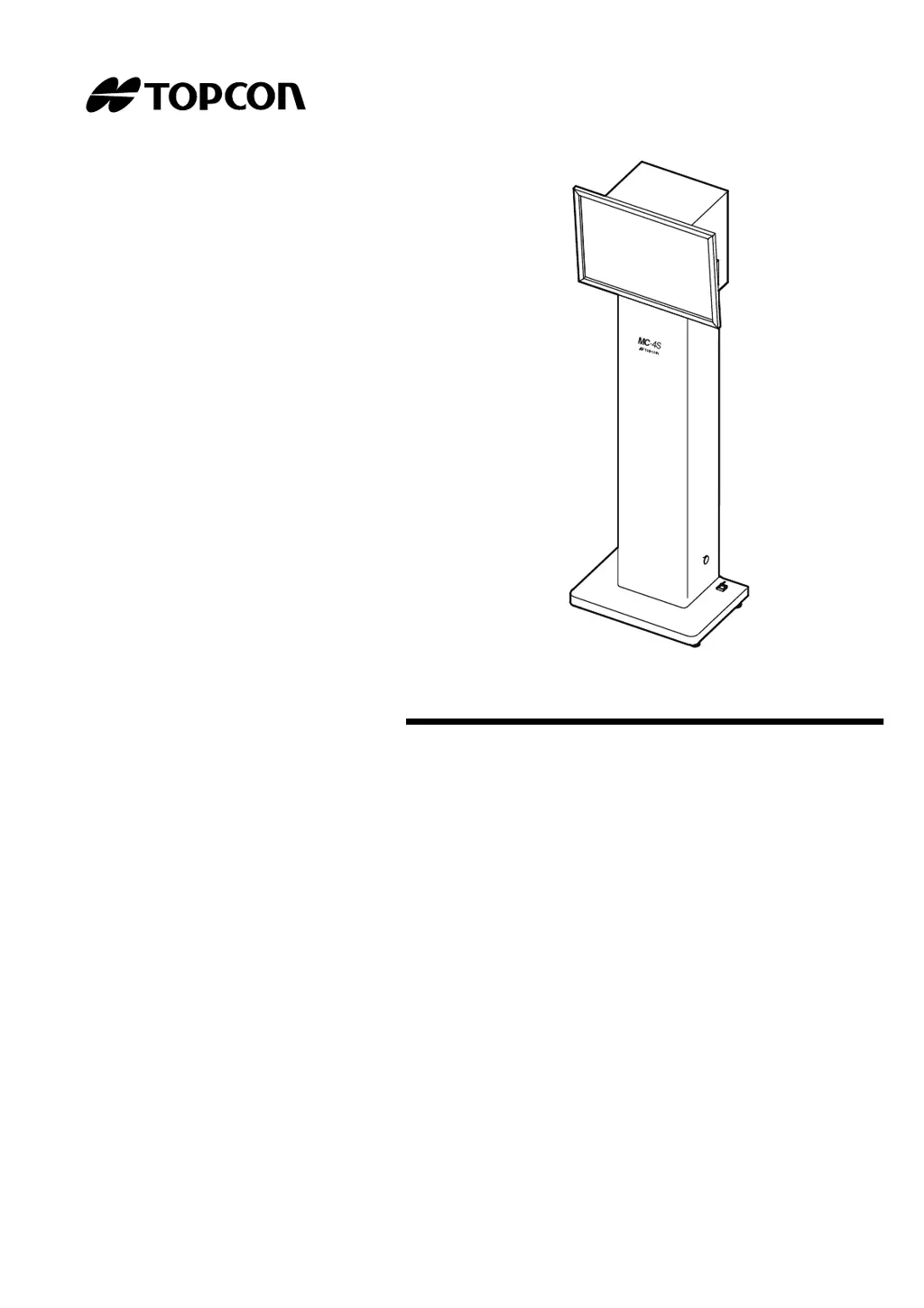
MIRROR CHART
MC-4S

Questions and Answers

  • R
    Robin NixonSep 4, 2025
    What to do if Topcon Medical Equipment fails to execute chart software with selected chart type (Error Code 401)?
    • C
      Calvin HollandSep 4, 2025
      If Topcon Medical Equipment fails to execute chart software with the selected chart type and displays Error Code 401, restart the CV system. If the issue persists, select a different chart type or reinstall the software.
  • D
    Donald RobinsonSep 18, 2025
    What to do if Topcon Medical Equipment fails to open chart software configuration screen because the other task is in progress?
    • M
      Mr. Steven MartinSep 18, 2025
      If Topcon Medical Equipment fails to open the chart software configuration screen because another task is in progress, access the setting screen again.
  • A
    Anthony EnglishSep 16, 2025
    What to do if Topcon MC-4S Medical Equipment fails to change chart type because the other task is in progress?
    • A
      Amy FloresSep 16, 2025
      If Topcon Medical Equipment fails to change the chart type because another task is in progress, try changing the type again.
  • R
    Rick FloresSep 14, 2025
    What to do if Topcon MC-4S Medical Equipment fails to change chart language setting because the other task is in progress?
    • K
      Kara WilsonSep 14, 2025
      If Topcon Medical Equipment fails to change the chart language setting because another task is in progress, try changing the language again.
  • C
    Craig MillerSep 12, 2025
    What to do if Topcon MC-4S Medical Equipment pilot lamp is not lit in green?
    • M
      Monica SmithSep 13, 2025
      If the pilot lamp on your Topcon Medical Equipment is not lit in green: - If the pilot lamp is lit in orange, the power switch may not be turned on. Check the power switch and the power cord or AC adapter connection. - If the pilot lamp is OFF, the power cord or AC adapter may not be connected to the instrument. Check the power cord or AC adapter connection.
  • M
    Marc AguilarSep 12, 2025
    What does it mean if Topcon MC-4S fails to execute chart software (Error Code 604)?
    • L
      lriveraSep 12, 2025
      If Topcon Medical Equipment fails to execute chart software with Error Code 604, it's likely that a chart other than the MC-4S is selected in the 'Chart monitor selection' of 'Chart settings'. Set 'MC-4S' in 'Chart monitor selection' within 'Chart settings'.
  • C
    Crystal FitzgeraldSep 9, 2025
    What to do if Topcon MC-4S chart window suddenly turns off?
    • L
      Lisa WattsSep 9, 2025
      If the chart window on your Topcon Medical Equipment suddenly turns off, it might be due to the image signal not being inputted from the CV-5000. Check the connection with the CV-5000.
  • W
    wrightbrettSep 7, 2025
    What to do if Topcon MC-4S fails to change the resolution of the selected chart monitor (Error Code 3)?
    • S
      Scott SandersSep 7, 2025
      To resolve Error Code 3 on Topcon Medical Equipment, restart the personal computer to which the MC-4S is connected. Then, start the CV software.
  • F
    frankparksSep 5, 2025
    What to do if Topcon MC-4S Medical Equipment fails to open chart software configuration screen (Error Code 301)?
    • G
      gnashSep 6, 2025
      If Topcon Medical Equipment fails to open chart software configuration screen and displays Error Code 301, it could be due to the setting file of the MC-4S being inaccessible. Restart the CV system.
  • S
    Sandy CarneyAug 21, 2025
    What to do if Topcon MC-4S says 'Could NOT find the selected chart monitor'?
    • A
      Abigail VillarrealAug 21, 2025
      This issue with Topcon Medical Equipment typically arises if the monitor cable isn't properly connected or if the MC-4S is connected via a VGA cable. Ensure the cable is securely connected and, if using a VGA cable, switch to a DVI cable for connection. Also, verify that the connected monitor is indeed the MC-4S and that 'MC-4S' is selected in 'Chart monitor selection'. After making these adjustments, restart the CV system.

Summary

INTRODUCTION AND SAFETY

INTRODUCTION

Provides an overview of the TOPCON Mirror Chart MC-4S and its purpose.

GENERAL SAFETY INFORMATION

Crucial warnings and cautions for preventing electric shock, fire, and ensuring safe operation of the instrument.

INSTRUMENT OVERVIEW AND SETUP

DISPLAYS AND SYMBOLS FOR SAFE USE

Explains safety indicators, symbols, and their meanings for proper instrument handling.

NOMENCLATURE

Identifies and describes the main parts, ports, and indicators of the MC-4S and its accessories.

PREPARATION BEFORE USE

Guides on installing, connecting, powering up, and initial configuration of the MC-4S.

MC-4 S CHART FUNCTIONS AND OPERATION

UNIQUE CHART FUNCTIONS

Details advanced visual acuity chart features like reversal, contrast, and simulation modes for enhanced testing.

IMAGE;MOVIE DISPLAY AND CUSTOMIZATION

Instructions for displaying and managing still images, movies, and slideshows, including user content.

SETTING THE VISUAL ACUITY CHART

Procedures for configuring examination distance, slideshow intervals, and other chart display parameters.

MAINTENANCE AND TROUBLESHOOTING

ROUTINE MAINTENANCE

Covers daily checks, cleaning procedures for the chart window and monitor, and battery replacement.

TROUBLE SHOOTING GUIDE

Provides solutions for common problems, error messages, and troubleshooting steps.

TECHNICAL SPECIFICATIONS AND GENERAL INFORMATION

SPECIFICATIONS & PERFORMANCE

Lists detailed technical specifications, performance metrics, and electrical ratings of the MC-4S.

USAGE, ENVIRONMENT, AND COMPLIANCE

Covers purpose, environmental conditions, storage, EMC, and external device requirements.

Topcon MC-4S Specifications

General IconGeneral
TypeAuto Refractometer / Keratometer
Measurement Steps (Refraction)0.01/0.12/0.25D
Measurement Steps (Keratometry)0.01D
DisplayLCD
Power SupplyAC100~240V, 50/60Hz
Measurement Range (Refraction)-25D to +25D (Sphere), -12D to +12D (Cylinder)
Pupil Diameter Measurement Range2.0 ~ 8.5mm

Related product manuals