EasyManua.ls Logo

Topcon TRC-NW400 - User Manual

Topcon TRC-NW400
106 pages
Print Icon
To Next Page IconTo Next Page
Loading...
USER MANUAL
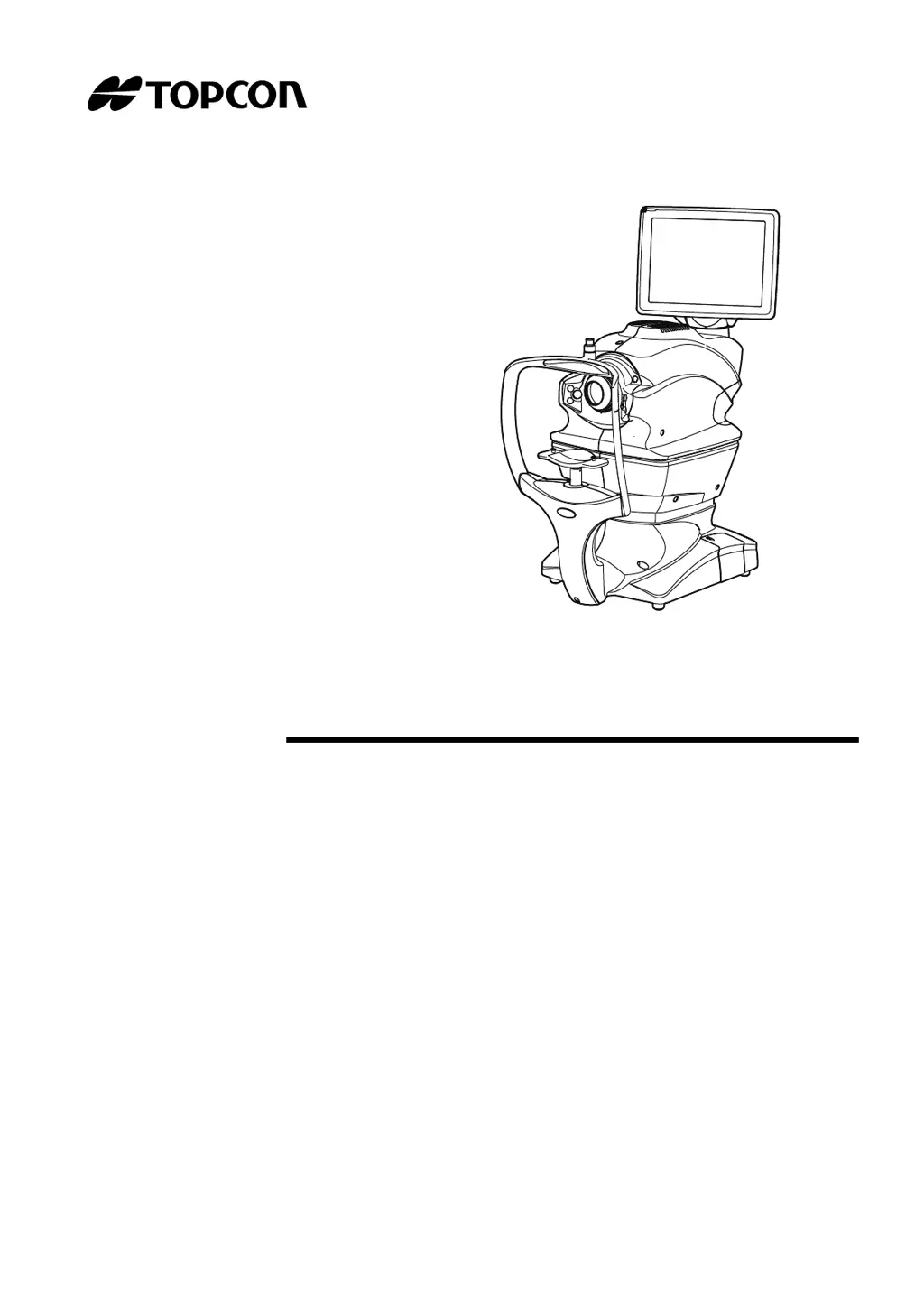
NON-MYDRIATIC RETINAL CAMERA
TRC-NW400

Table of Contents

Questions and Answers

  • L
    Laura TaylorAug 19, 2025
    How to fix 'Out of memory' error on Topcon Medical Equipment?
    • G
      Gary GomezAug 19, 2025
      If the Topcon Medical Equipment indicates 'Out of memory', it means the built-in operating system's memory area is insufficient. To resolve this, turn the power switch off and then on again.
  • G
    George CummingsAug 21, 2025
    What to do if a communication error occurs on Topcon Medical Equipment?
    • S
      stewartkeithAug 22, 2025
      If the Topcon Medical Equipment displays a 'Communication error', this indicates a problem in the connection between the instrument and the external PC. Ensure the LAN cable is correctly connected to both the instrument and the external computer.
  • R
    ramirezanthonyAug 25, 2025
    Why does my Topcon TRC-NW400 show an internal communication error?
    • M
      meghan83Aug 25, 2025
      If the Topcon Medical Equipment displays 'Internal communication error', it means there's an issue with communication between the built-in PCBs. Turn the power switch off to attempt to resolve it.
  • J
    Jasmine KingAug 26, 2025
    What to do if Topcon TRC-NW400 fails to save the image?
    • K
      Kevin ZhangAug 26, 2025
      If the Topcon Medical Equipment says 'Failed to save the image', it indicates an issue with saving the image to the shared folder or USB memory. Check the displayed message, then verify the connection of the LAN cable or USB memory and the status of the save destination.
  • D
    Danny CardenasAug 28, 2025
    What to do if Topcon TRC-NW400 Medical Equipment says 'Camera is not connected'?
    • C
      christopherlynchAug 28, 2025
      If the Topcon Medical Equipment displays 'Camera is not connected', it means an error has occurred in the communication with the built-in color photography camera. Turn on the camera or check if the connecting cable is disconnected.
  • M
    Mark CarlsonAug 30, 2025
    Why does Topcon TRC-NW400 Medical Equipment fail to access the save destination?
    • N
      nschmidtAug 30, 2025
      If the Topcon Medical Equipment is 'Failed to access the save destination', it means that the connection to the specified save destination cannot be performed. Check the connection and the status of the save destination.
  • K
    kylekellySep 1, 2025
    Why does the control panel not work on my Topcon TRC-NW400?
    • A
      Anne RobertsSep 1, 2025
      If the Topcon Medical Equipment's control panel does not work, it's likely that the power cord isn't properly connected to the outlet or the instrument. Connect the power cord to resolve this.
  • S
    Sean RamirezSep 3, 2025
    How to fix auto focus failure on Topcon TRC-NW400?
    • O
      omitchellSep 3, 2025
      If the Topcon Medical Equipment shows 'Failed in auto focus', it means automatic focusing has failed. Push the [Auto Focus] button and execute auto focus again, or manually adjust focus.
  • Y
    Yvette CrawfordSep 5, 2025
    Why is the photographic image dark on my Topcon Medical Equipment?
    • M
      maria10Sep 6, 2025
      If the Topcon Medical Equipment displays 'Photographic image is dark all over', it suggests the flash level is insufficient. Adjust the flash level by tapping the [Flash level] display on the control panel.
  • C
    Carol MasonSep 7, 2025
    How to fix a control panel that is not clear on Topcon TRC-NW400?
    • J
      Joan FordSep 8, 2025
      If the Topcon Medical Equipment's control panel is not clear, it indicates that the image is dark. You can adjust the brightness in the setting menu under 'Display Brightness'.

Summary

General Safety Information

Contraindications

Lists conditions or patient types for which the instrument must not be used.

Warnings

Provides critical safety alerts regarding patient and operator safety.

Cautions

Offers important warnings and precautions for safe operation and to prevent damage.

Positions of Warning and Caution Indications

System Diagram

Preparations

Installation

Provides instructions for setting up and installing the instrument.

Connecting the Power Cord

Details the procedure for connecting the instrument to a power source.

Basic Operations

Preparation for Photography

Details the steps required before taking photographs.

Setting the Patient

Guides on how to input patient information and set up for imaging.

Fundus Photography

Detailed instructions for capturing images of the fundus.

Anterior Segment Photography

Provides instructions for capturing images of the anterior segment.

Stereoscopic Photography

Details the process for capturing stereoscopic images.

Fundus Peripheral Photography

Explains how to capture images of the fundus periphery.

Operation on the Manual Adjustment Screen

Guides on using the manual adjustment features of the instrument.

Details of the Setting Menu

Before Requesting Service

Troubleshooting

Provides solutions for common error messages and operational problems.

Specifications and Performance

Specifications

Lists the technical specifications of the TRC-NW400.

General Information on Usage and Maintenance

Maintenance

Cleaning the Objective Lens

Detailed steps for cleaning the instrument's objective lens.

TRC-NW400 Software License Terms

Topcon TRC-NW400 Specifications

General IconGeneral
BrandTopcon
ModelTRC-NW400
CategoryMedical Equipment
LanguageEnglish

Related product manuals