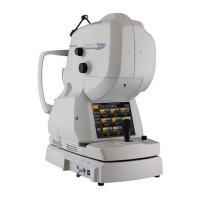
EasyManua.ls Logo

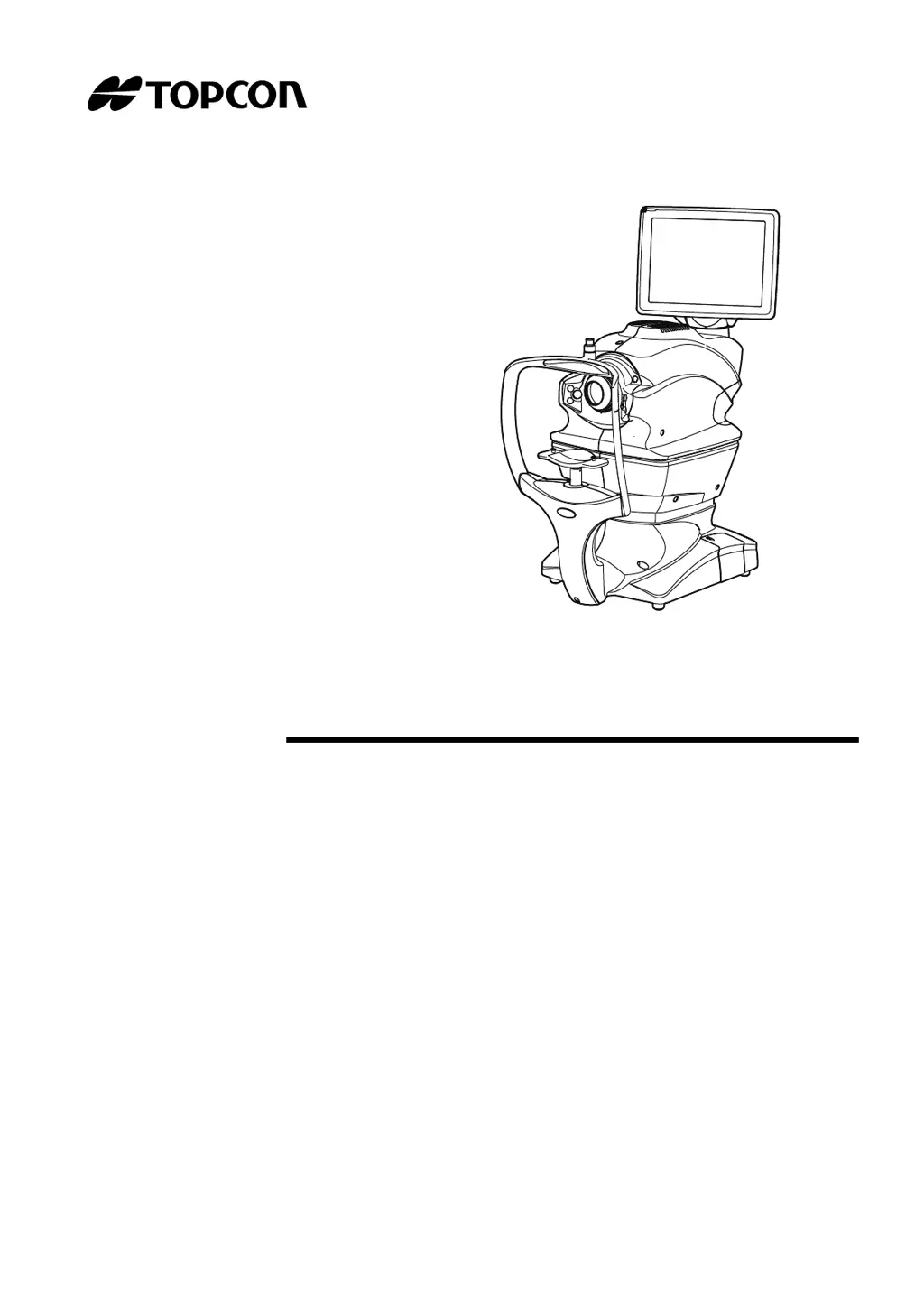
Topcon TRC-NW400 - User Manual

Topcon TRC-NW400
106 pages
Print Icon
To Next Page IconTo Next Page
Loading...
USER MANUAL
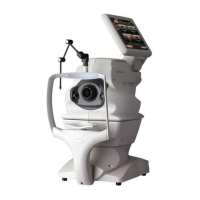
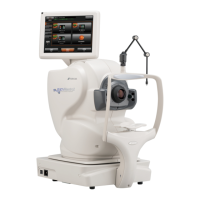
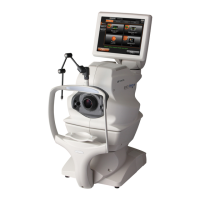
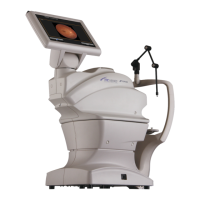
NON-MYDRIATIC RETINAL CAMERA
TRC-NW400

Table of Contents

Questions and Answers

  • L
    lisawoodardSep 10, 2025
    Why can't Topcon Medical Equipment find the patient's pupil center?
    • P
      paulaphillipsSep 10, 2025
      If the Topcon Medical Equipment cannot get the patient's pupil center, it could be due to incorrect face height. Adjust the face height using the CHINREST UP/DOWN button on the control panel.
  • J
    Jennifer SmithSep 12, 2025
    Why is the periphery of the captured image dark on Topcon TRC-NW400 Medical Equipment?
    • S
      Steven HayesSep 12, 2025
      If the Topcon Medical Equipment shows that the periphery of the captured image is dark, it indicates that the alignment is incorrect. Adjust the alignment to correct this.
  • L
    Laura HoltSep 14, 2025
    Why does my Topcon TRC-NW400 Medical Equipment show a dim white spot on the captured image?
    • J
      Jeffrey McgrathSep 14, 2025
      If the Topcon Medical Equipment shows a dim white spot on the captured image, it means that the objective lens is stained. Clean the lens to resolve this issue.
  • J
    Justin WongSep 16, 2025
    What to do if Topcon TRC-NW400 Medical Equipment says internal battery may have run out?
    • B
      Bryan BrownSep 16, 2025
      If the Topcon Medical Equipment indicates that the internal battery may have run out, it means the built-in battery is likely dead and the date/time has been cleared. Set the date and time. Contact the serviceman to replace the battery.

Summary

General Safety Information

Contraindications

Lists conditions or patient types for which the instrument must not be used.

Warnings

Provides critical safety alerts regarding patient and operator safety.

Cautions

Offers important warnings and precautions for safe operation and to prevent damage.

Positions of Warning and Caution Indications

System Diagram

Preparations

Installation

Provides instructions for setting up and installing the instrument.

Connecting the Power Cord

Details the procedure for connecting the instrument to a power source.

Basic Operations

Preparation for Photography

Details the steps required before taking photographs.

Setting the Patient

Guides on how to input patient information and set up for imaging.

Fundus Photography

Detailed instructions for capturing images of the fundus.

Anterior Segment Photography

Provides instructions for capturing images of the anterior segment.

Stereoscopic Photography

Details the process for capturing stereoscopic images.

Fundus Peripheral Photography

Explains how to capture images of the fundus periphery.

Operation on the Manual Adjustment Screen

Guides on using the manual adjustment features of the instrument.

Details of the Setting Menu

Before Requesting Service

Troubleshooting

Provides solutions for common error messages and operational problems.

Specifications and Performance

Specifications

Lists the technical specifications of the TRC-NW400.

General Information on Usage and Maintenance

Maintenance

Cleaning the Objective Lens

Detailed steps for cleaning the instrument's objective lens.

TRC-NW400 Software License Terms

Topcon TRC-NW400 Specifications

General IconGeneral
BrandTopcon
ModelTRC-NW400
CategoryMedical Equipment
LanguageEnglish

Related product manuals