66
DETAILS OF THE SETTING MENU
DETAILS OF THE SETTING MENU
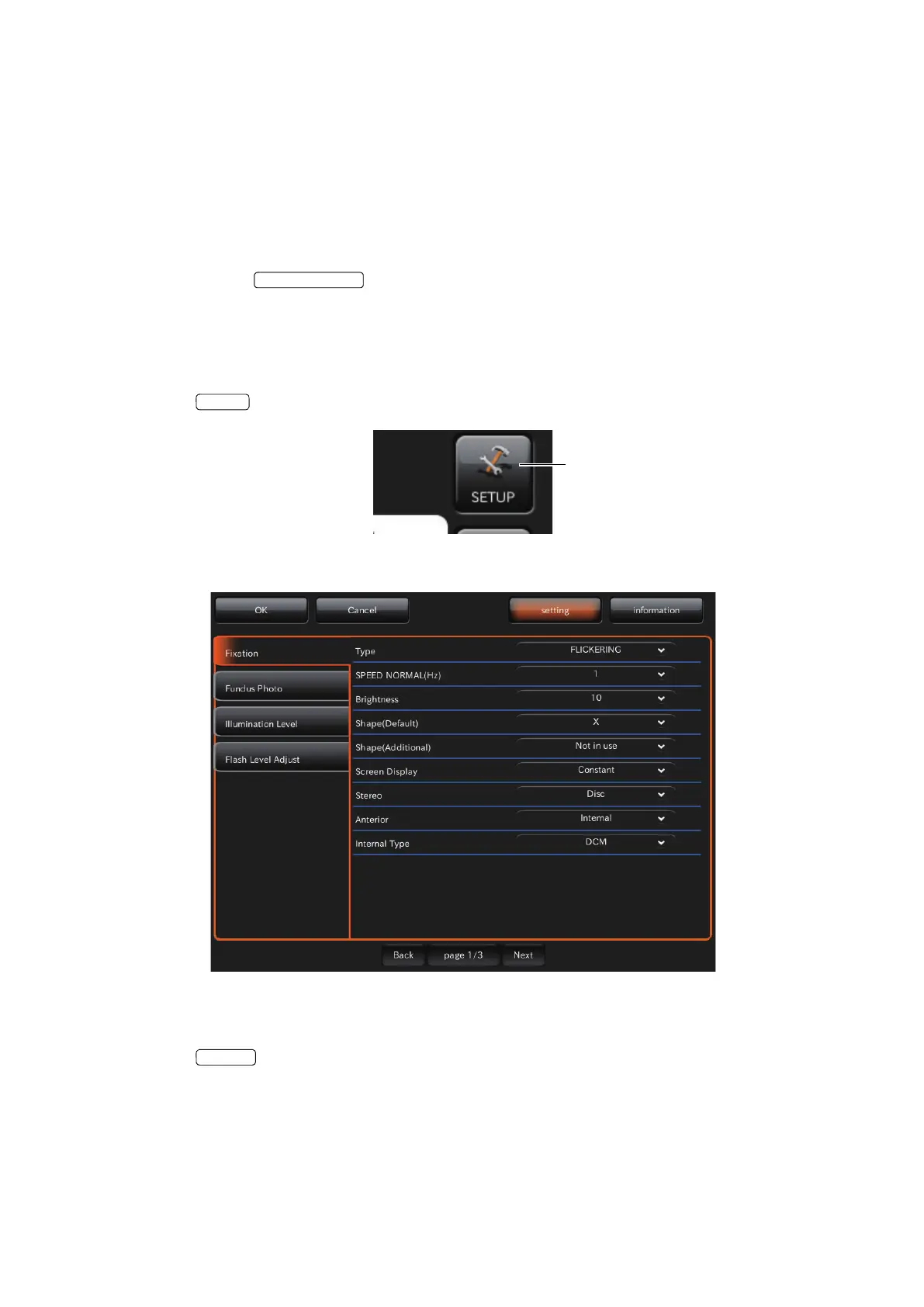
On the setting menu screen, you can set a variety of data.
Preparation for setting
1 Check the power cord connection.
For details, see "CONNECTING THE POWER CORD" on page 32.
2 Turn ON (I) the of the instrument.
Displaying the setting menu screen
1 Check the photography screen (chinrest adjustment), which is the initial screen.
2 Tap the button on the photography screen (chinrest adjustment).
3 Check the setting menu screen.
Returning to the photography screen:
1 Tap the button.
2 Return to the photography screen.















 To Next Page