39
BASIC OPERATIONS
BASIC OPERATIONS
SETTING THE PATIENT
SETTING THE PATIENT
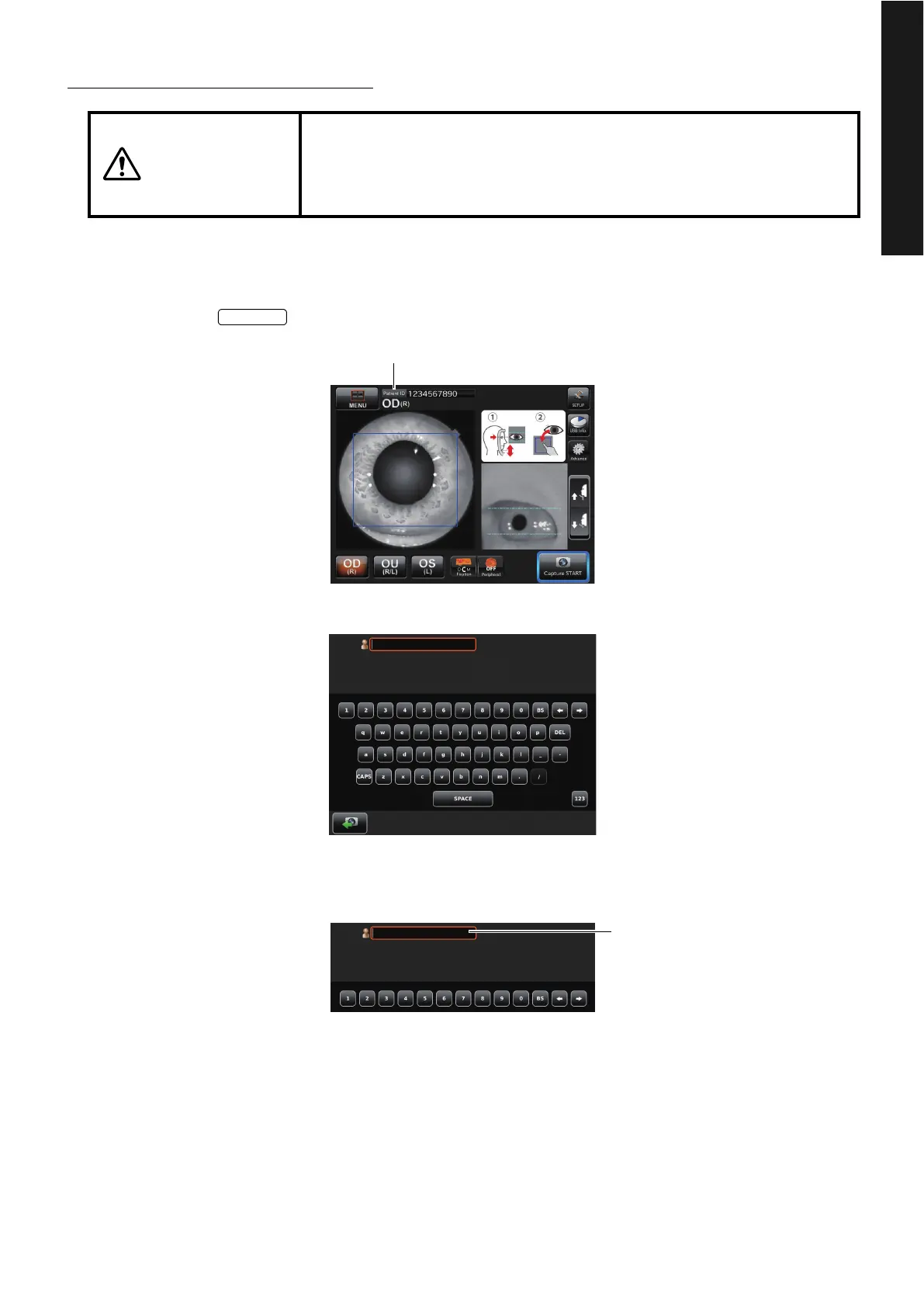
Inputting the Patient ID
1 Tap the button.
The patient ID input screen appears.
2 Tap the patient ID input item window to make the frame orange.
CAUTIONS
There is a mode which starts under the condition that the patient ID is
input. If you want to take a picture with other patient ID, input the ID
again. If not, the photographed image is registered as the data of a dif-
ferent patient.















 To Next Page