EasyManua.ls Logo

Topcon Compu-Vision CV-5000 - User Manual

Topcon Compu-Vision CV-5000
232 pages
Print Icon
To Next Page IconTo Next Page
Loading...
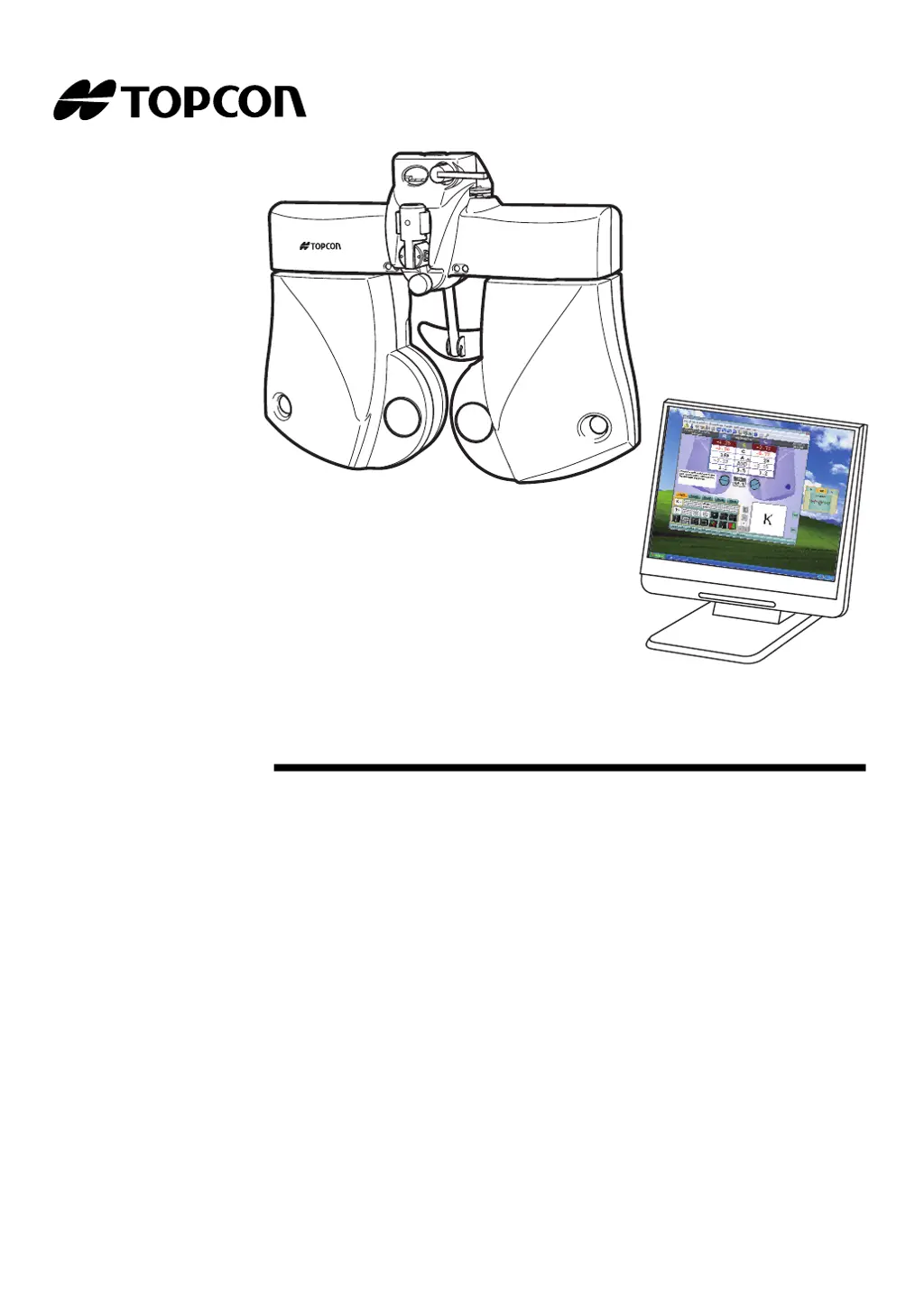
USER MANUAL
COMPU-VISION
CV-5000
CV-5000

Table of Contents

Other manuals for Topcon Compu-Vision CV-5000

Questions and Answers

  • A
    Arthur SalinasSep 8, 2025
    What to do if Topcon Medical Equipment displays 'Could NOT open the software chart configuration screen'?
    • E
      Elizabeth FullerSep 8, 2025
      When the 'Chart software config.' screen cannot be opened normally, this error is displayed. Switch on the CV system again.
  • T
    teresa65Aug 25, 2025
    What to do if I fail to access the RM/CL data folder in Topcon Compu-Vision CV-5000?
    • S
      sariasAug 25, 2025
      If login to the specified data folder is not possible, check if the RM/CL data folder is set correctly on 'RM/CL data folder' of 'System configurations'.
  • K
    Kathryn MasseyAug 25, 2025
    What does it mean if Topcon Compu-Vision CV-5000 says 'Communication ERROR (Timeout SERIAL IMPORT)'?
    • K
      Katherine BakerAug 26, 2025
      This error means that the data sent from the device connected through the serial method cannot be acquired correctly within the set time. To resolve this, try to import the data again. If the problem persists, switch on the CV system again. Also, ensure that the device is connected to the personal computer through the serial cable correctly and that the device's software operates correctly.
  • M
    Matthew ProctorSep 18, 2025
    What to do if Topcon Compu-Vision CV-5000 Medical Equipment displays 'Fail to connect to the chart monitor'?
    • J
      jeffrey62Sep 18, 2025
      Make sure that the chart is powered. Then, turn off and restart the CV system. If the error is displayed continuously, the instrument may malfunction.
  • J
    James SmithSep 8, 2025
    What to do if Topcon Medical Equipment displays 'Data file folder is not found'?
    • D
      Donna PetersonSep 9, 2025
      When the file link folder is not found, this error occurs. Make sure that the system having the file link folder is connected to the network and operates correctly.
  • P
    Paula CastroSep 13, 2025
    What to do if Topcon Compu-Vision CV-5000 displays 'Fail to read data from the port "[In] REF data receive (01)"'?
    • K
      Kathy MitchellSep 13, 2025
      When the format received from the connected device is not correct, this error is displayed. Check the data format setting of the device.
  • R
    Raymond ReedSep 3, 2025
    What to do if Topcon Compu-Vision CV-5000 displays 'Communication error at the port "[In] REF data receive (00)"'?
    • J
      janetthomasSep 3, 2025
      An error has occurred in the serial communication with RM/CL. Check the cable connection.
  • A
    Albert JohnsonSep 4, 2025
    What to do if Topcon Compu-Vision CV-5000 Medical Equipment displays 'Communication error at the port "[In] REF data receive (01)"'?
    • J
      jasmine93Sep 4, 2025
      An error has occurred in the serial communication with RM/CL. Check the cable connection.
  • I
    idavisSep 23, 2025
    Why is Topcon Medical Equipment printing blank pages?
    • S
      Sharon BrownSep 23, 2025
      If your Topcon Medical Equipment printer is feeding paper but not printing letters, the printer paper might be loaded incorrectly. Ensure the printer paper is set correctly; it might be rolled reversely.
  • T
    tapiabrittanyAug 29, 2025
    How to fix 'File format error' on Topcon Compu-Vision CV-5000?
    • C
      Christopher Walls IIAug 29, 2025
      Open 'System configurations' on the data input/output setting screen and check whether the format set on 'Data file configuration' meets the format of the data file output from the external database.

Topcon Compu-Vision CV-5000 Specifications

General IconGeneral
BrandTopcon
ModelCompu-Vision CV-5000
CategoryMedical Equipment
LanguageEnglish

Related product manuals