38
BASIC OPERATIONS
BASIC OPERATIONS
PREPARATION FOR PHOTOGRAPHY
PREPARATION FOR PHOTOGRAPHY
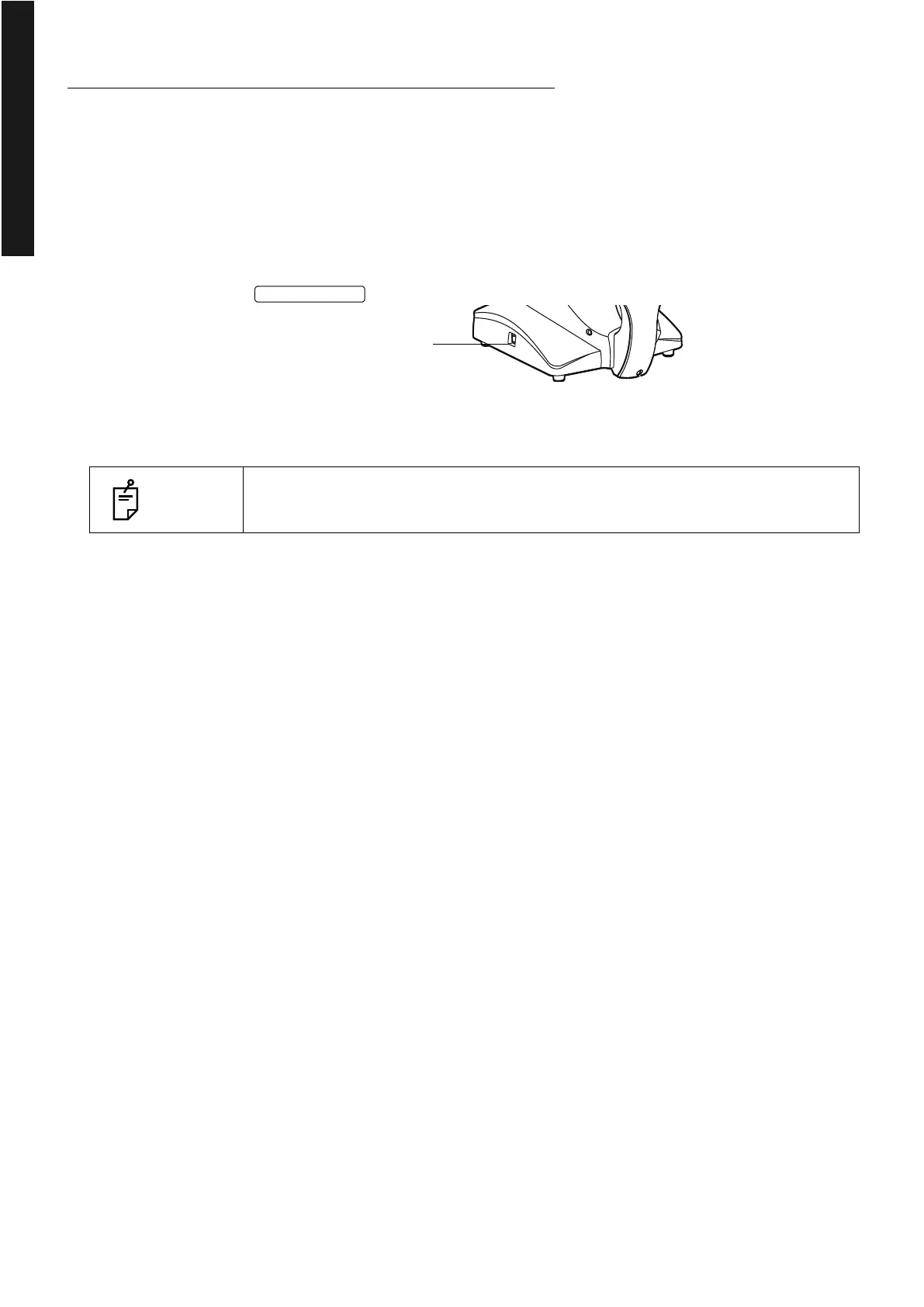
Turn ON the power
1Check the power cord connection.
For details, see "CONNECTING THE POWER CORD" on page 32.
2 Turn ON the of the instrument.
3 Confirm that the Title screen is displayed and then, in several tens of seconds, the capture
screen should be displayed.
NOTES
After the Title screen is displayed, the screen is blank for about 10 seconds
because the built-in graphics are initialized. This is not a trouble.















 To Next Page