EasyManua.ls Logo

Topcon MC-4S - User Manual

Topcon MC-4S
76 pages
Print Icon
To Next Page IconTo Next Page
Loading...
USER MANUAL
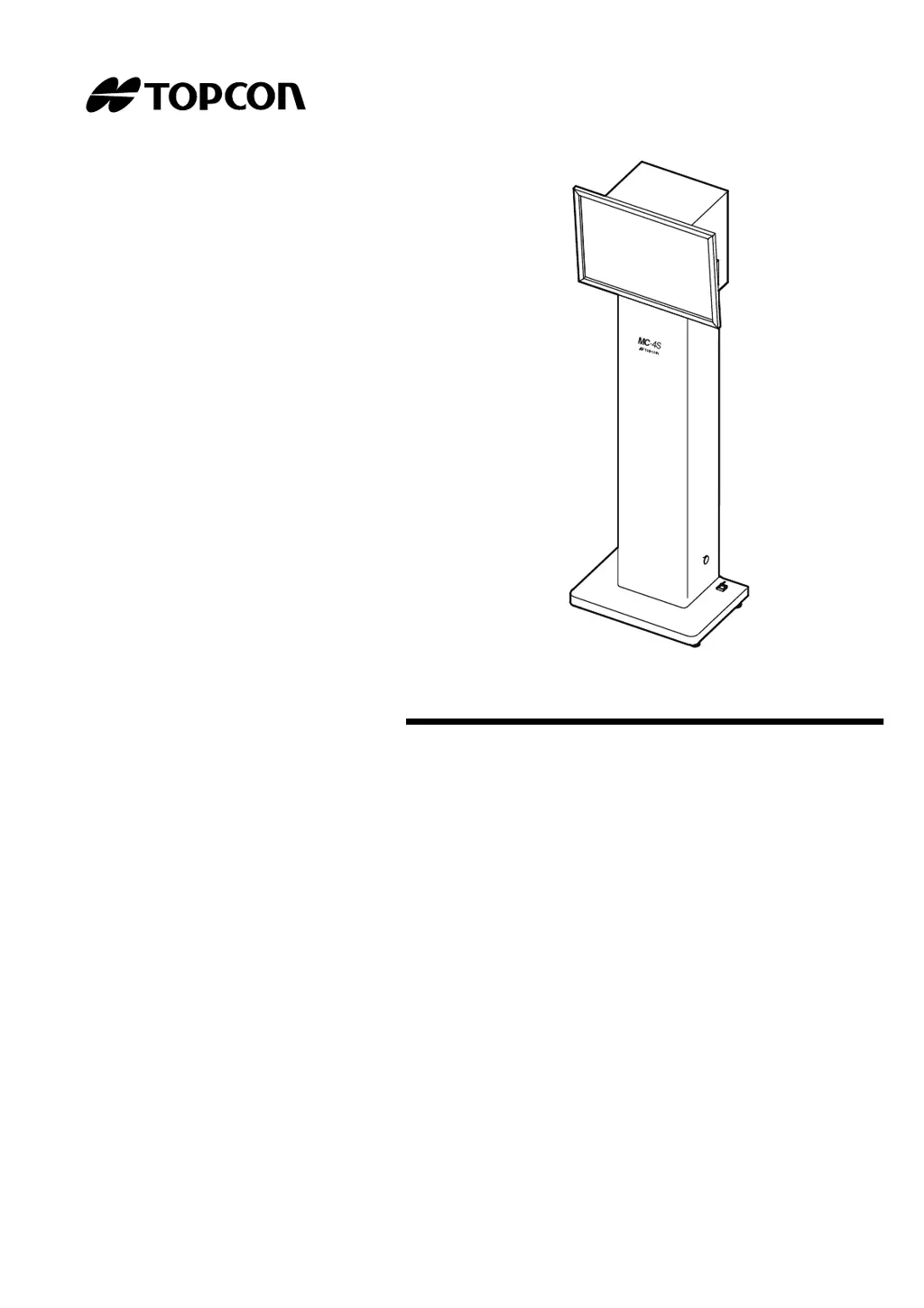
MIRROR CHART
MC-4S

Questions and Answers

  • M
    Ms. Ashley AnthonySep 2, 2025
    Why does Topcon Medical Equipment show IDS_CHART_LANG_TYPE_ERR (Error Code 501)?
    • M
      Margaret CarrilloSep 2, 2025
      The error IDS_CHART_LANG_TYPE_ERR (Error Code 501) on Topcon Medical Equipment indicates that the language set in the CV software is not usable in the MC-4S software. Use the software as it is.
  • W
    wbernardAug 31, 2025
    What to do if Topcon MC-4S fails to open chart software configuration screen (Error Code 300)?
    • L
      lisanelsonAug 31, 2025
      If Topcon Medical Equipment fails to open chart software configuration screen and shows Error Code 300, restart the CV system.
  • M
    munozroyAug 29, 2025
    What to do if Topcon Medical Equipment fails to execute chart software (Error Code 606)?
    • S
      Stephanie Morgan DDSAug 29, 2025
      If Topcon Medical Equipment fails to execute chart software and displays Error Code 606, restart the CV system.
  • T
    Tina MartinAug 27, 2025
    What to do if Topcon MC-4S Medical Equipment fails to execute chart software (Error Code 605)?
    • M
      matthewcastroAug 28, 2025
      If Topcon Medical Equipment fails to execute chart software and displays Error Code 605, restart the CV system. If the issue persists, select a chart type again or reinstall the software.
  • R
    Robert WuAug 26, 2025
    What to do if Topcon MC-4S fails to execute chart software (Error Code 601)?
    • C
      Carla GutierrezAug 27, 2025
      If Topcon Medical Equipment fails to execute chart software and shows Error Code 601, restart the CV system. If you're using the MC-4S with an external personal computer, ensure the resolution is set to "640×480" and the color to "32 bits" for the MC-4S on the connected personal computer in advance. Start the CV software while the screen is ON.
  • L
    Lorraine CabreraAug 25, 2025
    What to do if Topcon MC-4S Medical Equipment fails to execute chart software (Error Code 602)?
    • R
      Ricardo NavarroAug 25, 2025
      If Topcon Medical Equipment fails to execute chart software and displays Error Code 602, restart the CV system and reinstall the software.
  • K
    Kimberly WilkinsAug 22, 2025
    What to do if Topcon MC-4S Medical Equipment fails to save chart software configurations (Error Code 701)?
    • S
      Shawn WilliamsAug 22, 2025
      If Topcon Medical Equipment fails to save chart software configurations due to Error Code 701, it's likely the setting file of the MC-4S cannot be accessed after exiting the setting. Restart the CV system and change the setting again.

Summary

INTRODUCTION AND SAFETY

INTRODUCTION

Provides an overview of the TOPCON Mirror Chart MC-4S and its purpose.

GENERAL SAFETY INFORMATION

Crucial warnings and cautions for preventing electric shock, fire, and ensuring safe operation of the instrument.

INSTRUMENT OVERVIEW AND SETUP

DISPLAYS AND SYMBOLS FOR SAFE USE

Explains safety indicators, symbols, and their meanings for proper instrument handling.

NOMENCLATURE

Identifies and describes the main parts, ports, and indicators of the MC-4S and its accessories.

PREPARATION BEFORE USE

Guides on installing, connecting, powering up, and initial configuration of the MC-4S.

MC-4 S CHART FUNCTIONS AND OPERATION

UNIQUE CHART FUNCTIONS

Details advanced visual acuity chart features like reversal, contrast, and simulation modes for enhanced testing.

IMAGE;MOVIE DISPLAY AND CUSTOMIZATION

Instructions for displaying and managing still images, movies, and slideshows, including user content.

SETTING THE VISUAL ACUITY CHART

Procedures for configuring examination distance, slideshow intervals, and other chart display parameters.

MAINTENANCE AND TROUBLESHOOTING

ROUTINE MAINTENANCE

Covers daily checks, cleaning procedures for the chart window and monitor, and battery replacement.

TROUBLE SHOOTING GUIDE

Provides solutions for common problems, error messages, and troubleshooting steps.

TECHNICAL SPECIFICATIONS AND GENERAL INFORMATION

SPECIFICATIONS & PERFORMANCE

Lists detailed technical specifications, performance metrics, and electrical ratings of the MC-4S.

USAGE, ENVIRONMENT, AND COMPLIANCE

Covers purpose, environmental conditions, storage, EMC, and external device requirements.

Topcon MC-4S Specifications

General IconGeneral
TypeAuto Refractometer / Keratometer
Measurement Steps (Refraction)0.01/0.12/0.25D
Measurement Steps (Keratometry)0.01D
DisplayLCD
Power SupplyAC100~240V, 50/60Hz
Measurement Range (Refraction)-25D to +25D (Sphere), -12D to +12D (Cylinder)
Pupil Diameter Measurement Range2.0 ~ 8.5mm

Related product manuals