19
PREPARATION BEFORE USE
SETTING THE ALIGNMENT EMITTER
When installing two or more instruments in neighboring areas, it is necessary to set the channels of the
instruments and controllers in order to prevent interference. (It is possible to install up to four instruments.)
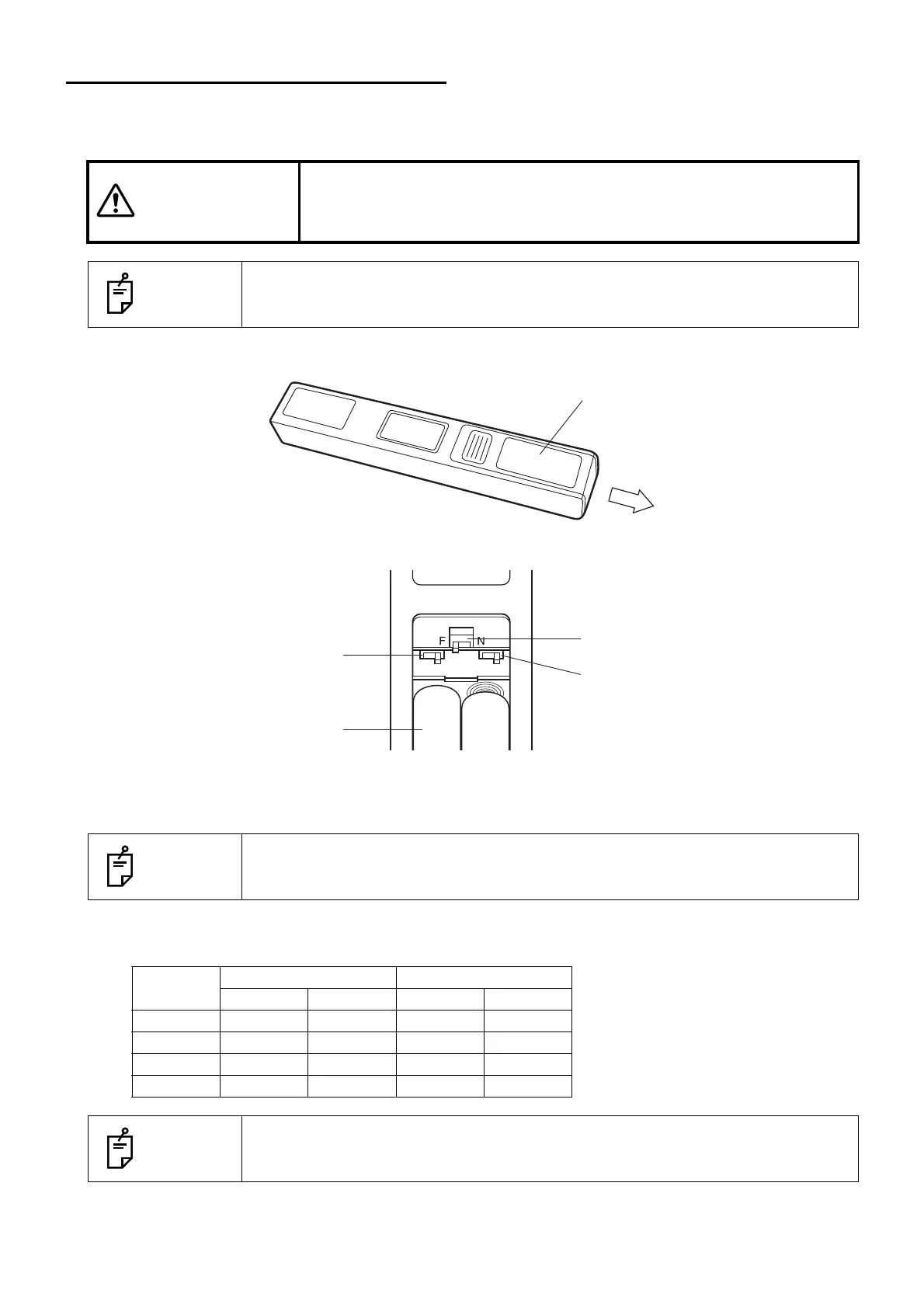
1 Remove the battery cover from the alignment emitter.
2 Change the slide switches inside the battery box according to the channel table.
3 Attach the battery cover.
4 To perform the setting for the instrument, open the cover at the rear of the sensor detector unit.
Channel table
Setting of alignment emitter and instrument
CAUTIONS
To avoid electric shock, when changing the setting of the alignment
emitter do not make any contact with the patient and alignment emitter
at the same time.
NOTES
To change the setting of the alignment emitter, ask your service personnel.
NOTES
To change the setting of the instrument, ask your service personnel.
Channel
Alignment emitter Instrument
S1 S2 SW02-1 SW02-2
1HHOFFOFF
2LHONOFF
3HLOFFON
4 L L ON ON
NOTES
"Channel 1" is set as the default when shipped.
Battery box
Slide switch S1
Left: H
Right: L
Slide switch S3
Slide switch S2
Left: H
Right: L



 To Next Page