12
STARTING
1. STARTING
1.1. Starting and Exiting the 3D OCT-1 Program
1.1.1. To Start the 3D OCT-2000 Program:
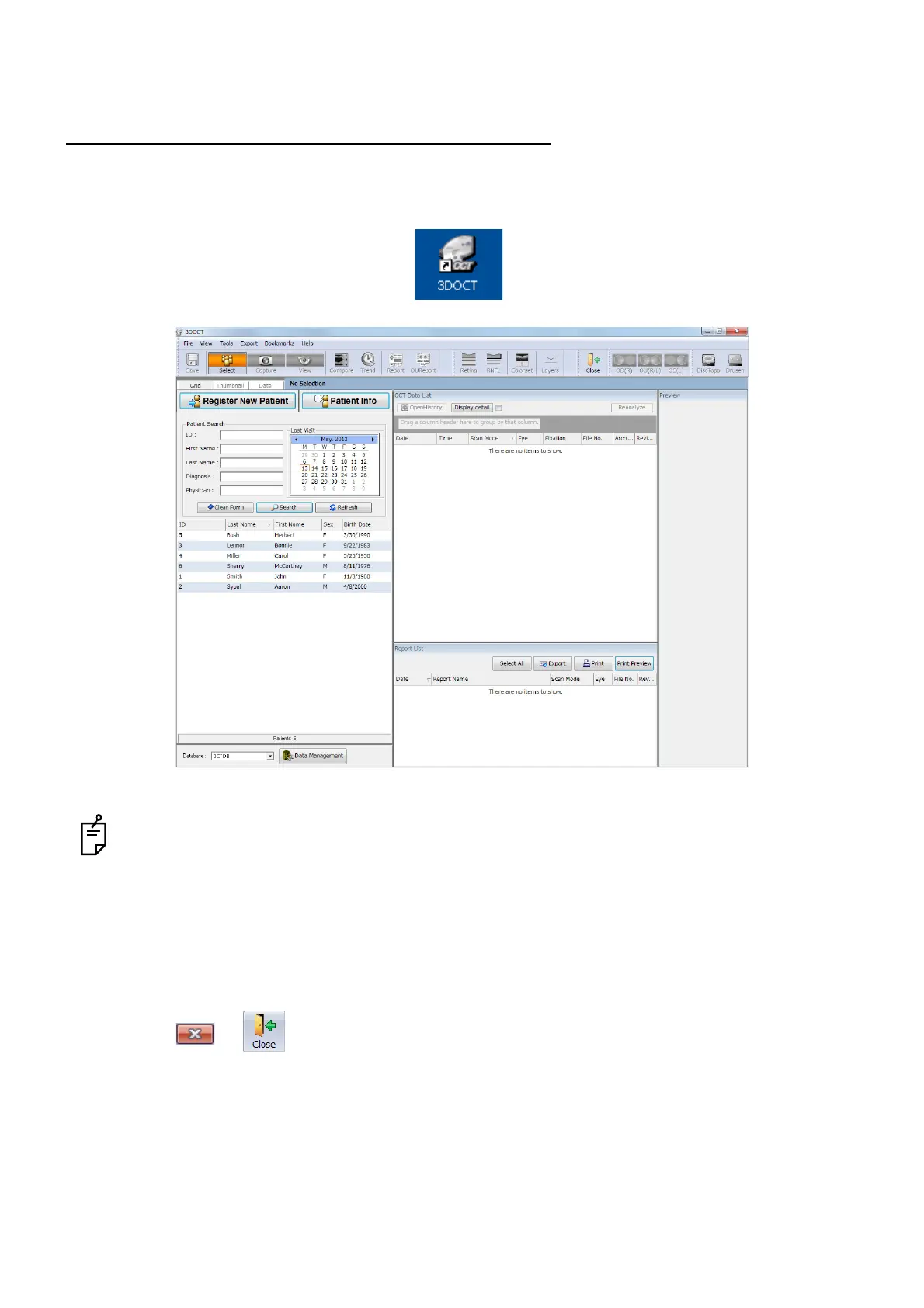
1 Double-click the [3DOCT] icon on the desktop.
When you start 3D OCT and "Failed to check the license." is displayed, double-click the [3D OCT]
icon to start it again. (If the above message is displayed on condition that the 3D OCT program is
registered in "Startup" and you start it, delete the program from "Startup". Then, start the 3D OCT
manually.)
1.1.2. To Exit the 3D OCT Program:
1 Click or .












 To Next Page