EasyManua.ls Logo

Topcon LC-300G - User Manual

Topcon LC-300G
78 pages
Print Icon
To Next Page IconTo Next Page
Loading...
INSTRUCTION MANUAL
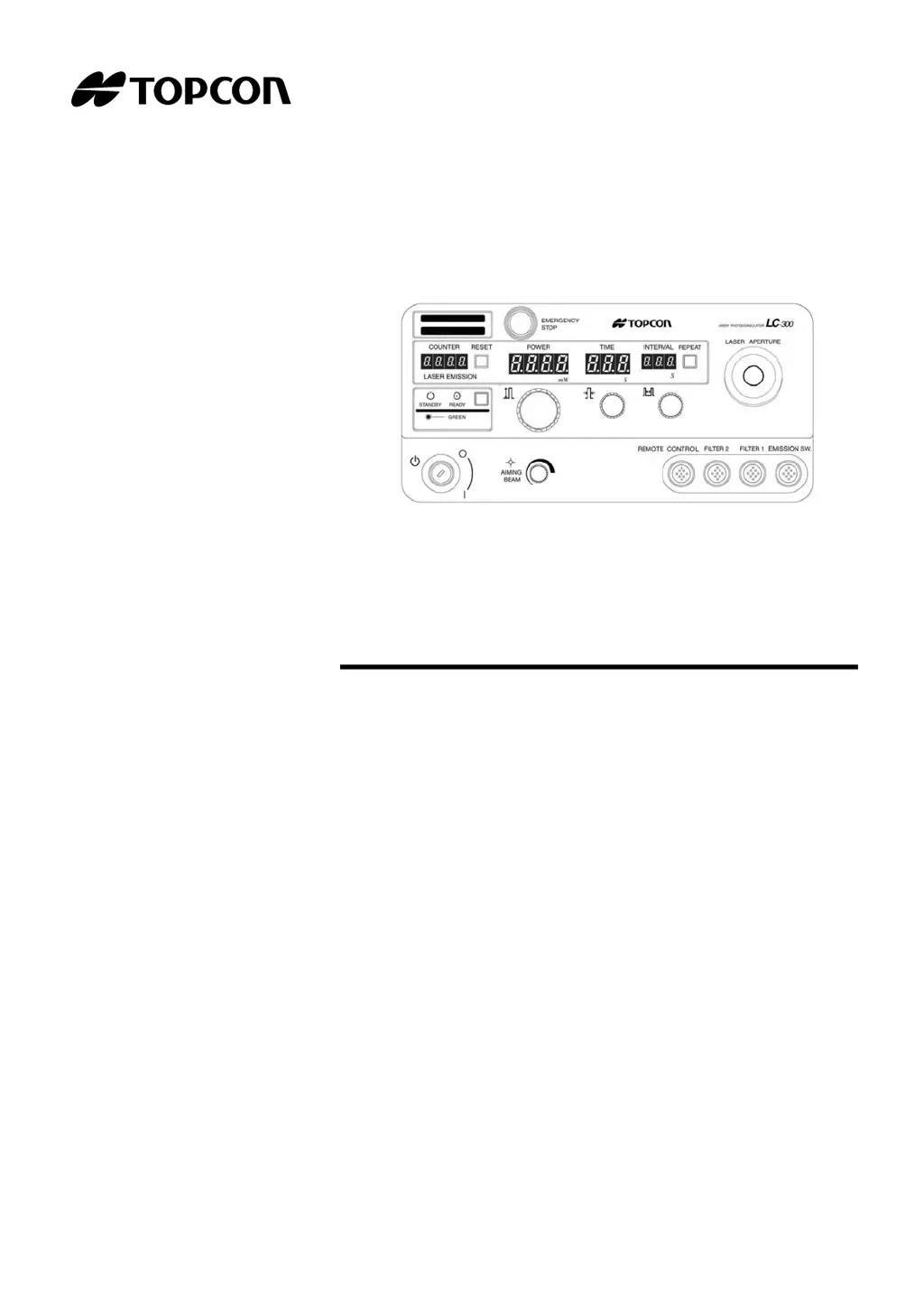
LASER PHOTOCOAGULATOR
LC-300G

Table of Contents

Questions and Answers

  • K
    Kevin McknightAug 18, 2025
    How to troubleshoot illumination lamp if it does not turn ON on Topcon Medical Equipment?
    • H
      hhicksAug 19, 2025
      If the illumination lamp does not turn ON on your Topcon Medical Equipment, consider the following: 1. Ensure the power cable is fully inserted. 2. Check that the Power switch is turned ON. 3. Replace the illumination lamp if it's burned out. 4. Replace the fuse if it's burned out. 5. Replace the socket if it's deteriorated.
  • D
    dmooreAug 21, 2025
    What to do if the abnormal diagnosis error is displayed on Topcon LC-300G Medical Equipment?
    • M
      Melissa WareAug 21, 2025
      If the abnormal diagnosis error is displayed on your Topcon Medical Equipment, it indicates that error codes/messages need to be checked. Refer to the Error message list for check points. If the message persists, it is recommended to contact your dealer or TOPCON.
  • N
    Nicole DuranAug 23, 2025
    How to fix treatment laser if it does not work on Topcon LC-300G Medical Equipment?
    • B
      Brandon MorrisonAug 23, 2025
      If the treatment laser on your Topcon Medical Equipment isn't working, it might be in Standby mode. To resolve this, press the Standby/Ready button to switch to Ready mode.
  • A
    Amanda JohnsonAug 26, 2025
    Why is the aiming beam dark on my Topcon LC-300G and how to fix it?
    • S
      Shawn ClineAug 26, 2025
      If the aiming beam is dark on your Topcon Medical Equipment, it could be due to a low setting. Adjust the aiming beam volume using the Aiming beam output dial. Alternatively, the optical fiber plug may not be fully inserted into the laser aperture; ensure it is completely inserted.
  • J
    John KnappAug 28, 2025
    What to do if the treatment laser output is lowered on Topcon Medical Equipment?
    • P
      Pamela SmithAug 28, 2025
      If the treatment laser output is lowered on your Topcon Medical Equipment, make sure the optical fiber plug is completely inserted into the laser aperture. If the issue persists, it is recommended to contact your dealer or TOPCON.
  • E
    Erin ThompsonAug 30, 2025
    Why is the illumination field nonuniform or dark on Topcon LC-300G Medical Equipment and how can I fix it?
    • E
      ericwarrenAug 30, 2025
      If the illumination field is nonuniform or the illumination is dark on your Topcon Medical Equipment, ensure the illumination lamp is correctly set. Also, check that the filter/diaphragm is correctly reset and not stuck in the middle. Finally, verify that the voltage selector, located at the lower part of the power supply, is correctly set.
  • S
    Suzanne BrownSep 1, 2025
    What does 'Connect Fiber W302' mean on Topcon Medical Equipment and how to solve it?
    • M
      Maria LopezSep 1, 2025
      If you see "Connect Fiber W302" displayed on your Topcon Medical Equipment, it means the optical fiber is not plugged in. Ensure the optical fiber plug is fully inserted into the laser aperture on the main body front panel.
  • M
    Matthew JonesSep 4, 2025
    What does 'Connect Filter W304' mean on Topcon LC-300G Medical Equipment and how do I fix it?
    • M
      Matthew RileySep 4, 2025
      If you see "Connect Filter W304" on your Topcon Medical Equipment, it means that the connector of the protect filter is not connected. Check if the connector of the protect filter is connected correctly.
  • A
    Amanda MorganSep 6, 2025
    What does 'Inter lock... Unclock W303' mean on Topcon Medical Equipment and how to resolve it?
    • D
      David OconnorSep 6, 2025
      If you see "Inter lock... Unclock W303" on your Topcon Medical Equipment, it indicates that the connector of the remote interlock is not connected. Ensure the connector of the remote interlock is correctly connected.
  • A
    alec98Sep 8, 2025
    What does 'Connect Foot Switch W301' mean on Topcon Medical Equipment and how do I resolve it?
    • N
      nelsontimothySep 8, 2025
      If you see "Connect Foot Switch W301" displayed on your Topcon Medical Equipment, it means the Emission switch (or Footswitch) is not connected to the main body. Check if the connection cable of the Emission switch is correctly connected to the emission switch connector on the main body front panel.

Topcon LC-300G Specifications

General IconGeneral
BrandTopcon
ModelLC-300G
CategoryMedical Equipment
LanguageEnglish

Related product manuals