EasyManua.ls Logo

Topcon PixelChart PC-50S - User Manual

Topcon PixelChart PC-50S
54 pages
Print Icon
To Next Page IconTo Next Page
Loading...
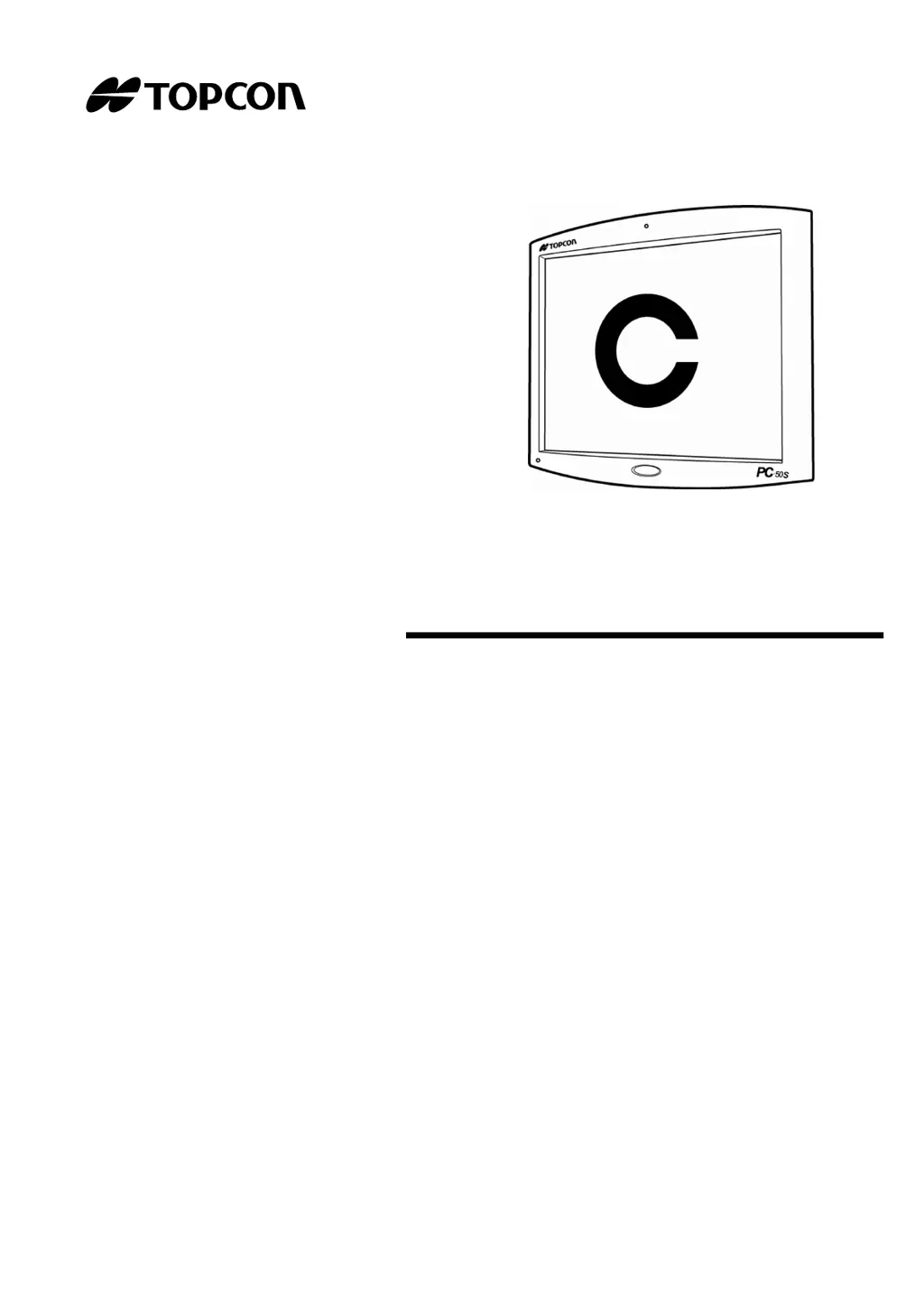
INSTRUCTION MANUAL
PixelChart
PC-50S

Questions and Answers

  • B
    bonniedanielsAug 20, 2025
    How to fix Topcon PixelChart PC-50S liquid crystal display that suddenly turned off?
    • D
      David OsbornAug 20, 2025
      If the liquid crystal display of your Topcon Medical Equipment suddenly turns off, it might be due to the image signal not being input from CV-5000. To resolve this, check the connection with CV-5000.
  • L
    Lynn AcevedoAug 22, 2025
    Why is the pilot lamp not lit in green on my Topcon PixelChart PC-50S?
    • M
      matthew12Aug 22, 2025
      If the pilot lamp is not lit in green on your Topcon Medical Equipment, it could be due to a couple of reasons: * If the pilot lamp is lit in orange, the power switch might not be turned on. Check the power switch and the power cord or AC adapter connection. * If the pilot lamp is OFF, the power cord or AC adapter might not be connected to the instrument.
  • S
    Sandra RhodesAug 25, 2025
    How to fix error code 604 when executing chart software on Topcon Medical Equipment?
    • A
      Abigail StewartAug 25, 2025
      If your Topcon Medical Equipment fails to execute chart software and displays Error Code 604, set "PC-50S" in "Chart monitor selection" of "Chart settings".
  • H
    hleAug 26, 2025
    What to do if Topcon Medical Equipment could NOT find the selected chart monitor?
    • M
      mackcoreyAug 26, 2025
      If you're getting the error message "Could NOT find the selected chart monitor" on your Topcon Medical Equipment, here are a couple of things to try: 1. Use the image cable to connect with PC-50S. After connecting, turn on the switch of the power supply unit again. 2. Insert the device adapter into the docking base and the PC adapter into 1Dial Controller. Then, turn on the switch of the power supply unit again.
  • J
    Jason BridgesAug 28, 2025
    How to resolve error code 701 when saving chart software configurations on Topcon PixelChart PC-50S Medical Equipment?
    • M
      Monica LawsonAug 28, 2025
      If your Topcon Medical Equipment fails to save chart software configurations and displays Error Code 701, turn on the switch of the power supply unit again or restart the CV software, then change the setting again.
  • J
    Jacqueline LeeAug 29, 2025
    How to fix error code 601 when executing chart software on Topcon PixelChart PC-50S Medical Equipment?
    • H
      hwatsonAug 30, 2025
      If your Topcon Medical Equipment fails to execute chart software and displays Error Code 601, insert the PC adapter into 1Dial Controller and turn on the switch of the power supply unit again.
  • C
    Christopher OsborneSep 1, 2025
    What to do if receive error code 401 when executing chart software with selected chart type on Topcon Medical Equipment?
    • R
      Robert JohnsonSep 1, 2025
      If your Topcon Medical Equipment fails to execute chart software with selected chart type and displays Error Code 401, turn on the switch of the power supply unit again or restart the CV software.
  • M
    Melissa FitzgeraldSep 3, 2025
    How to fix error code 602 when executing chart software on Topcon PixelChart PC-50S?
    • J
      Jason HillSep 3, 2025
      If your Topcon Medical Equipment fails to execute chart software and displays Error Code 602, turn on the switch of the power supply unit again or restart the CV software.
  • X
    xspencerSep 4, 2025
    How to fix error code 605 when executing chart software on Topcon Medical Equipment?
    • F
      Frank MorganSep 5, 2025
      If your Topcon Medical Equipment fails to execute chart software and displays Error Code 605, turn on the switch of the power supply unit again or restart the CV software.
  • J
    Jennifer ChavezSep 6, 2025
    How to fix error code 606 when executing chart software on Topcon Medical Equipment?
    • T
      Theresa MaySep 7, 2025
      If your Topcon Medical Equipment fails to execute chart software and displays Error Code 606, turn on the switch of the power supply unit again or restart the CV software.

Summary

Cautions for Use and Handling

Basic Cautions and Handling

Covers basic cautions, installation, distance setting, and display care.

Display for Safe Use

Warning and Caution Displays

Explains the meaning of warning and caution symbols used in the manual.

Safety Cautions

Warning Precautions

Lists safety measures related to warnings, focusing on electrical shock and fire prevention.

Caution Precautions

Details safety measures related to cautions, covering electrical shock, handling, and installation.

Further Caution Precautions

Continues caution items regarding measurement reliability and electromagnetic compatibility.

Preparation Before Use

Instrument Installation and Connection

Covers installing the instrument and connecting to the CV-5000 system.

Indication of Chart

Specialized Vision Tests

Details on Balance, Coincidence, Phoria, Fixation Disparity, and ETDRS charts.

Setting

Chart Selection and Configuration

Guides on selecting charts, setting exam distance, language, and other parameters.

Trouble Shooting

Troubleshooting Guide and Error Checks

Lists common problems, conditions, remedial measures, and error codes for troubleshooting.

Maintenance

Specifications & Performance

Topcon PixelChart PC-50S Specifications

General IconGeneral
Power SupplyAC 100-240V, 50/60 Hz
Display TypeLCD
Operating Temperature10°C to 40°C
Storage Temperature-20°C to 60°C
Humidity30 to 75%

Related product manuals