EasyManua.ls Logo

Topcon PixelChart PC-50S - User Manual

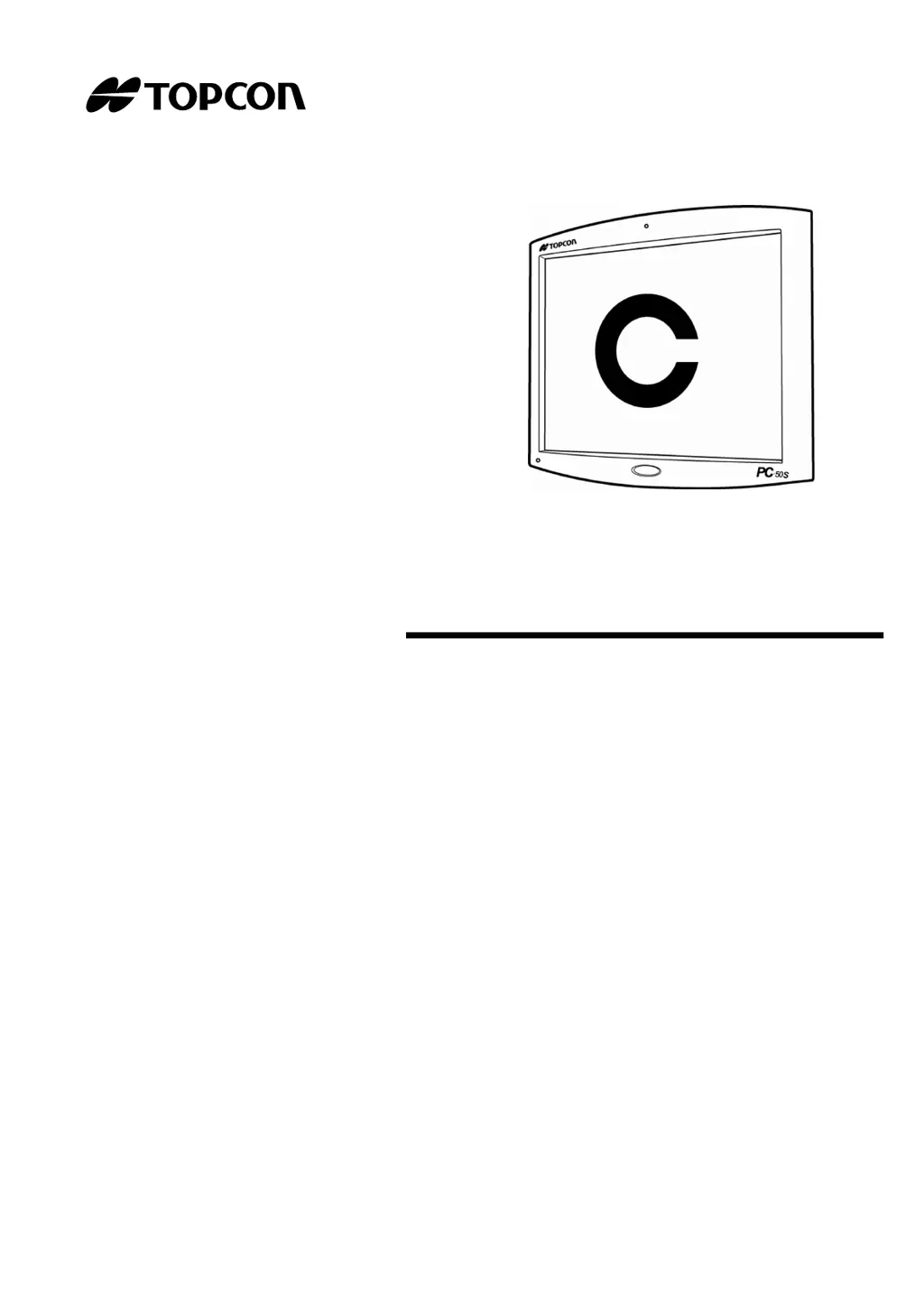
Topcon PixelChart PC-50S
54 pages
Print Icon
To Next Page IconTo Next Page
Loading...
INSTRUCTION MANUAL
PixelChart
PC-50S

Questions and Answers

  • C
    Cheryl GarciaSep 9, 2025
    How to fix error code 607 when executing chart software on Topcon PixelChart PC-50S Medical Equipment?
    • S
      smithlauraSep 9, 2025
      If your Topcon Medical Equipment fails to execute chart software and displays Error Code 607, turn on the switch of the power supply unit again or restart the CV software.
  • S
    smithcassandraSep 12, 2025
    How to fix error code 300 when opening chart software configuration screen on Topcon Medical Equipment?
    • D
      David JohnsonSep 12, 2025
      If your Topcon Medical Equipment fails to open chart software configuration screen and displays Error Code 300, turn on the switch of the power supply unit again or restart the CV software.
  • A
    adamallenSep 13, 2025
    How to fix error code 301 when opening chart software configuration screen on Topcon PixelChart PC-50S Medical Equipment?
    • C
      Caroline BowenSep 13, 2025
      If your Topcon Medical Equipment fails to open chart software configuration screen and displays Error Code 301, turn on the switch of the power supply unit again or restart the CV software.
  • S
    Stephanie WongSep 15, 2025
    How to fix error code 608 when executing chart software on Topcon Medical Equipment?
    • S
      spencerkevinSep 15, 2025
      If your Topcon Medical Equipment fails to execute chart software and displays Error Code 608, connect PC-50S to the docking base with the image cable correctly, then turn on the switch of the power supply unit again.
  • A
    Alexandria RaySep 17, 2025
    What does IDS_CHART_LANG_TYPE_ERR (Error Code 501) mean on Topcon Medical Equipment?
    • C
      Christopher ColemanSep 18, 2025
      If you encounter the error 'IDS_CHART_LANG_TYPE_ERR (Error Code 501)' on your Topcon PC-50S Medical Equipment, it means the software is starting in English mode. Use the software as it is.

Summary

Cautions for Use and Handling

Basic Cautions and Handling

Covers basic cautions, installation, distance setting, and display care.

Display for Safe Use

Warning and Caution Displays

Explains the meaning of warning and caution symbols used in the manual.

Safety Cautions

Warning Precautions

Lists safety measures related to warnings, focusing on electrical shock and fire prevention.

Caution Precautions

Details safety measures related to cautions, covering electrical shock, handling, and installation.

Further Caution Precautions

Continues caution items regarding measurement reliability and electromagnetic compatibility.

Preparation Before Use

Instrument Installation and Connection

Covers installing the instrument and connecting to the CV-5000 system.

Indication of Chart

Specialized Vision Tests

Details on Balance, Coincidence, Phoria, Fixation Disparity, and ETDRS charts.

Setting

Chart Selection and Configuration

Guides on selecting charts, setting exam distance, language, and other parameters.

Trouble Shooting

Troubleshooting Guide and Error Checks

Lists common problems, conditions, remedial measures, and error codes for troubleshooting.

Maintenance

Specifications & Performance

Topcon PixelChart PC-50S Specifications

General IconGeneral
Power SupplyAC 100-240V, 50/60 Hz
Display TypeLCD
Operating Temperature10°C to 40°C
Storage Temperature-20°C to 60°C
Humidity30 to 75%

Related product manuals