17
PREPARATION BEFORE USE
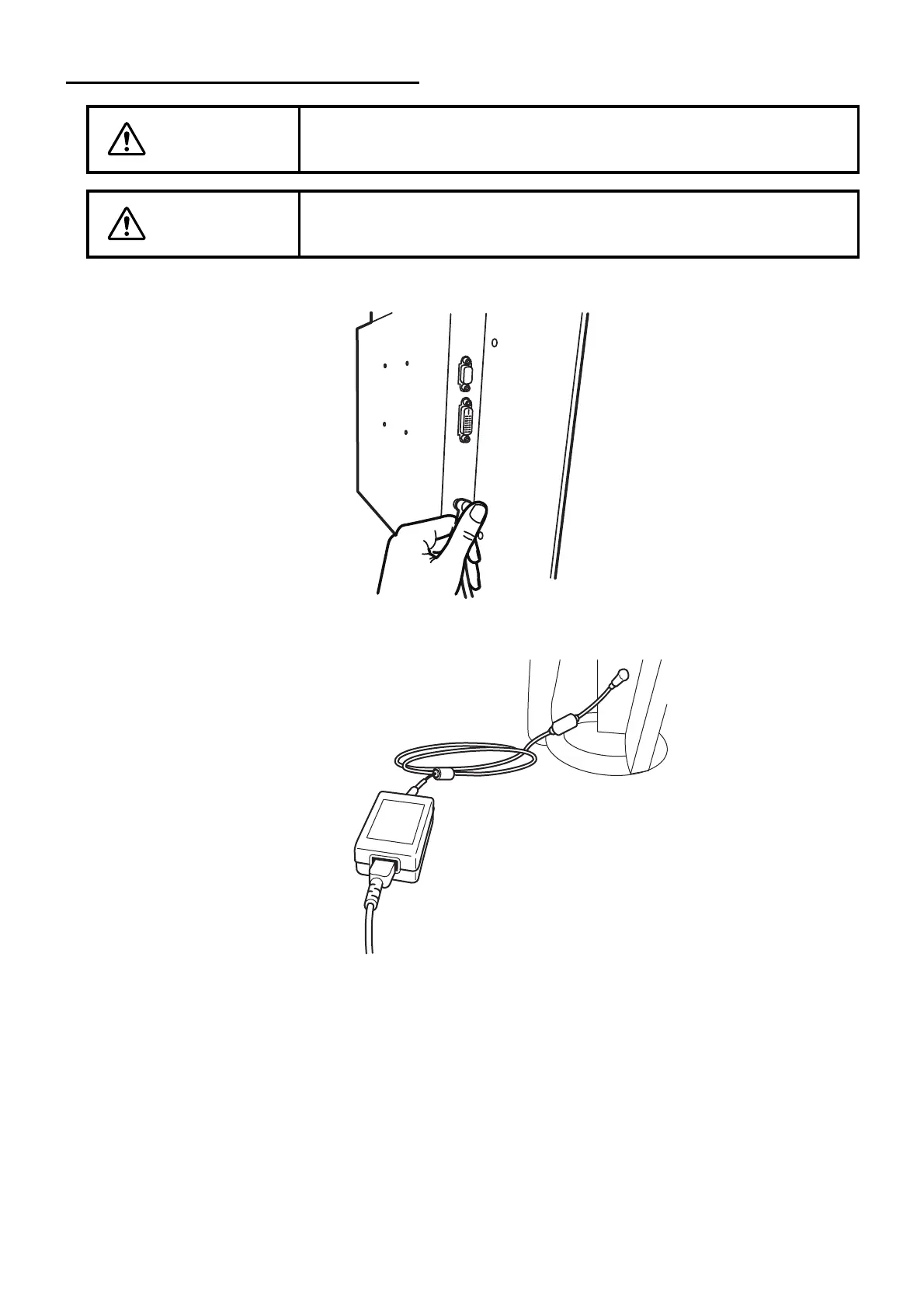
CONNECTING THE POWER CORD
1 Set the AC adapter to the side surface of the instrument.
2 Connect the power cord to the AC adapter.
3 Insert the power cord plug into the 3-plug AC outlet with proper grounding.
WARNING
To avoid fire and electric shock in case of leakage, be sure to use a
grounded outlet. Do not connect to outlets that are not grounded.
CAUTION
To avoid electric shock, do not handle the plugs with wet fingers.



 To Next Page