16. OFFSET MEASUREMENT
102
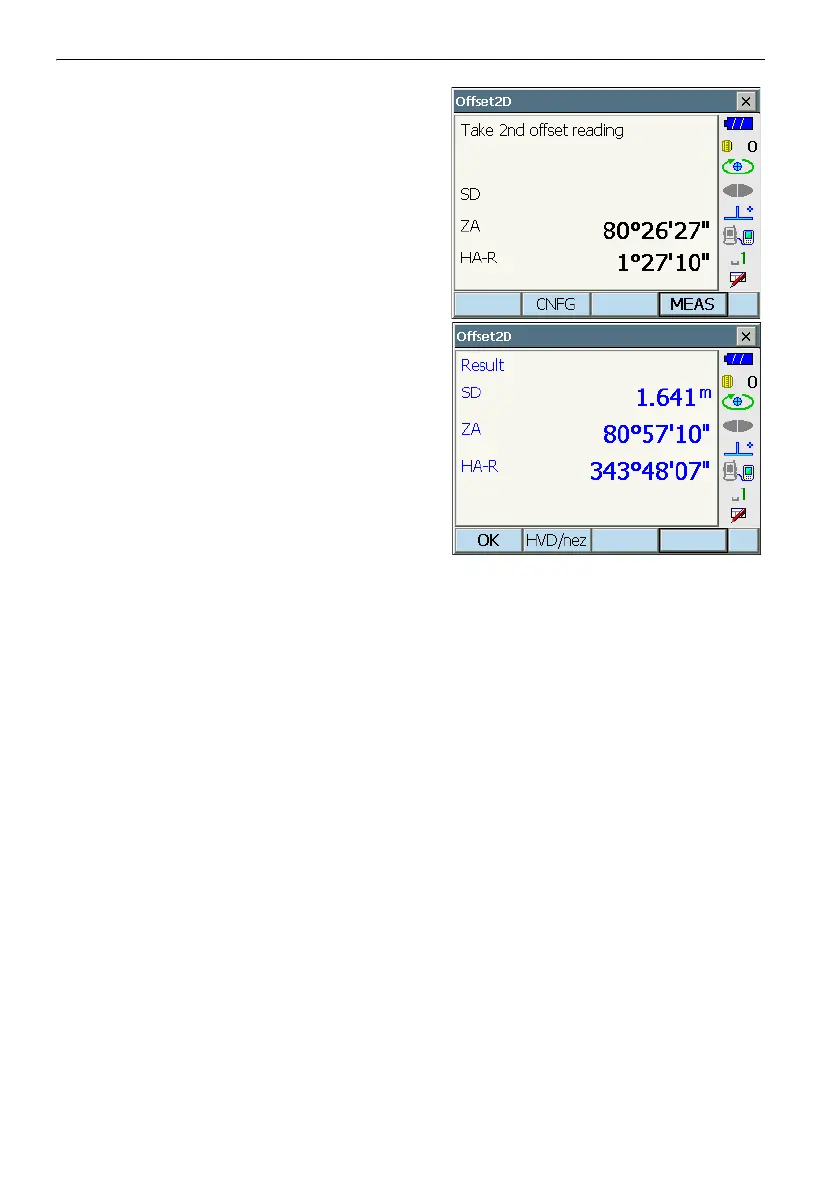
5. Sight the 2nd target and press [MEAS] to start
measurement.
Press [STOP] to stop the measurement. The
measurement results are displayed.
6. Press [YES] to display results for the target point.
Press [HVD/nez] to switch results for the target
point between distance/angle values and
coordinate/elevation values.



 To Next Page