141
21. CHECKS AND ADJUSTMENTS
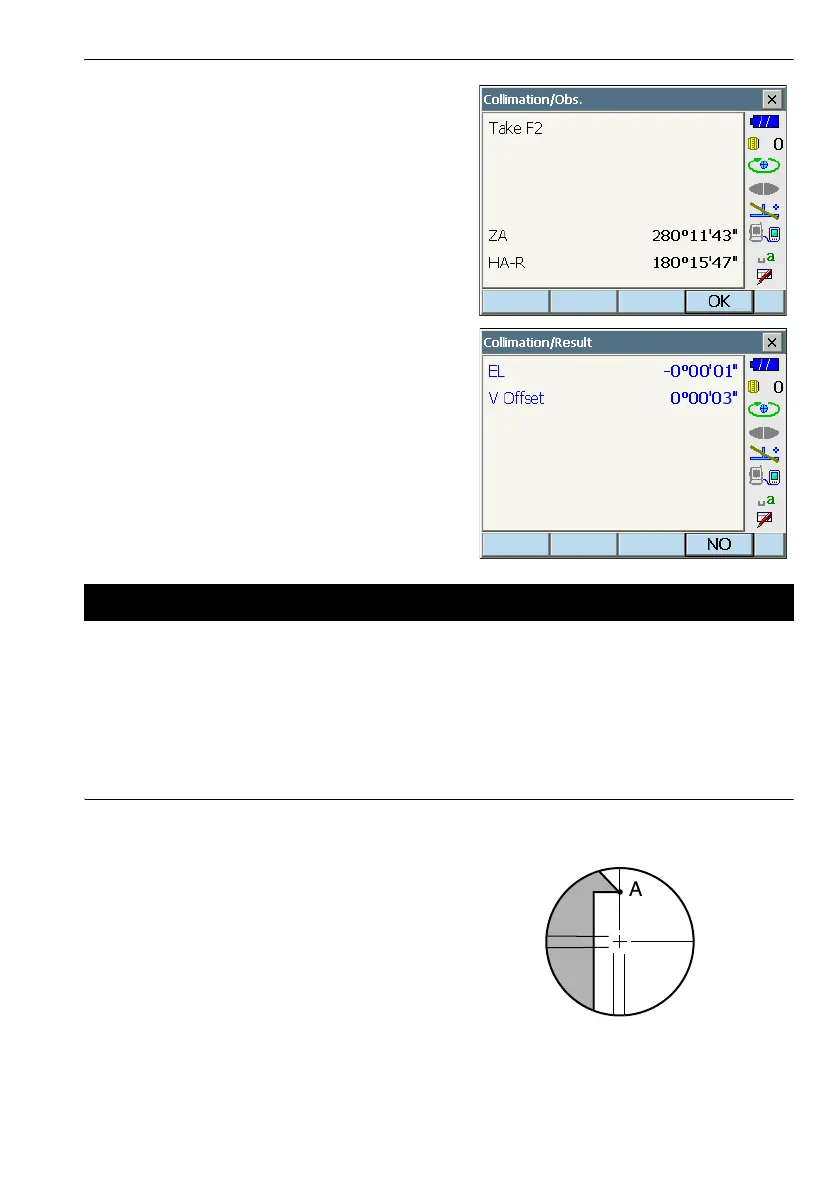
4. Sight the reference point in Face 2 and press
[OK].
5. Press [YES] to set the constant.
•Press [NO] to discard the data and return to the
screen in step 3.
.
With this option you can check the perpendicularity of the reticle and the horizontal/vertical positions
of reticle lines.
G
• Check the telescope reticle by sighting the target.
PROCEDURE Check 1: Perpendicularity of the reticle to the horizontal axis
1. Carefully level the instrument.
2. Align a clearly visible target (the edge of a roof for
example) on point A of the reticle line.
21.4 Reticle



 To Next Page