19. CHANGING THE SETTINGS
132
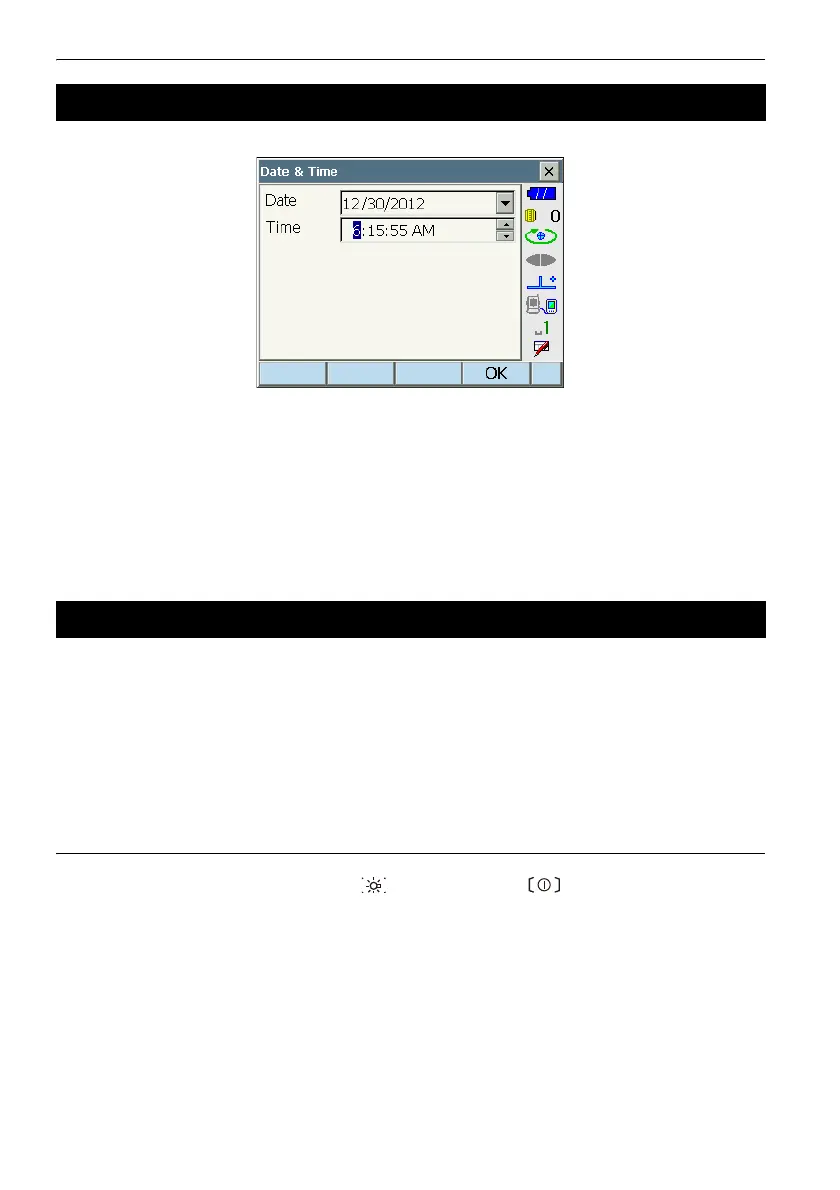
Items set
Date : Manually input date or select from the drop-down calendar by tapping
G.
Time : Manually input time or set using [O]/[G].
Pressing {SPACE} will increment the selected section by 1.
& Date and Time
The instrument includes a clock/calendar function.
Perform a cold boot to return all items to factory settings. A cold boot will not erase surveying data in
instrument. However, if the data in the memory is important, BE SURE TO TRANSFER IT TO A
PERSONAL COMPUTER BEFORE PERFORMING A COLD BOOT.
G
• The password function will not be canceled.
• Resume function will be canceled.
PROCEDURE
1. "To perform a cold boot, while holding {} and {S.P.}, press {}.
"All Settings will be cleared. Are you sure?" is displayed.
2. Press [YES] to continue.
•Select [NO] and press {ENT}, or press {ESC} to cancel.
3. When the power is ON after the a cold boot, the screen for configuring the touch panel is
displayed. Configure the touch panel to continue.
C"8.1 Configuring the Touch Panel"
19.10 Date and Time
19.11 Restoring Default Settings



 To Next Page