41
8. POWER ON/OFF
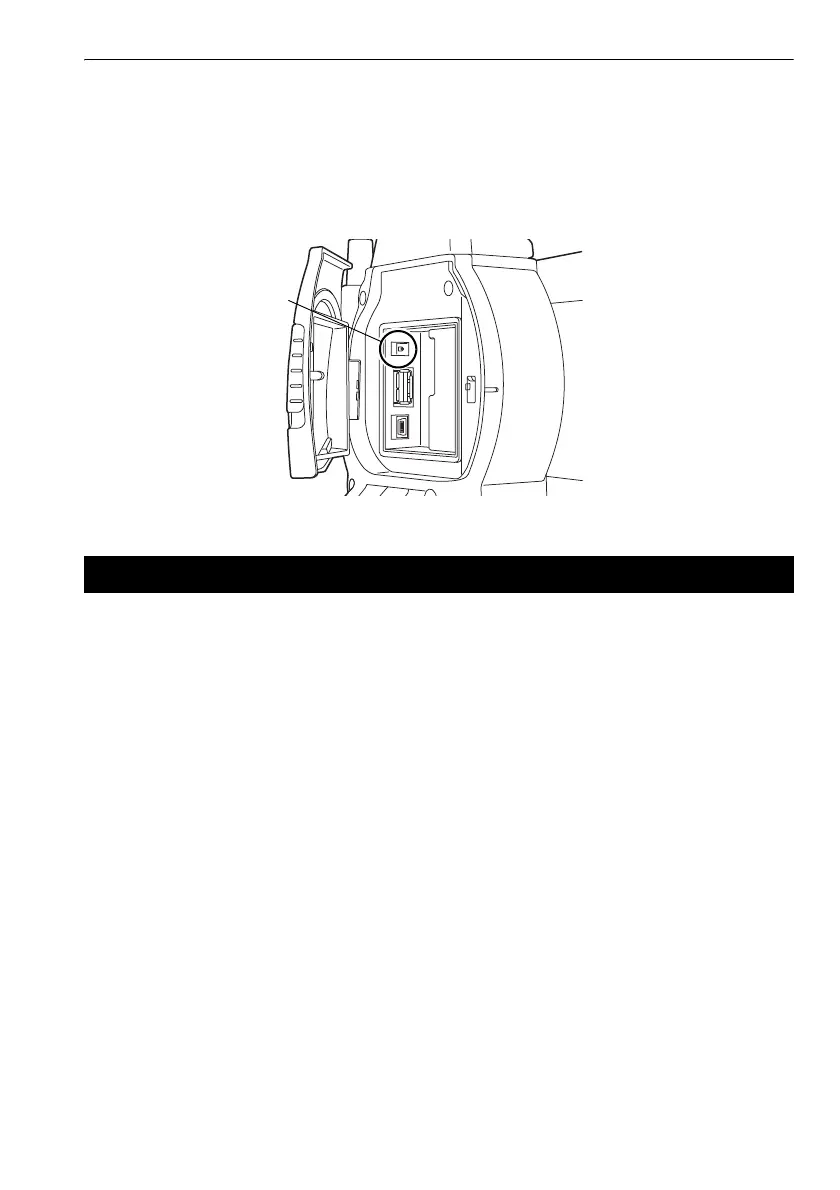
& Problems Powering OFF
When the instrument cannot be powered OFF as normal, depress the reset button with the tip
of the stylus pen.
G
• Pressing the Reset button may result in file and folder data being lost.
The instrument can be powered ON/OFF from an external device such as a computer or data collector.
G
• The password must be input after powering ON the instrument from an external device when a
password has been set.
C Remote PWR-On function: "19.2 Instrument Configuration", Setting a password:
"19.9 Changing Password"
8.3 Powering ON/OFF from an External Instrument



 To Next Page