31
5. BASIC OPERATION
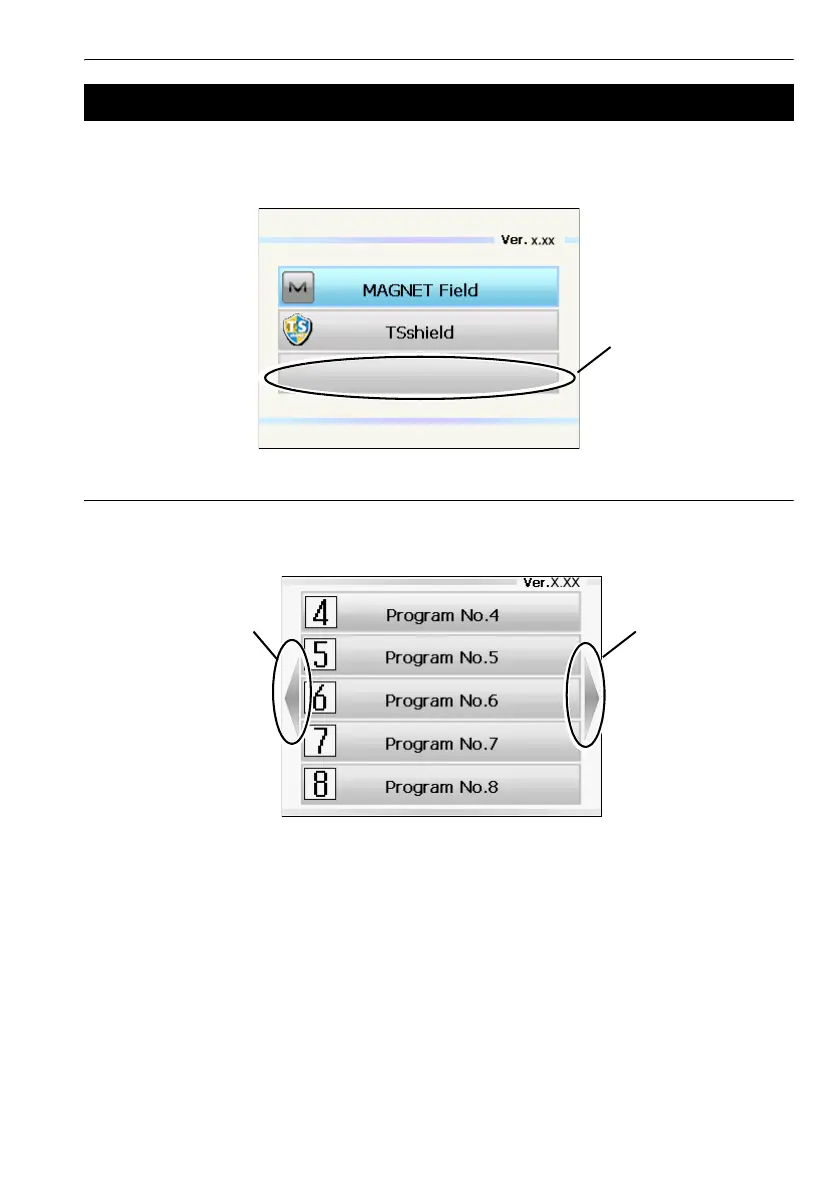
The program selection screen displays a list of all programs installed on the instrument. Each screen
page contains a maximum of 5 program icons. When multiple screen pages exist, navigating between
pages is possible using the arrows that appear at the left/right of the screen.
Navigating between pages
The previous/next screen page can be displayed by pressing {O}/{G}/{L}/{K}, or that appear at the
left/right of the screen.
5.5 Using the Program Selection Screen
An icon without an
be selected



 To Next Page