111
19.CHANGING THE SETTINGS
This section explains the contents of parameter settings in Basic mode and how to change these
settings.
Each item can be changed to meet your measurement requirements.
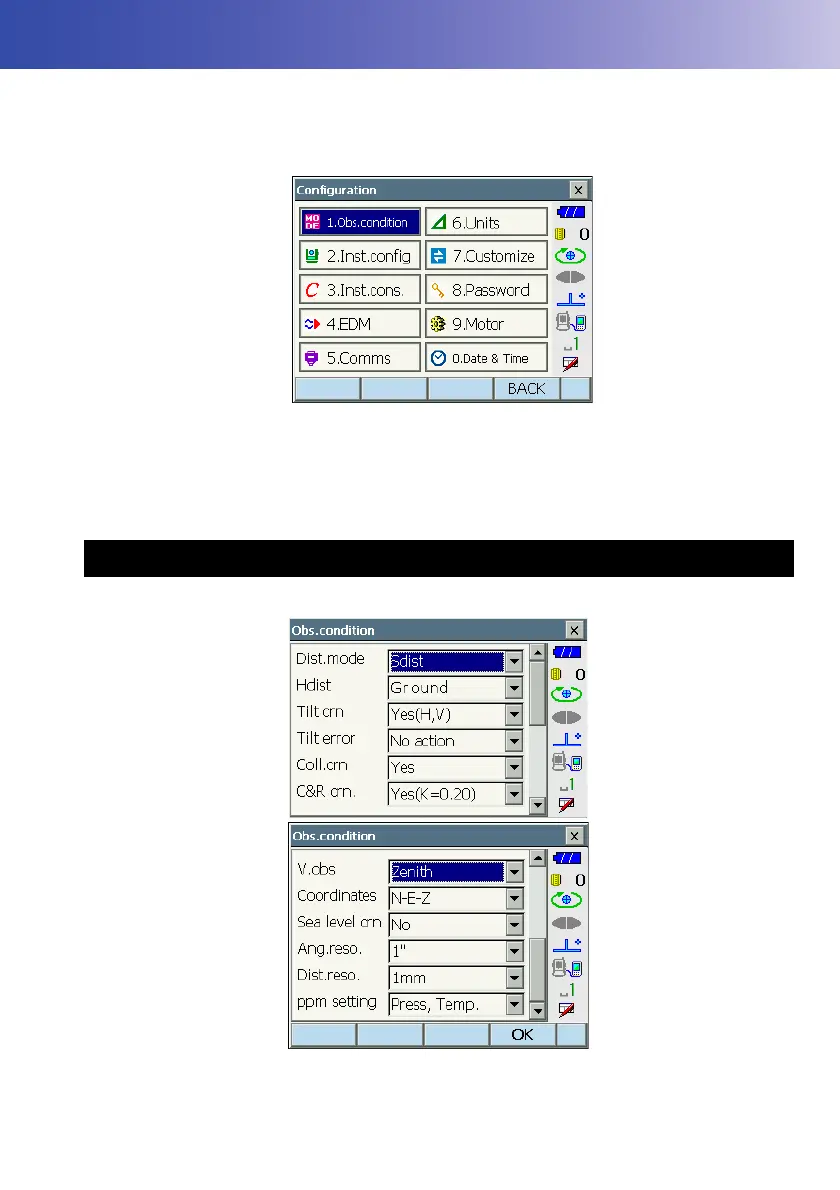
<Configuration> can be accessed by pressing the "CONFIG" icon in <Top>.
The following chapters provide details of items in Configuration mode.
• Communication settings
C"9. CONNECTING TO EXTERNAL DEVICES"
• Motor settings
C"10.1 Auto Pointing Settings"
• Instrument configurations
C"21.2 Tilt Sensor", "21.3 Collimation", "21.5 Image Sensor Reticle"
19.1 Observation Conditions



 To Next Page