127
19. CHANGING THE SETTINGS
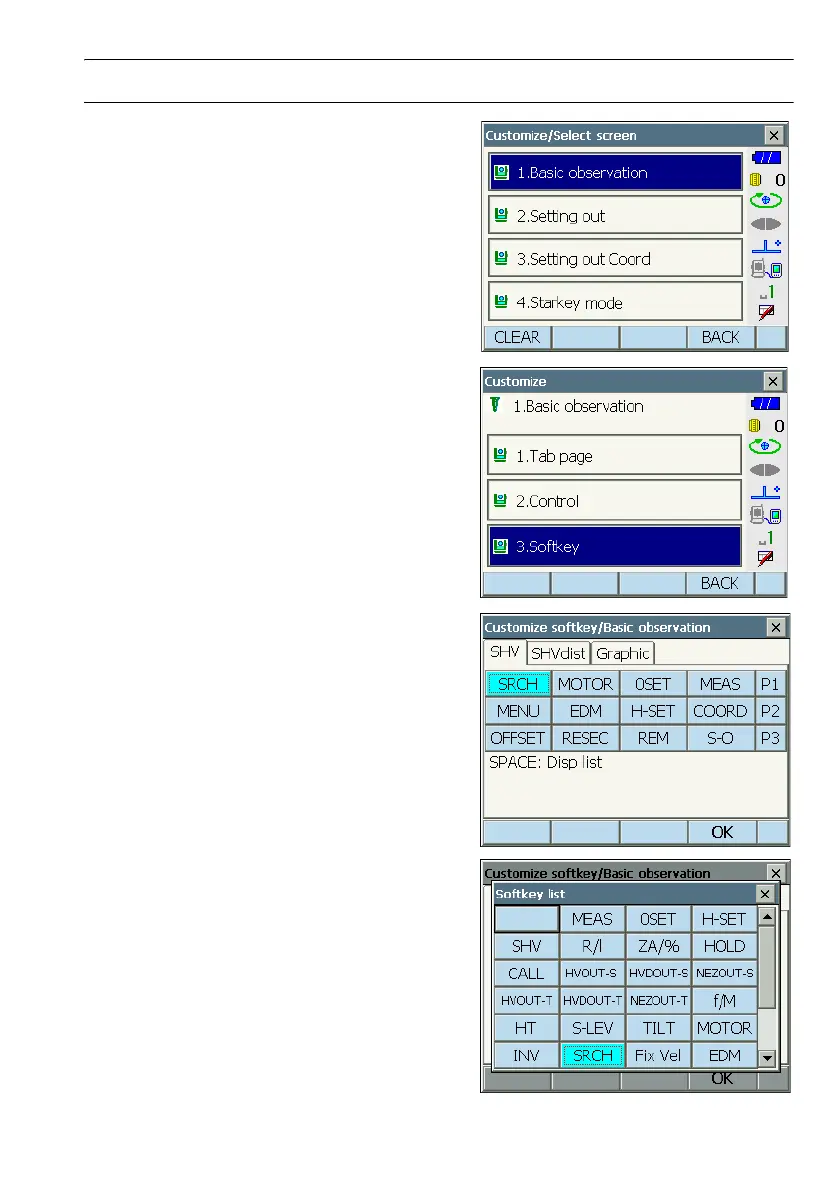
PROCEDURE Allocating a softkey
1. Select "Customize" to display <Customize/Select
screen>.
Select the measurement mode in which you want
to allocate a softkey.
Select "Softkey".
2. Select the desired tab. All softkeys currently
allocated to each page of that tab are displayed.
3. Select the softkey whose allocation you want to
change. Tapping a softkey, or pressing {SPACE}
when the cursor is aligned with a softkey, will
display <Softkey list>.



 To Next Page