77
14. RESECTION MEASUREMENT
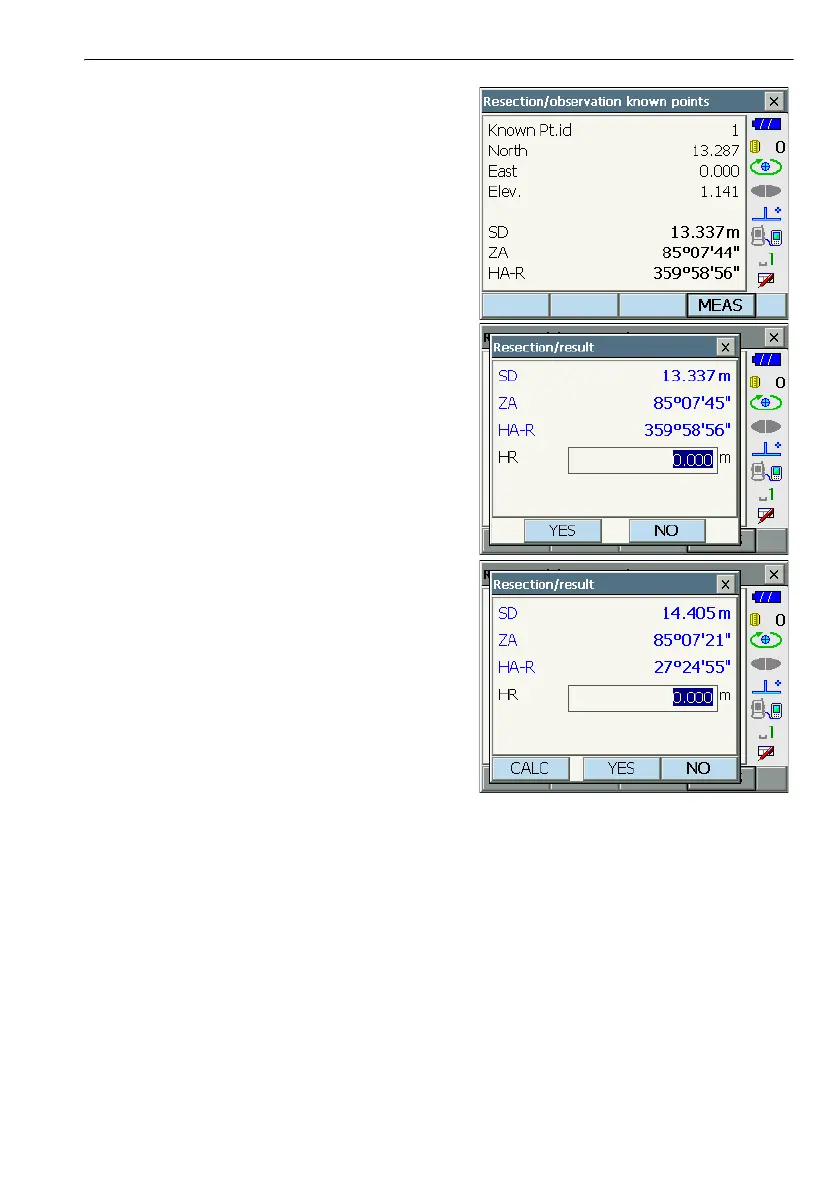
4. Sight the first known point and press [MEAS] to
begin measurement.
The measurement results are displayed on the
screen.
• When [ANGLE] has been selected, the distance
cannot be displayed.
5. Press [YES] to use the measurement results of
the first known point.
• You can also input target height here.
•Press [NO] to return to the screen in step 4 and
perform measurement again.
6. Repeat procedures 4 to 5 in the same way from
subsequent points.
When the minimum quantity of observation data
required for the calculation is present, [CALC] is
displayed.



 To Next Page