22
Using Bluetooth
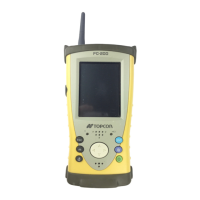
The FC-200 has Bluetooth transmission function built-in. Information can be exchanged between
instruments equipped with the same function using wireless. *1)
Bluetooth ON/OFF
Follow the procedure below to turn on the Bluetooth function.
1 Tap on [Start][Settings][Control Panel][BtPower] icon.
2 On the [Bluetooth Power] screen, tap on the [POWER ON] button.
When the Bluetooth function is turned ON, the wireless LED will flash in green color.
*1) Serial Port Profile Capable
Turn on Bluetooth only when being used. If Bluetooth is left ON, operation time will be shortened.


 To Next Page