15
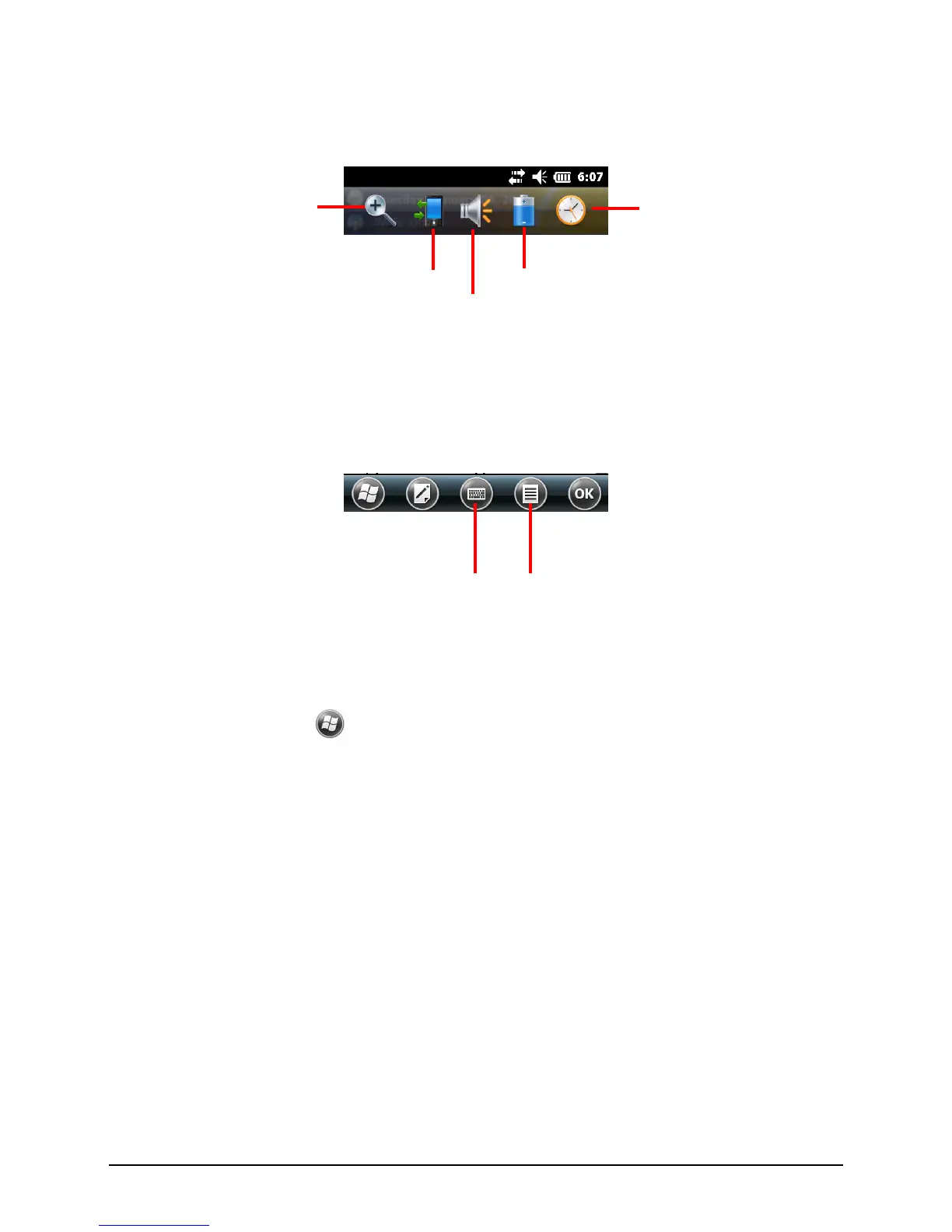
An example of the Navigation bar:
Use the toolbar at the bottom of the screen to perform tasks in the active
program. The toolbar includes buttons such as the input panel button and Menu
button.
An example of the toolbar:
2.6 Running Programs
You can switch from one program to another without closing any program.
To run a program, tap
at the left-bottom corner of the screen to open the Start
menu. The Start menu contains all the program icons. You can drag the screen up
or down to see other program icons.


 To Next Page