22
2.10 Locking Your Pocket PC
When not using your Pocket PC, you can use the lock function so that accidental
touching of the device does not cause your Pocket PC to operate.
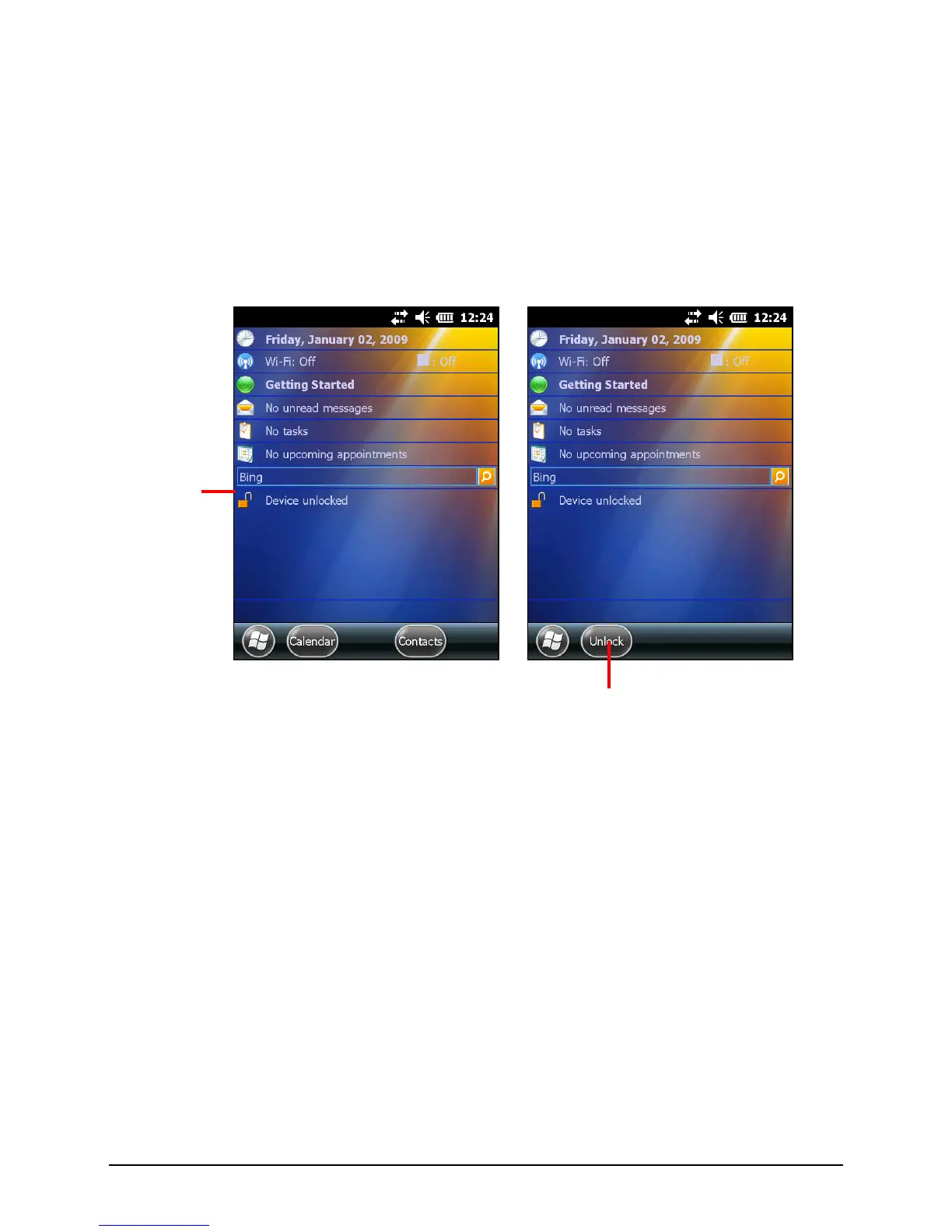
To lock your Pocket PC, tap Device unlocked on the Home screen. Your Pocket
PC will not respond to any tapping of the screen (except the left soft key Unlock)
or pressing of the buttons (except the power button).
To unlock, tap Unlock and then tap Unlock again.


 To Next Page