54
Recording Video Clips
1. Tap
Pictures & Videos Camera.
2. Tap Video to switch to the video mode. Below the display area are
indicators of the current status.
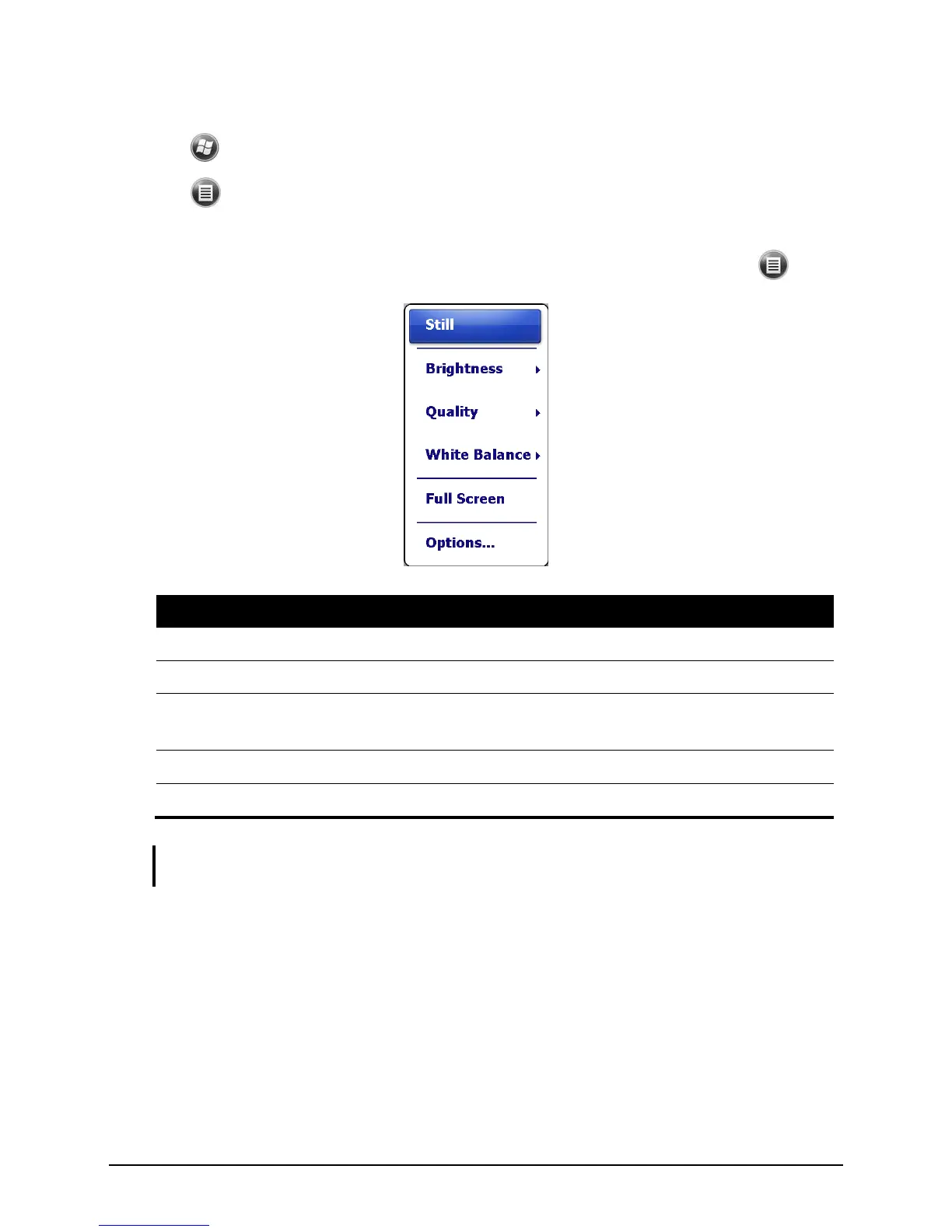
3. For recording controls such as brightness and white balancing, tap .
NOTE: By default, the display area blanks out and shows the word “Standby” when the
camera has been idle for one minute. To resume, tap the screen.
4. Press the navigation stick to start recording.
If needed, you can tap Pause to temporarily pause the recording and then tap
Resume to continue.


 To Next Page