1
1 Getting Started
This chapter introduces you to the external components of your Pocket PC and
guides you through the process of setting up your Pocket PC for use.
NOTE: Depending on the model you purchased, the cabinet color and the look of the
accessories may be different from the ones shown in this manual.
1.1 Unpacking
After unpacking the shipping carton, you should find these standard items:
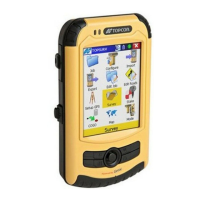
FC-25
Accessories:
USB cable
AC adapter set
Hand strap
Stylus
Screen protection film
Getting Started Disc
Quick Start Guide
Safety Caution Manual


 To Next Page