19
Writing on the Screen
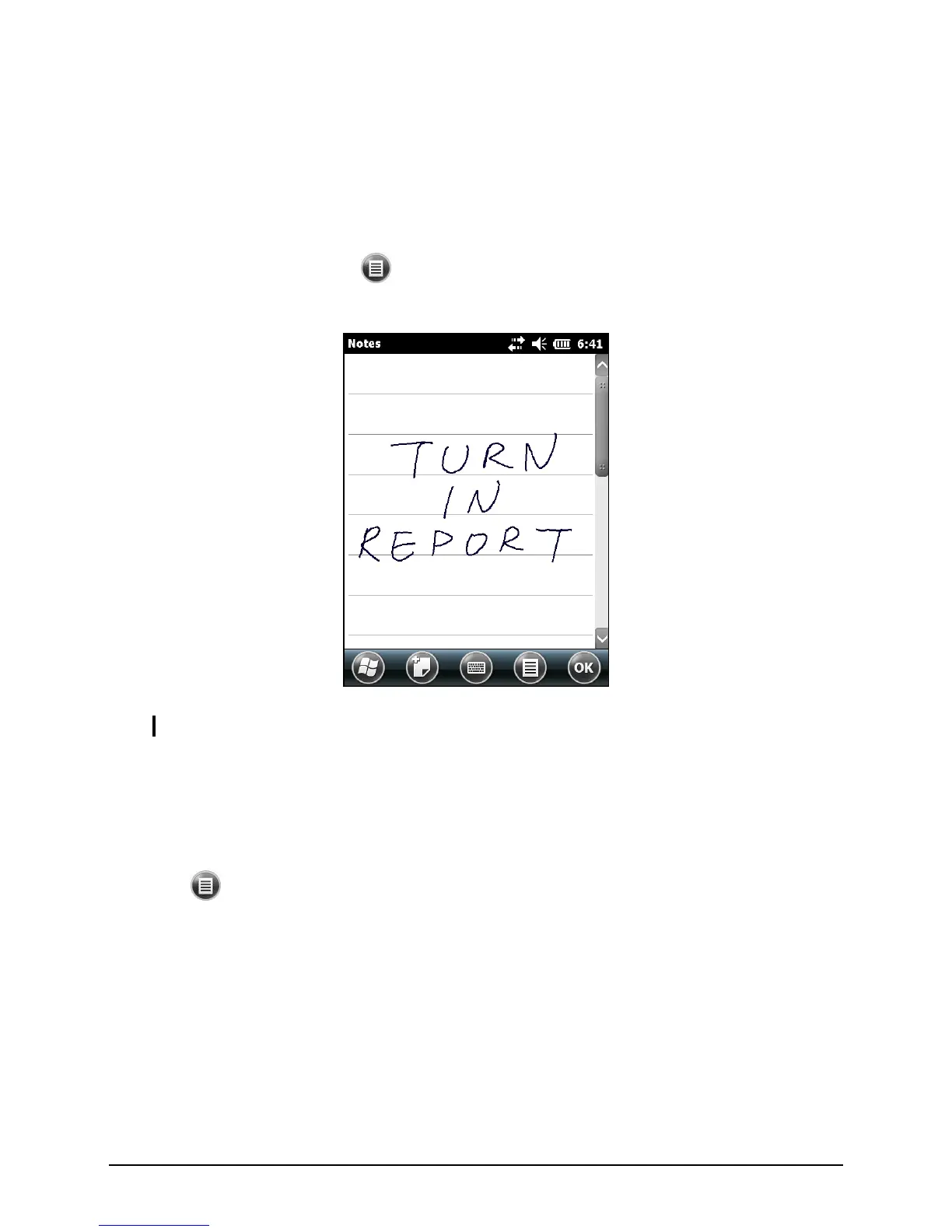
In any program that accepts writing, such as the Notes program, you can use
your stylus to write directly on the screen. Write the way you do on paper. You
can edit and format what you have written and convert the information to text
later.
To write on the screen, tap Draw to switch to drawing mode. A check ()
appears before the command.
NOTE: Not all programs support the drawing mode.
Drawing on the Screen
You can draw on the screen in the same way that you write on the screen.
1. Tap Draw to enable drawing mode. A check () appears before the
command.
2. To create a drawing, cross three ruled lines on your first stroke. A drawing
box appears.
3. Subsequent strokes in or touching the drawing box become part of the
drawing. Drawings that do not cross three ruled lines will be treated as
writing.


 To Next Page