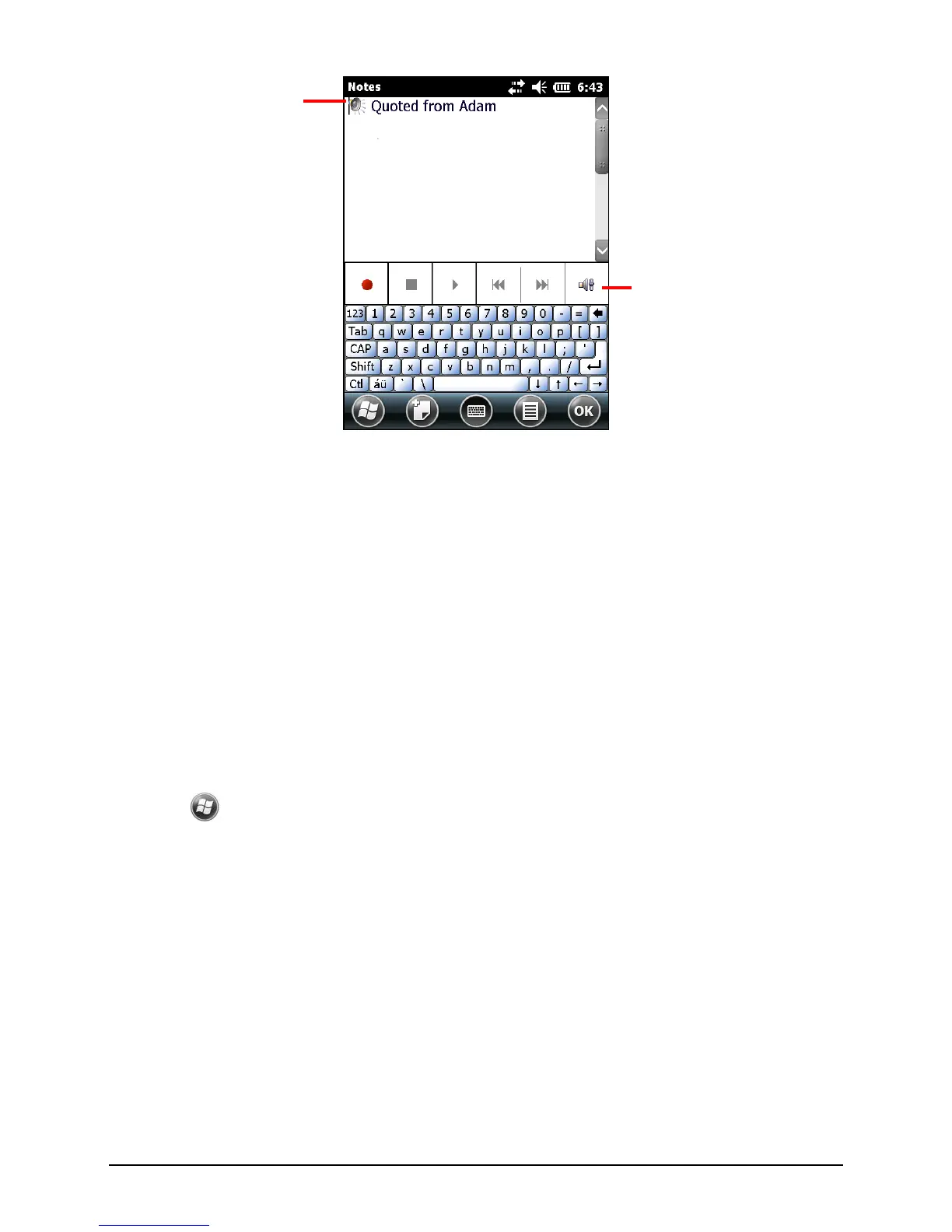
21
Recording Formats
Your Pocket PC supports several formats for voice notes. The formats vary in
both the quality of the recording and the size of the sound file. When selecting a
recording format, you should consider the quality you need as well as how much
storage memory the recording will use on your Pocket PC.
Not all recording formats are compatible with other software or computers. If
you will share your recordings with others or transfer a recording to your desktop
computer, be sure to choose a recording format that is supported by the software
used to play recordings on the other computer.
To select a recording format:
1.
Tap
Settings Personal Input.
2. On the Options tab in the Input control panel, select a voice recording format
from the drop-down list.


 To Next Page