31
PREPARATIONS
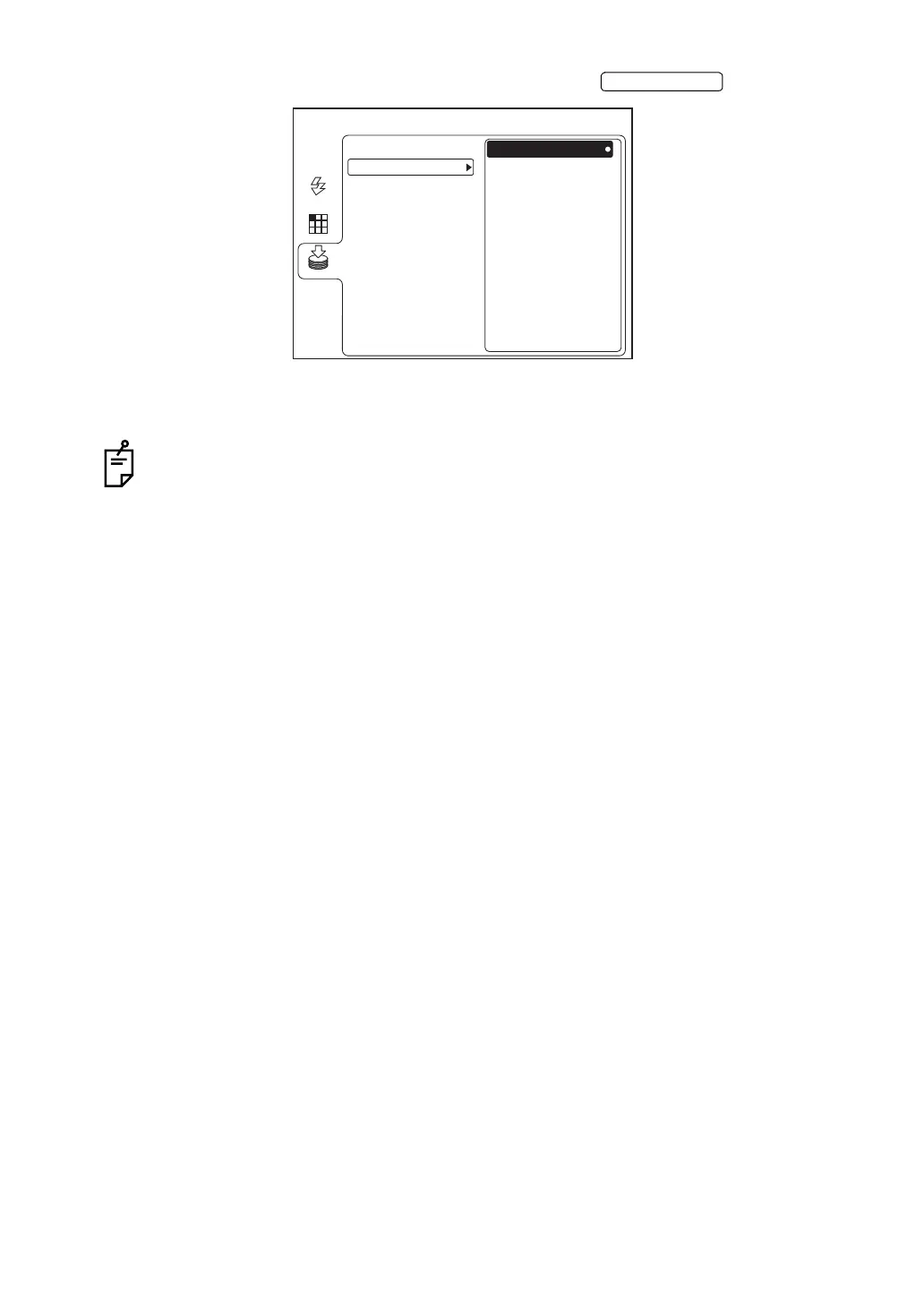
3 Make sure that "REMOVE" is selected and then press the .
4 When the message "THE MEMORY CAN BE REMOVED." is displayed on the color LCD
monitor, disconnect the USB memory from the input/output terminal.
If the message "THE MEMORY CAN NOT BE STOPPED. PLEASE TRY AGAIN." is
displayed, wait for a while and repeat the procedure from Step 1 again.
ENTER SWITCH
MENU
REMOVE
USB MEMORY
AUTO
FIXATION
FLASH
MEMORY
SD CARD


 To Next Page