32
PREPARATIONS
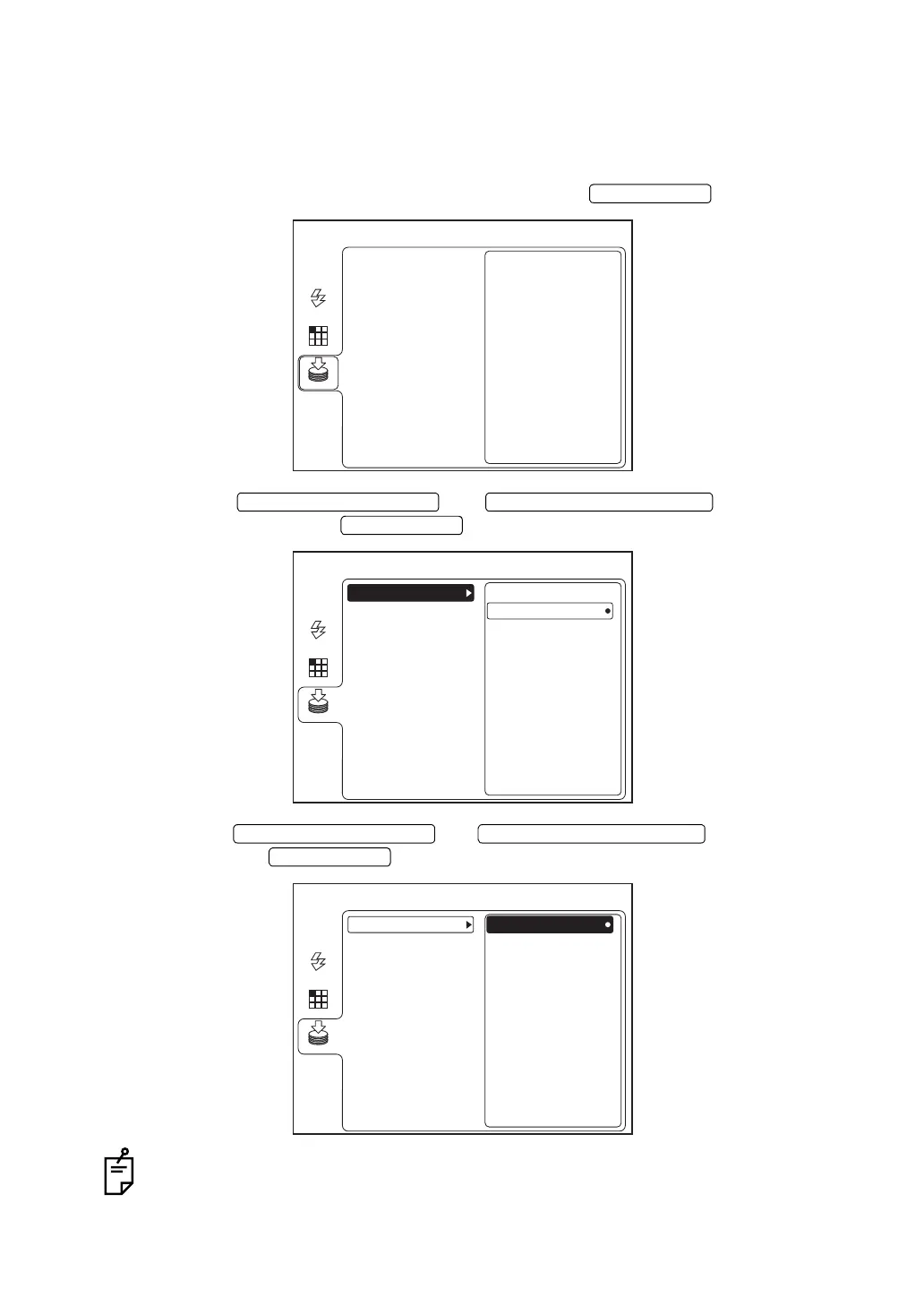
When saving in the SD memory card (commercial product)
When you insert the SD memory card (hereinafter, SD card) into the installed digital camera
and want to save the photographed image in the SD card, set the items according to the follow-
ing procedure.
1 Select "MEMORY" on the "MENU" screen and press the .
2 Press the or to select "SD
CARD". Then, press the .
3 Press the or to select "ON".
Then, press the .
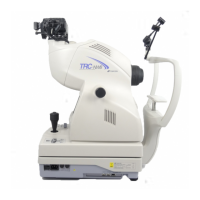
In some type of the digital camera to be installed, the SD card cannot be used.
ENTER SWITCH
MENU
USB MEMORY
AUTO
FIXATION
FLASH
MEMORY
SD CARD
UPWARD CURSOR SWITCH DOWNWARD CURSOR SWITCH
ENTER SWITCH
MENU
ON
OFF
USB MEMORY
AUTO
FIXATION
FLASH
MEMORY
SD CARD
UPWARD CURSOR SWITCH DOWNWARD CURSOR SWITCH
ENTER SWITCH
MENU
ON
OFF
USB MEMORY
AUTO
FIXATION
FLASH
MEMORY
SD CARD


 To Next Page